For coaches
A workspace for the practice, not a coaching-method tool
The problem
What gets in the way
Delivery lives in docs. The client list lives in a spreadsheet. Invoices live somewhere else. Nothing is wrong with each tool until you need one picture of the practice.
What changes
After you start using it
- 01
Each engagement can be a project with tasks for prep, follow-ups, and deliverables
- 02
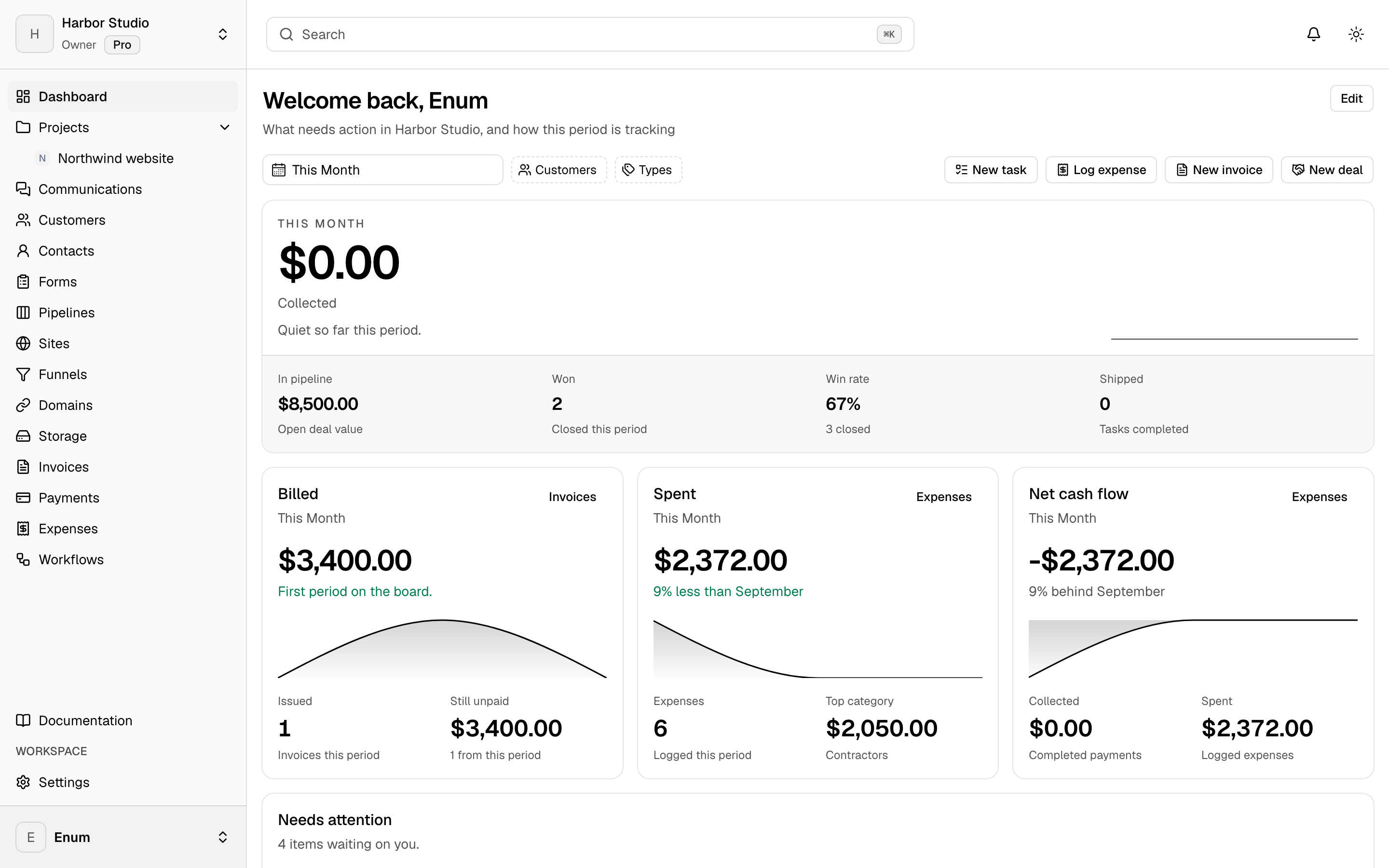
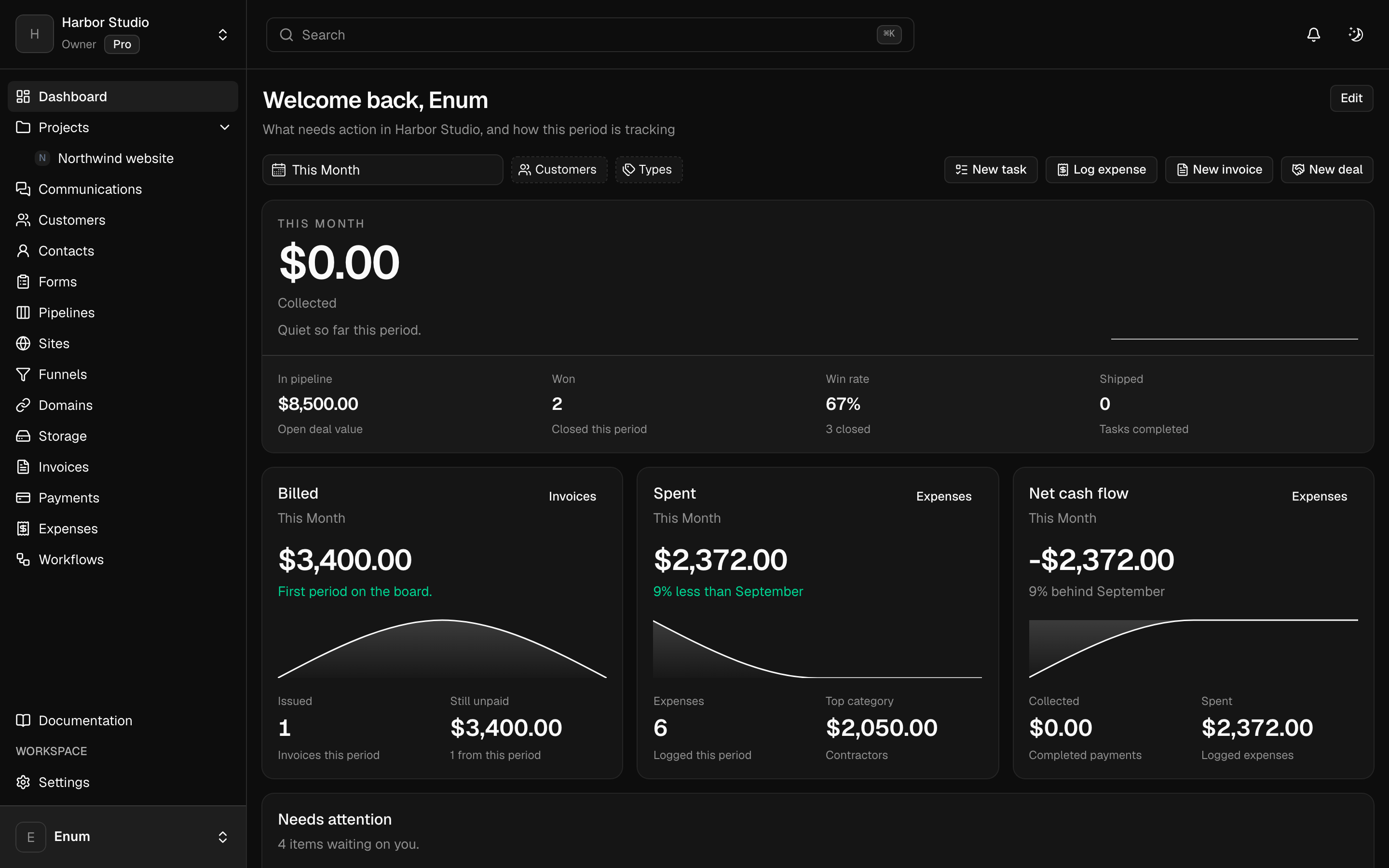
People you bill can be customers with invoices in the same workspace
- 03
An inquiry form can land in the same workspace, without a canned coaching framework
Workflow
How a practice can sit in Planeward
- 01
Use one workspace for the practice. Invite an assistant only if you have one.
- 02
Make a project per client or per program. Move tasks as sessions and follow-ups happen.
- 03
Add the person when they inquire. Track the deal on a pipeline. Invoice when you are ready to bill.
What you use
Capabilities in this job
- 01
Projects
A workspace holds projects. A project holds statuses and tasks. The board is the live view: columns are statuses, cards are tasks. List, timeline, and calendar show those same tasks. A canvas sits on the project for the sketch that is not a task yet. Templates start the next card from work you already shaped. Opening a task uses the inspector so you stay on the view.
- 02
Clients
Keep the people you work with next to the projects. A customer is the account. Contacts are the people on it. Tags group both. A pipeline is a board of opportunities, and each card is a deal. You can turn this off in workspace settings if you only want projects.
- 03
Money
Draft an invoice, finalize it, and send a pay link. Record the payment when it lands. Track expenses against categories and budgets, then close the period. Clients open their invoices from a magic link. They do not join the workspace. Card, PayPal, Wise, and bank details belong to that workspace. Planeward does not take a cut.
Questions