Use case
People next to the work
The problem
What gets in the way
The delivery board does not know who has been billed. The invoicing tab does not know what is left to do. You answer “are we paid?” and “are we done?” from two places.
What changes
After you start using it
- 01
A person record from the first inquiry, with notes and a follow-up date
- 02
Pipelines, opportunities, and invoices in the same workspace
- 03
A form for the inquiry, expenses next to the invoices, and a magic-link client portal
Workflow
From lead to delivery
- 01
Add the person when they inquire. Follow up with notes — no delivery project yet.
- 02
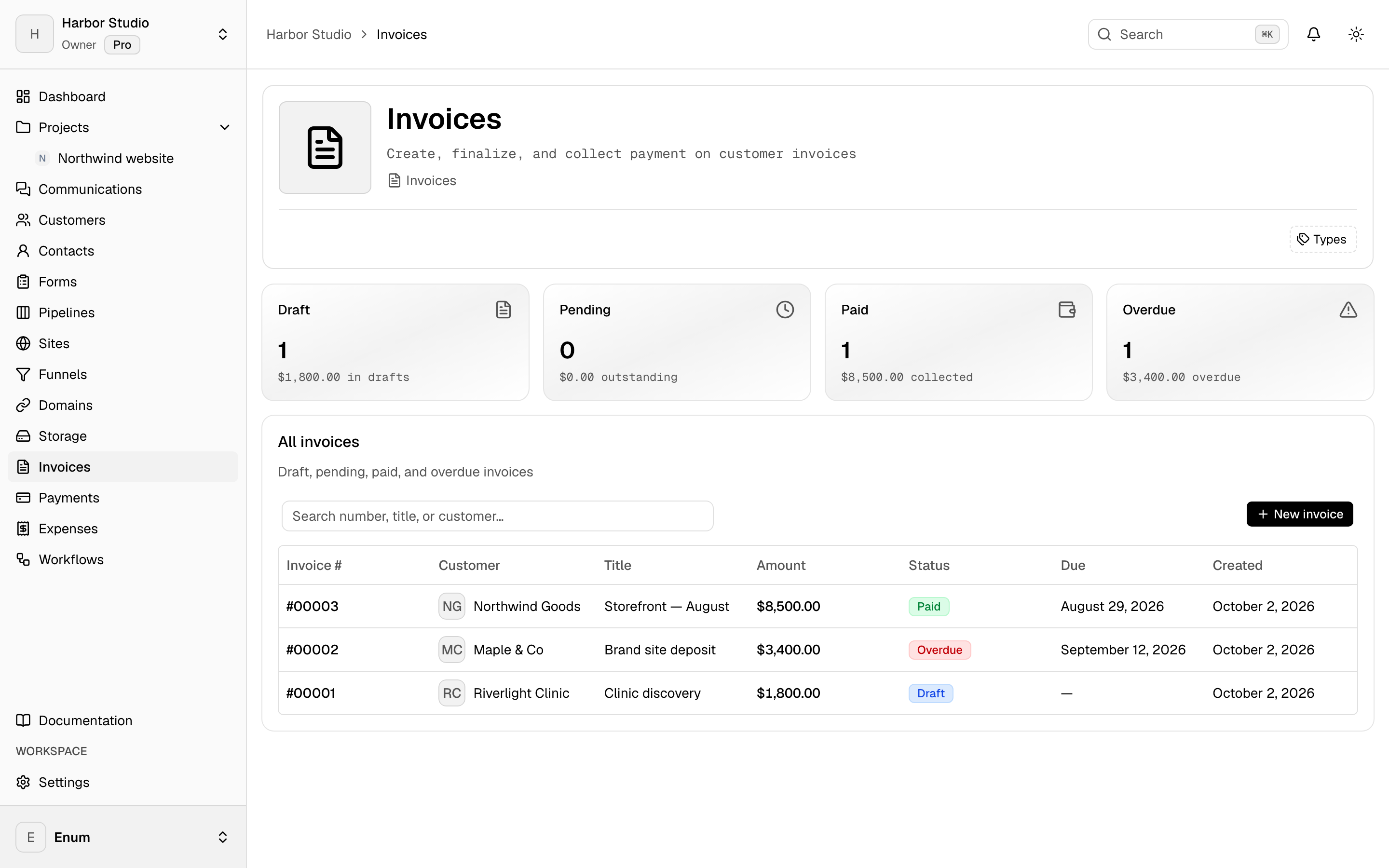
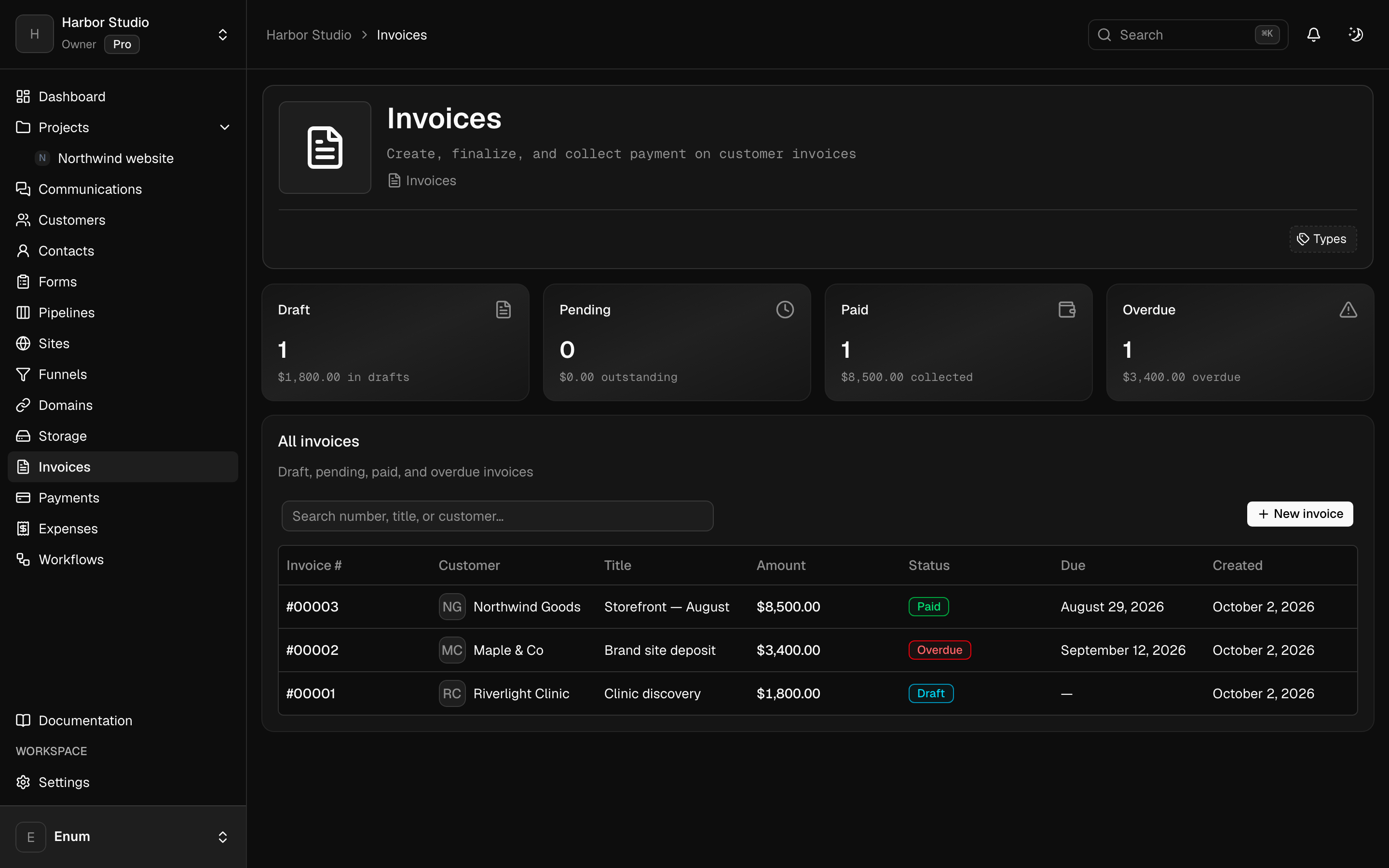
Move the opportunity on the pipeline. When you are ready to bill, send an invoice.
- 03
Create a delivery board when you start the work. Log hours there later.
What you use
Capabilities in this job
- 01
Clients
Keep the people you work with next to the projects. A customer is the account. Contacts are the people on it. Tags group both. A pipeline is a board of opportunities, and each card is a deal. You can turn this off in workspace settings if you only want projects.
- 02
Money
Draft an invoice, finalize it, and send a pay link. Record the payment when it lands. Track expenses against categories and budgets, then close the period. Clients open their invoices from a magic link. They do not join the workspace. Card, PayPal, Wise, and bank details belong to that workspace. Planeward does not take a cut.
- 03
Forms
Forms live with the clients, not in a separate form tool. Build the fields, set the appearance, and share the link. Submissions stay in the workspace. You can generate a first draft of the form from a description. A form can also sit on a site page.
Questions