For personal-brand coaches
Brand work and client work, split on purpose
The problem
What gets in the way
Brand tasks and client tasks share a single notes dump. A launch list buries a client follow-up. You cannot show a client a board without also showing them your next offer draft.
What changes
After you start using it
- 01
A project for brand and launches, separate from each client project
- 02
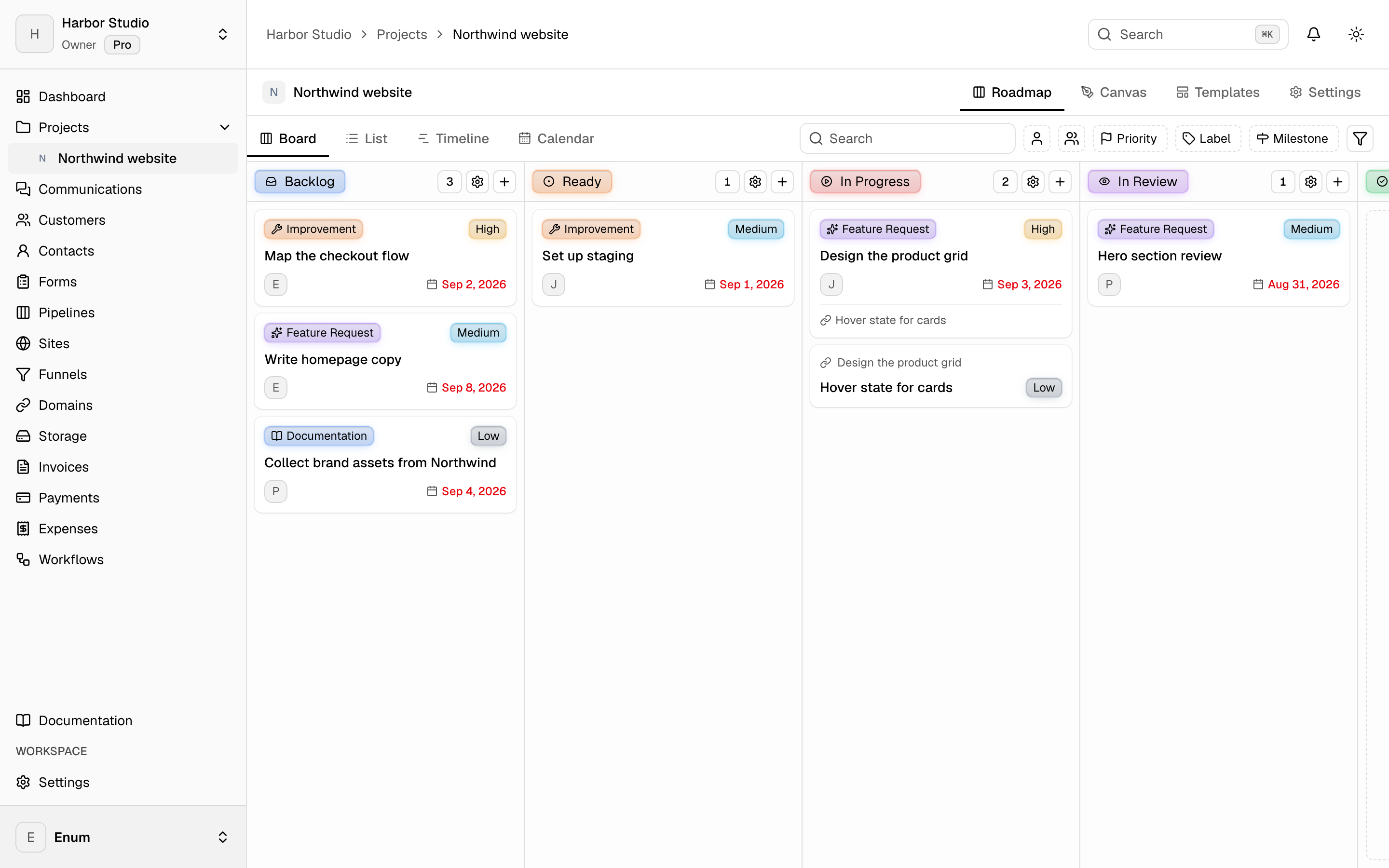
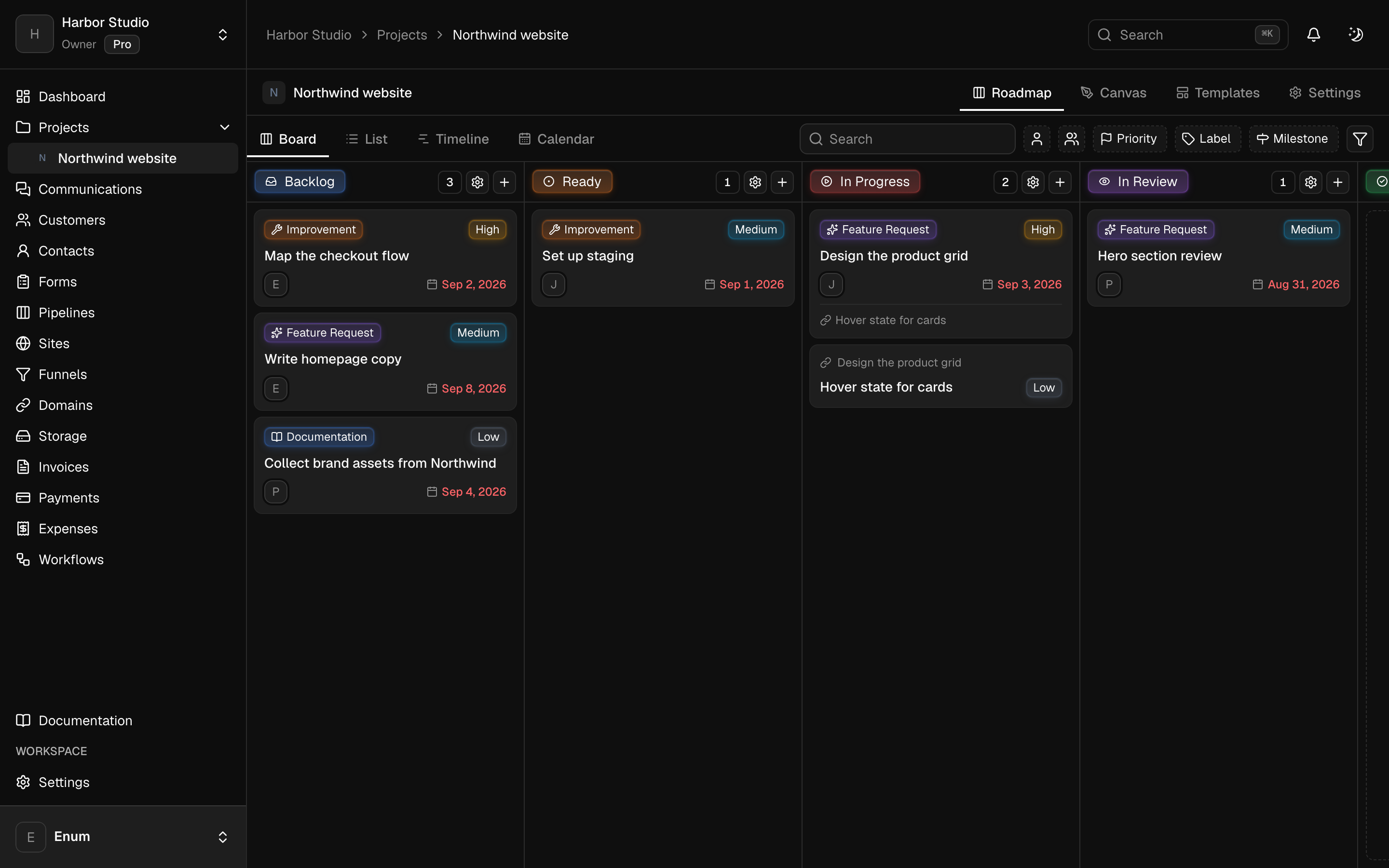
A board you can open with a client without exposing brand drafts
- 03
A site and invoices for paying clients, in the workspace, when you choose to publish and bill there
Workflow
Keep the two streams apart
- 01
Create a Brand or Studio project for offers, outlines, and launch tasks.
- 02
Create a project per client or cohort. That board is what you can share with a guest.
- 03
Bill from the workspace only for people who are customers—not for every contact in your audience.
What you use
Capabilities in this job
- 01
Projects
A workspace holds projects. A project holds statuses and tasks. The board is the live view: columns are statuses, cards are tasks. List, timeline, and calendar show those same tasks. A canvas sits on the project for the sketch that is not a task yet. Templates start the next card from work you already shaped. Opening a task uses the inspector so you stay on the view.
- 02
Sites
Build pages in the workspace, keep versions, and publish when the page is ready. A funnel is an ordered path through those pages. Attach a domain you own. Add Google Tag Manager or a Meta pixel and Conversions API on the site. Use one of those for Meta, not both. Sites is on Pro.
- 03
Money
Draft an invoice, finalize it, and send a pay link. Record the payment when it lands. Track expenses against categories and budgets, then close the period. Clients open their invoices from a magic link. They do not join the workspace. Card, PayPal, Wise, and bank details belong to that workspace. Planeward does not take a cut.
Questions