Use case
The same board, with nobody else on it
The problem
What gets in the way
Work tools feel official. Personal lists feel disposable. People abandon the personal app and then lose the life admin that was never allowed in the work tool.
What changes
After you start using it
- 01
A workspace with no members except you
- 02
Projects for home, health, or a move—same board model
- 03
A clean split from a client or company workspace
Workflow
Set up a space for the rest of the week
- 01
Create a workspace you do not share. Name it for you, not for a company.
- 02
Add one project to start. Use statuses you will actually update.
- 03
Keep client or company work in a different workspace so membership stays separate.
What you use
Capabilities in this job
- 01
Projects
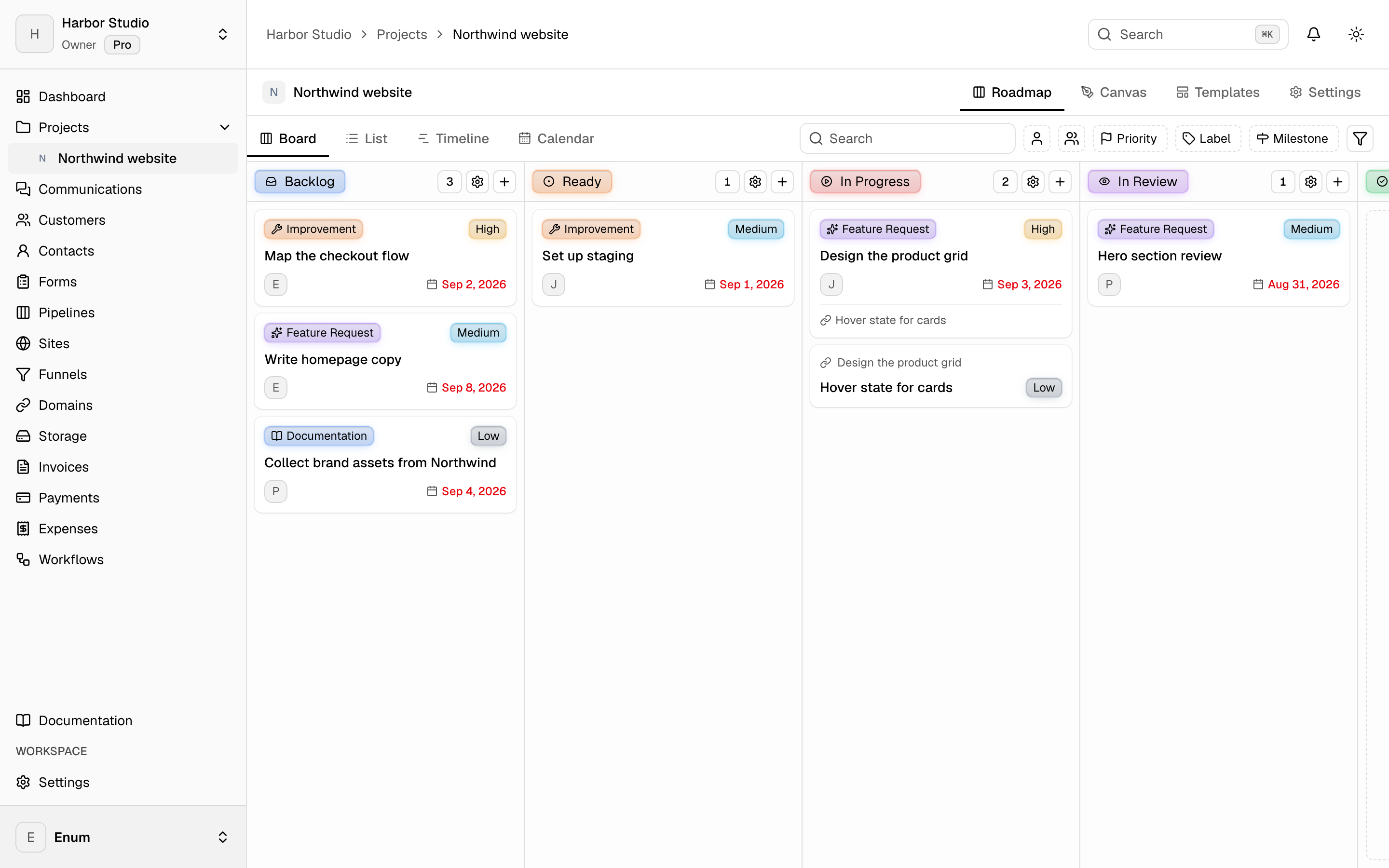
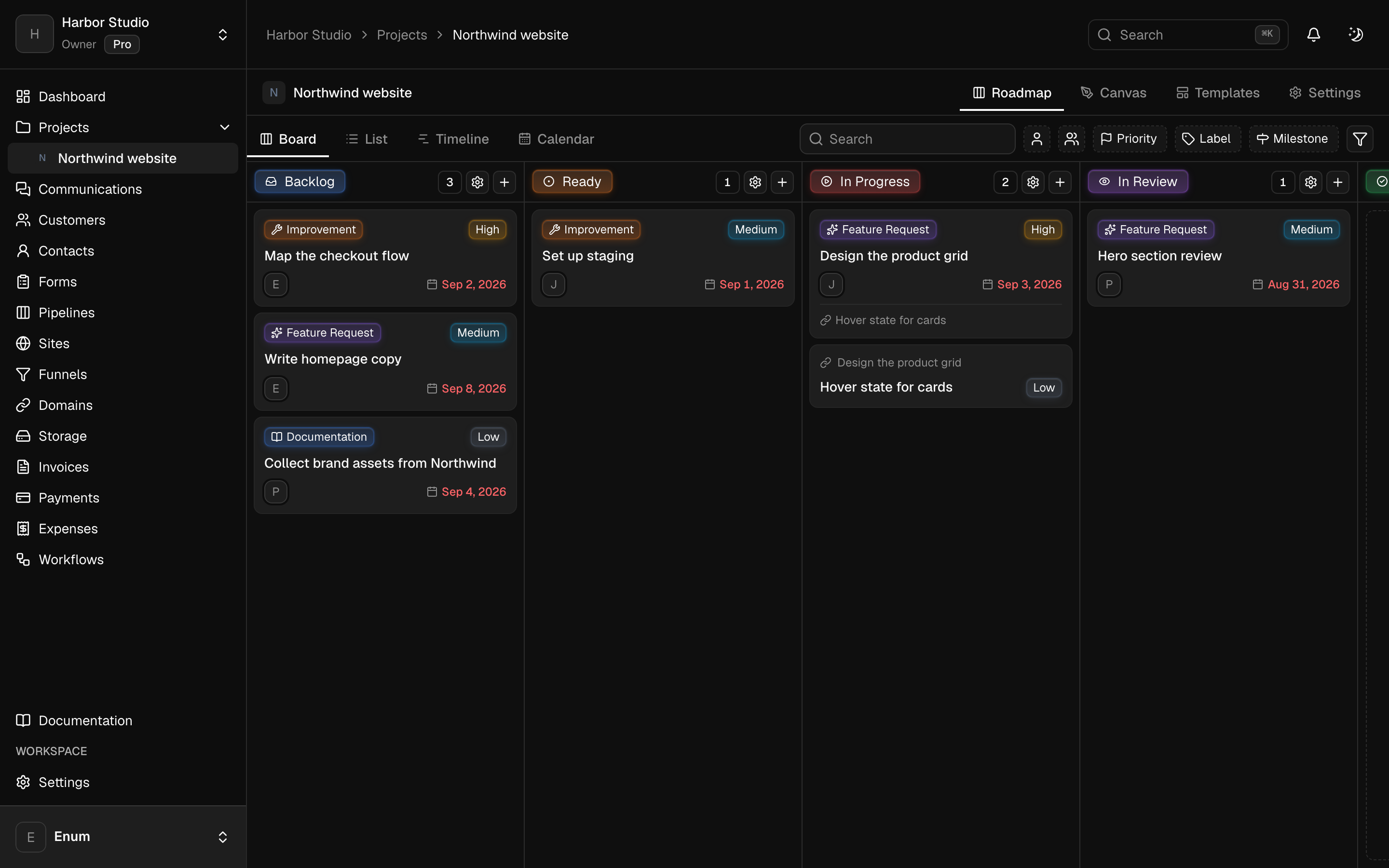
A workspace holds projects. A project holds statuses and tasks. The board is the live view: columns are statuses, cards are tasks. List, timeline, and calendar show those same tasks. A canvas sits on the project for the sketch that is not a task yet. Templates start the next card from work you already shaped. Opening a task uses the inspector so you stay on the view.
Questions