Chats
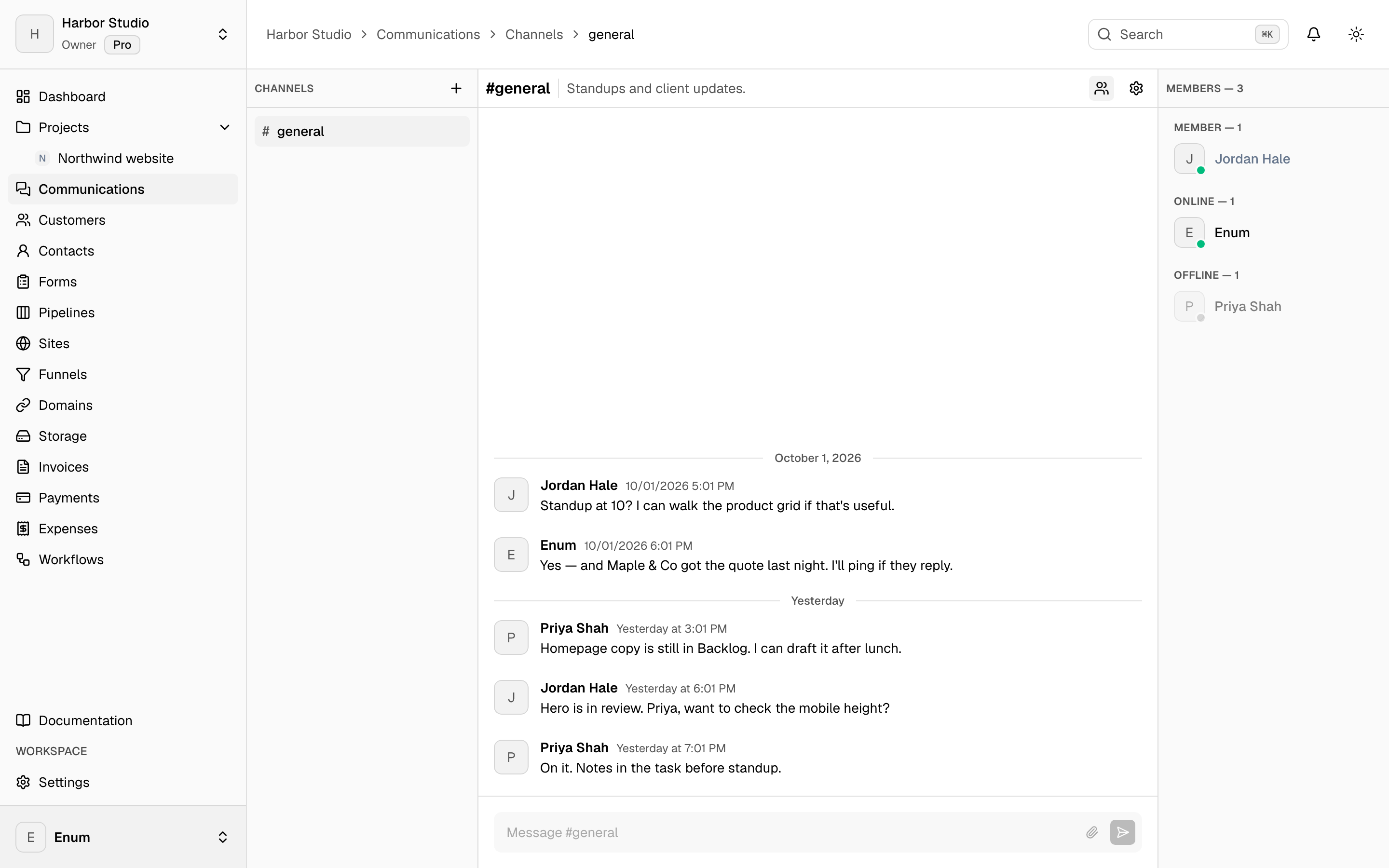
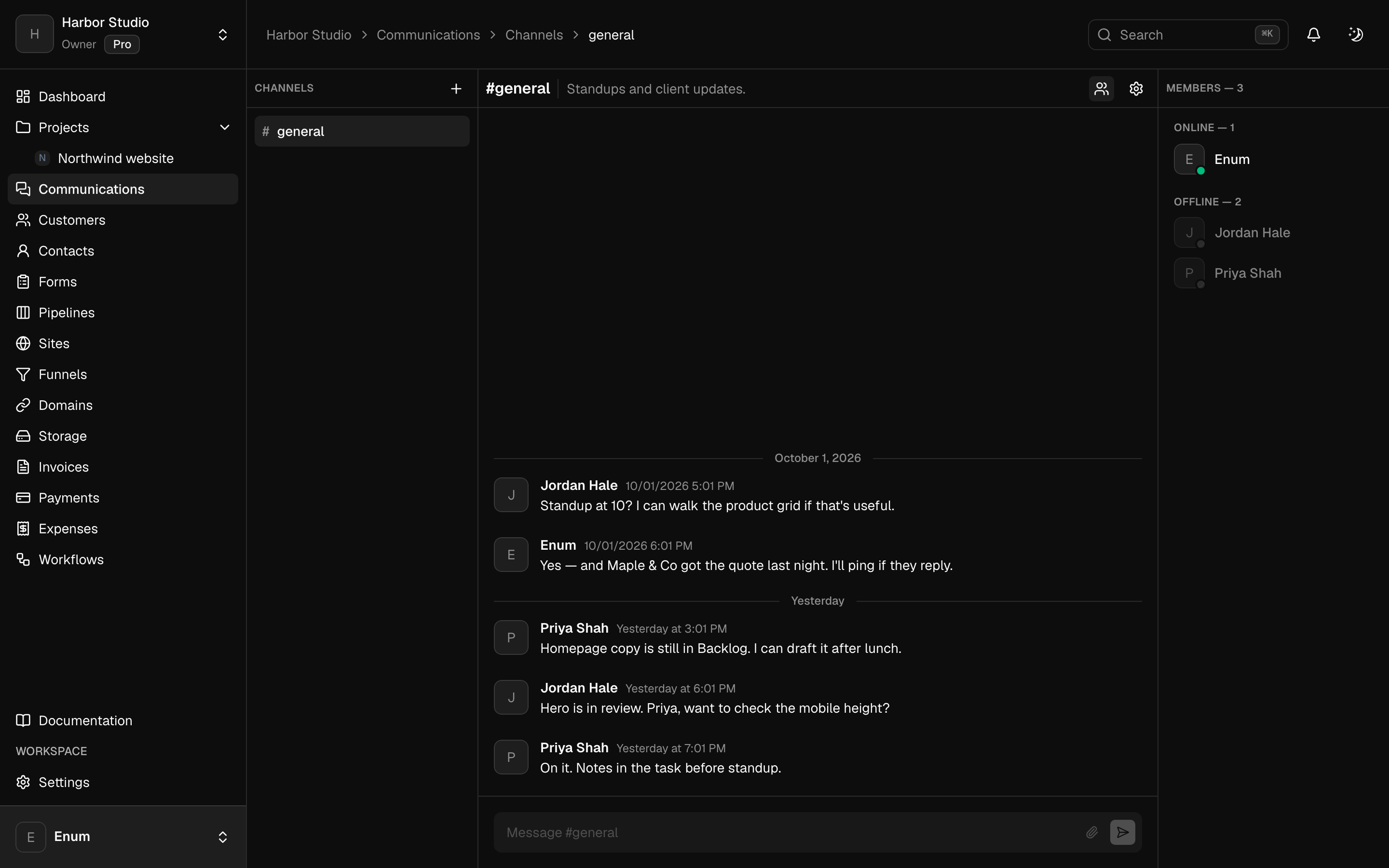
Channels for the team, including one tied to a project.
Public and private channels sit next to the projects. Threads and reactions stay in the channel. A project can have a linked channel so the conversation about that work has a home. Turn chats off if the team already talks somewhere else.
What you get
In the workspace
- 01
Public and private channels
- 02
Threads, reactions, and search
- 03
A channel linked to a project
Questions