Forms
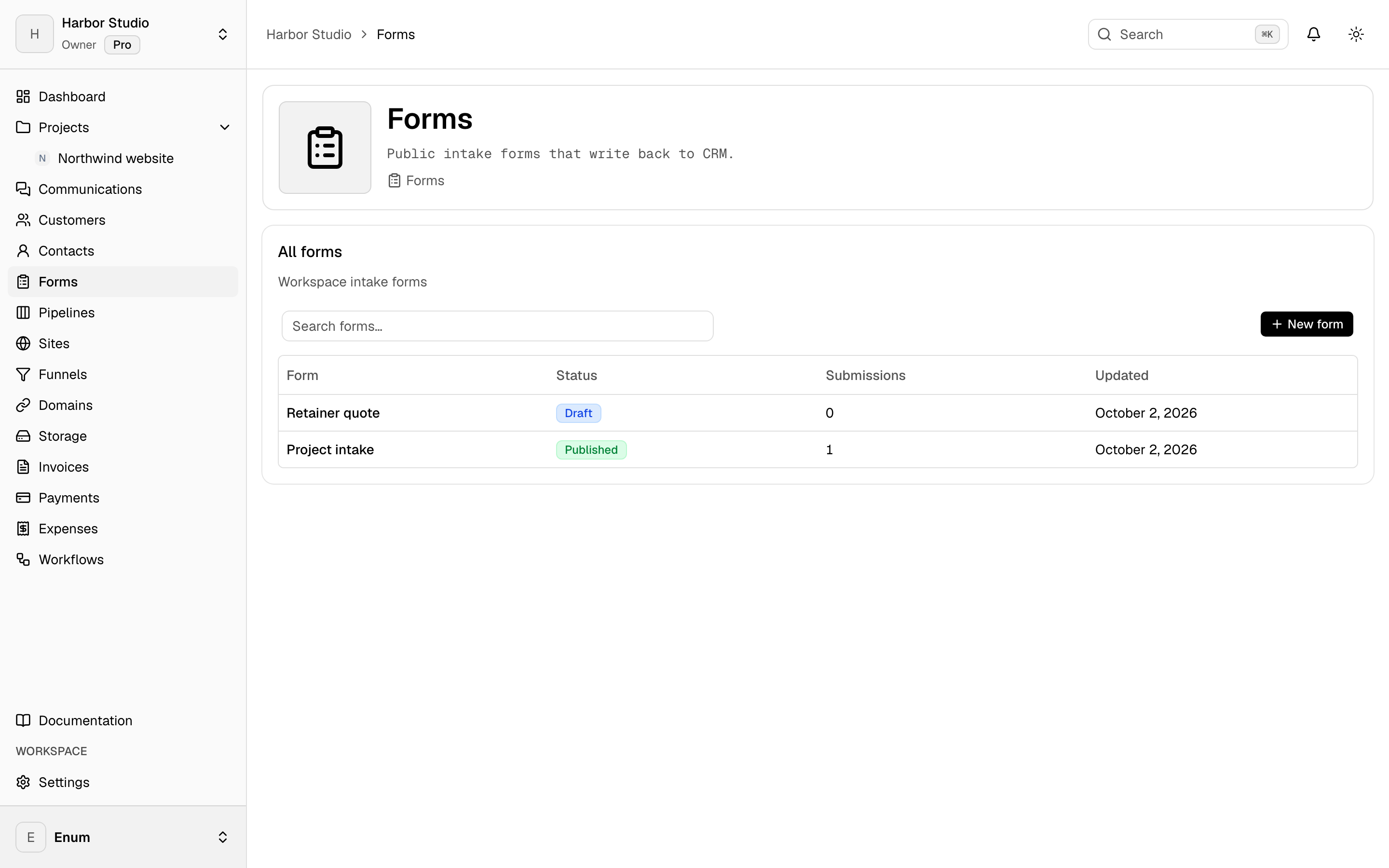
Build a form, style it, and read the submissions in the workspace.
Forms live with the clients, not in a separate form tool. Build the fields, set the appearance, and share the link. Submissions stay in the workspace. You can generate a first draft of the form from a description. A form can also sit on a site page.
What you get
In the workspace
- 01
A field builder and a share link
- 02
Appearance and CSS for the form you publish
- 03
A generated first draft from a short description
- 04
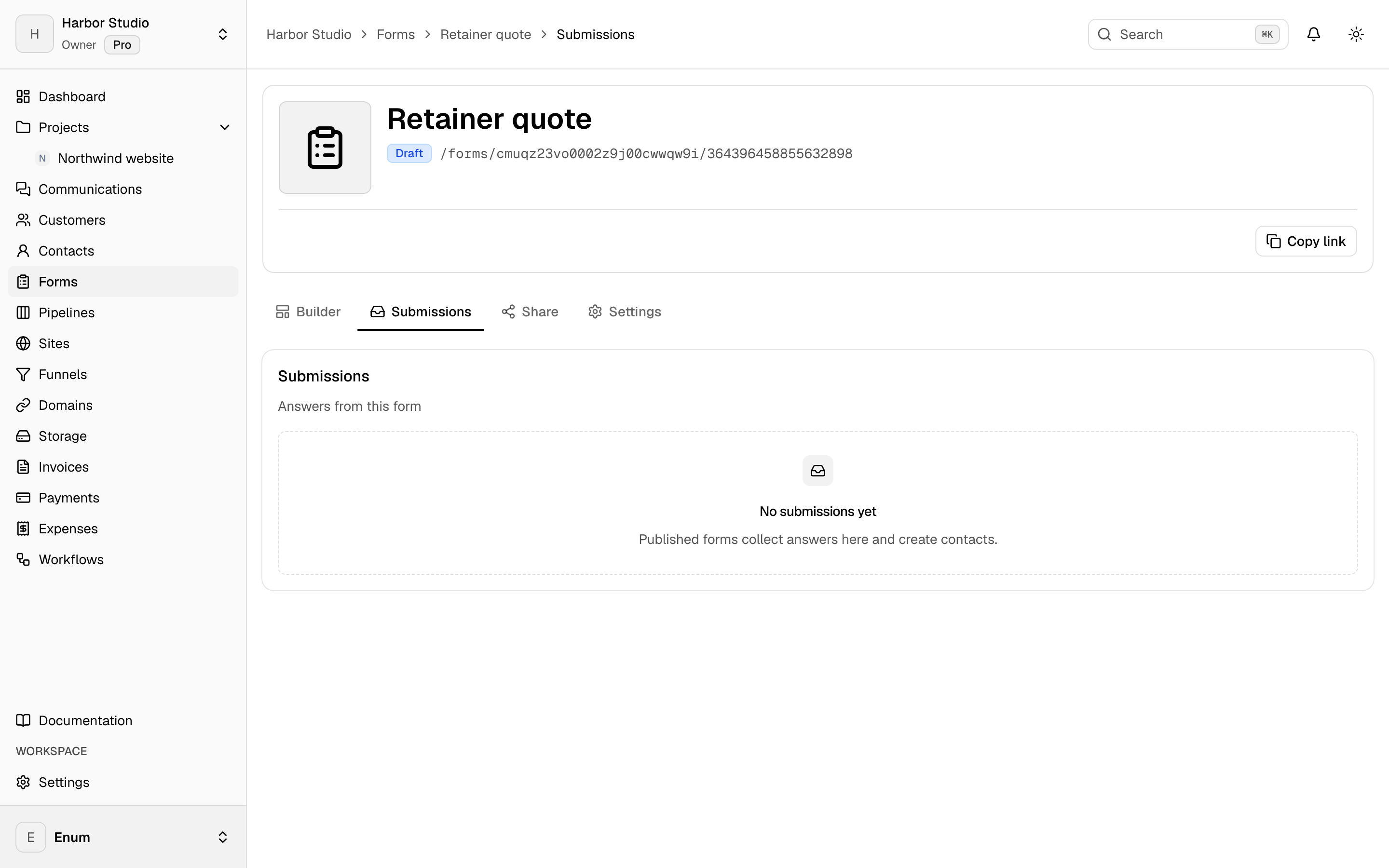
Submissions listed in the workspace
- 05
The same form embedded on a site page
Questions