Automation · Pro
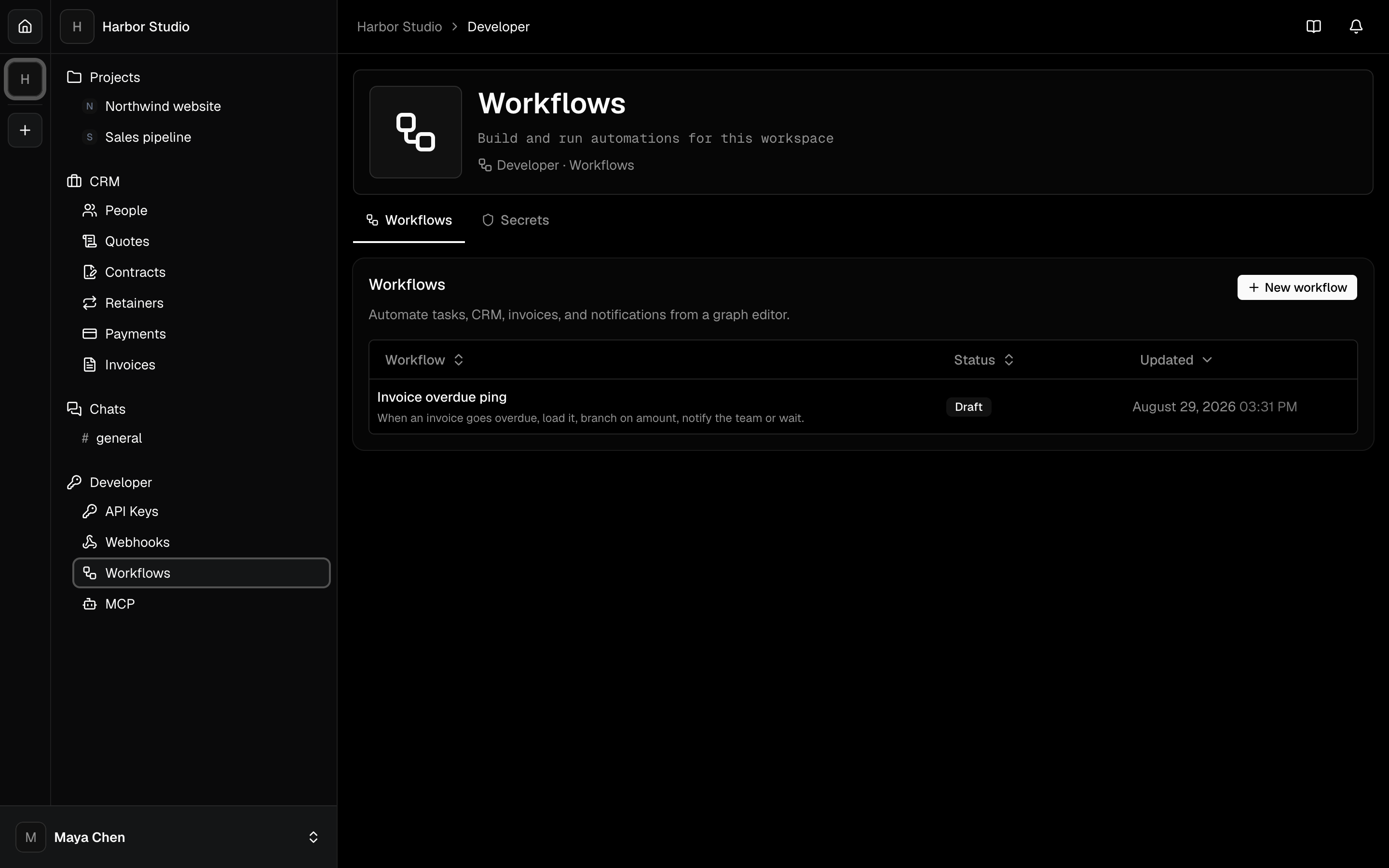
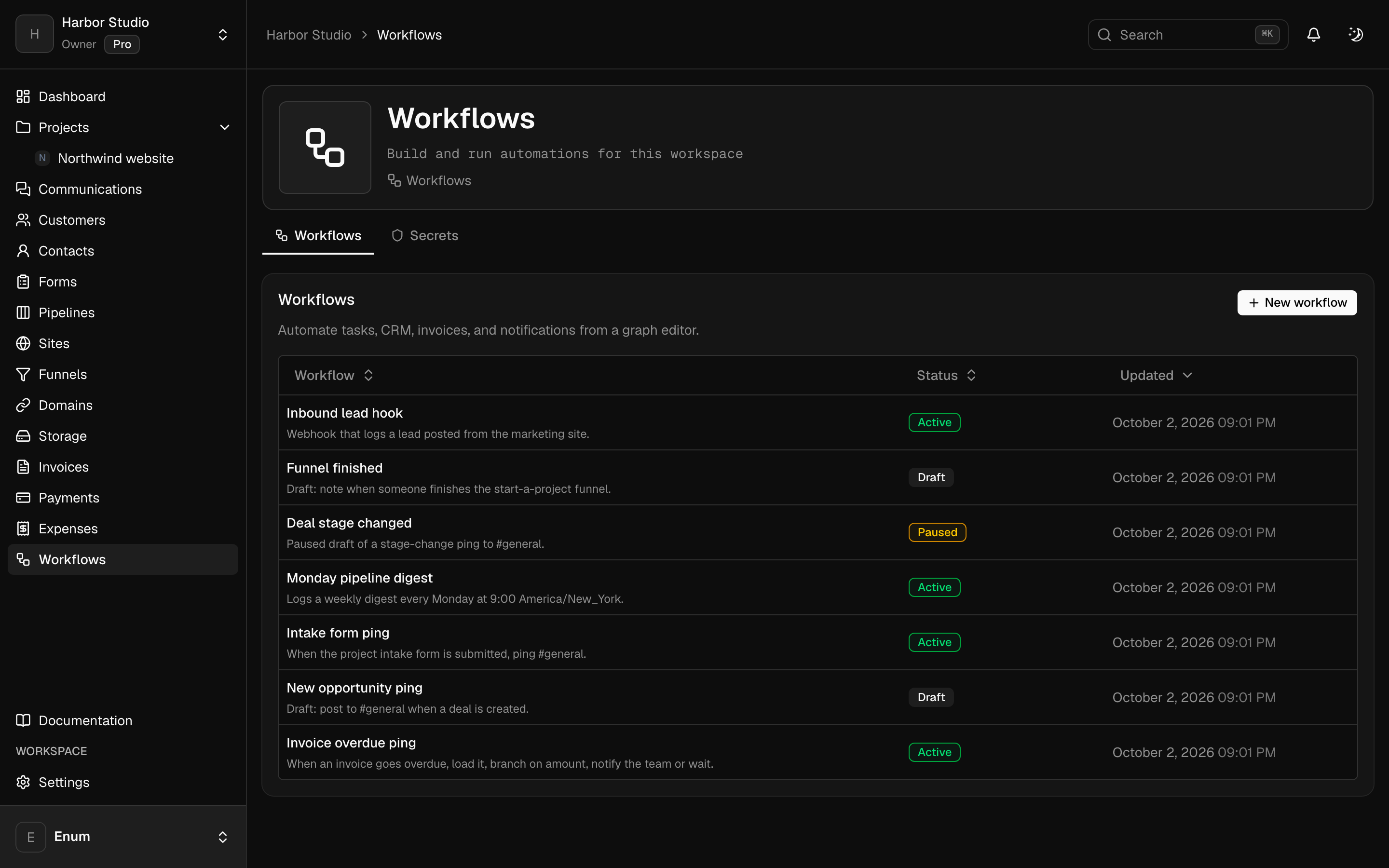
Workflows, API keys, webhooks, and MCP. On Pro.
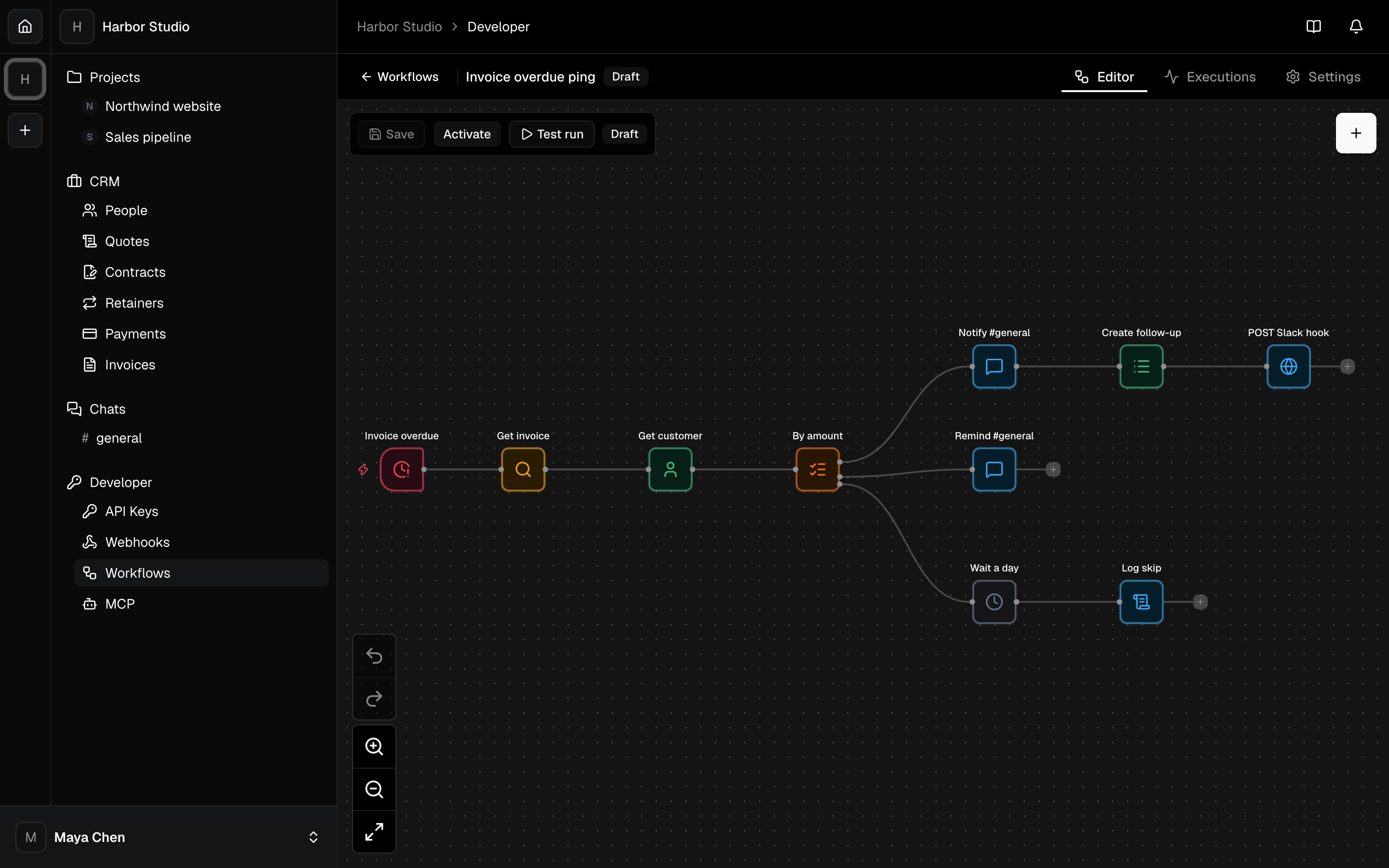
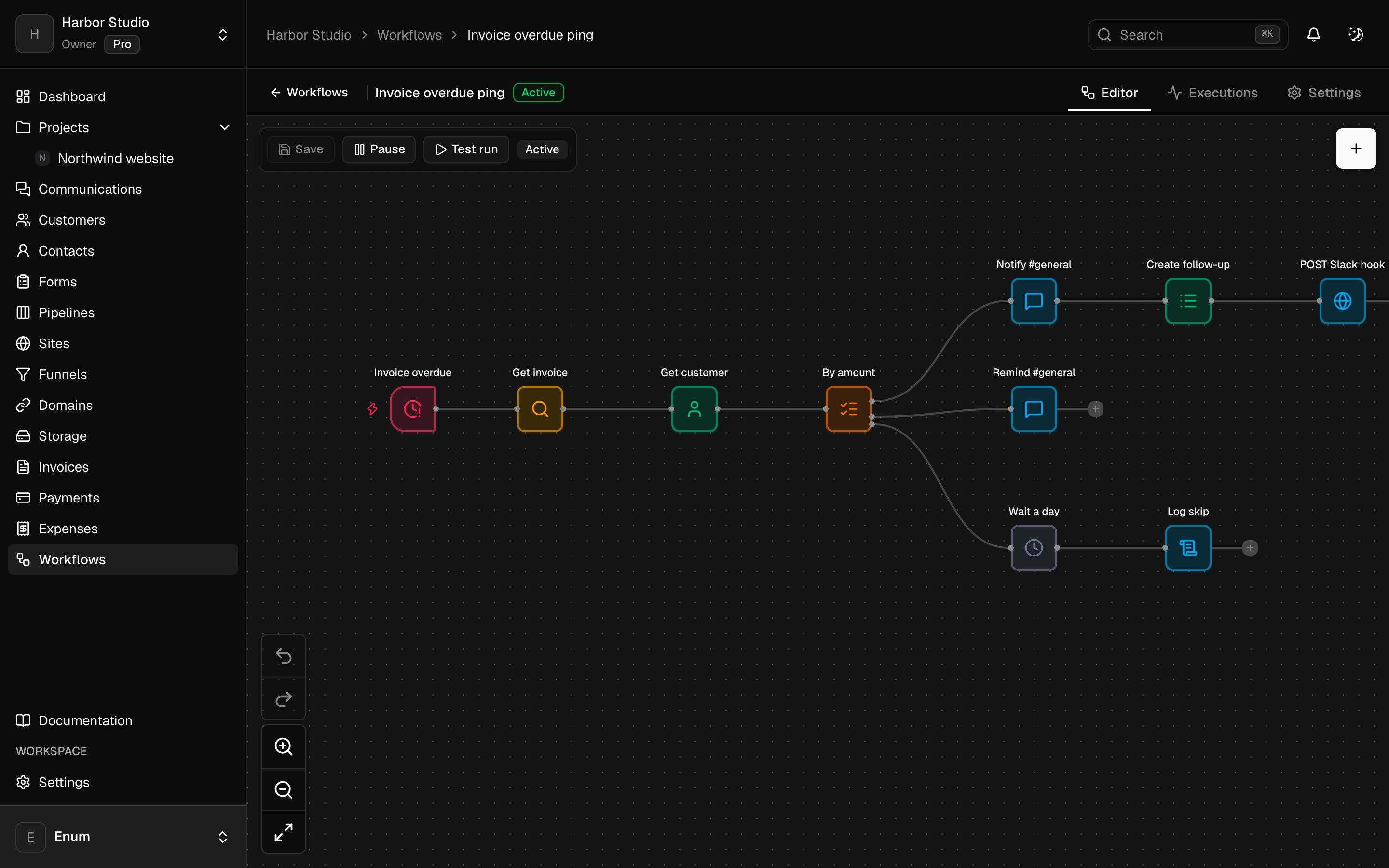
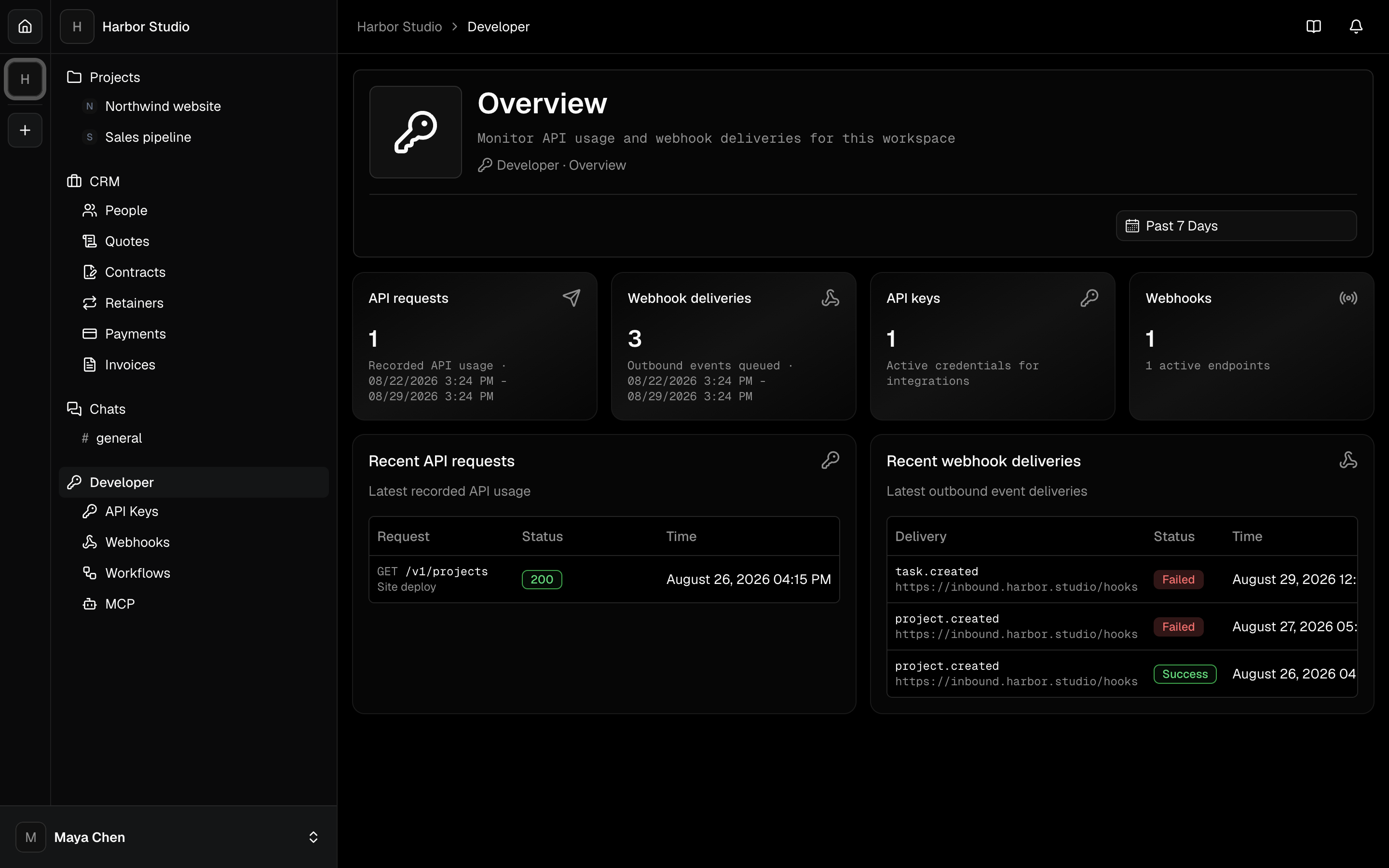
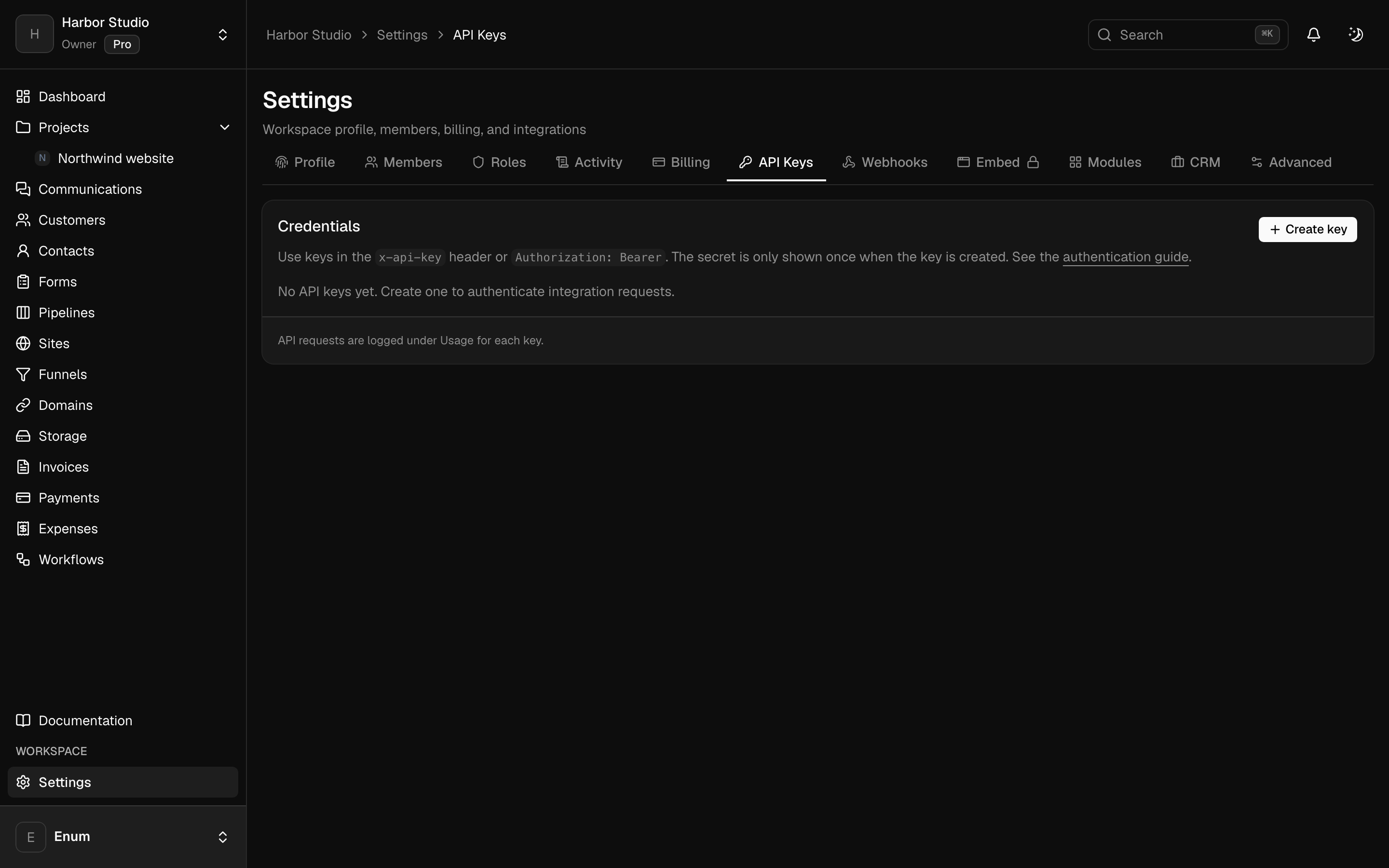
Build a workflow for a job you already repeat: a trigger, a branch, a wait, a note to the team. Triggers include a manual run, a webhook, a schedule, and events from the workspace. An AI agent node calls OpenAI or Anthropic with a key you store, and it can use tools including an outbound MCP server. Separately, create a scoped API key, register a webhook, or connect Claude or ChatGPT to the workspace over MCP. There is no Slack, Zapier, or Jira app.
- 01
A graph: triggers, branches, waits, and actions on tasks, invoices, expenses, and channels
- 02
An AI agent node that uses a key you store
- 03
Scoped API keys and signed outbound webhooks
- 04
MCP so Claude or ChatGPT can use this workspace
- 05
Run history and overage past the included runs
Questions