Projects
Boards, lists, a timeline, a calendar, and a canvas for the same tasks.
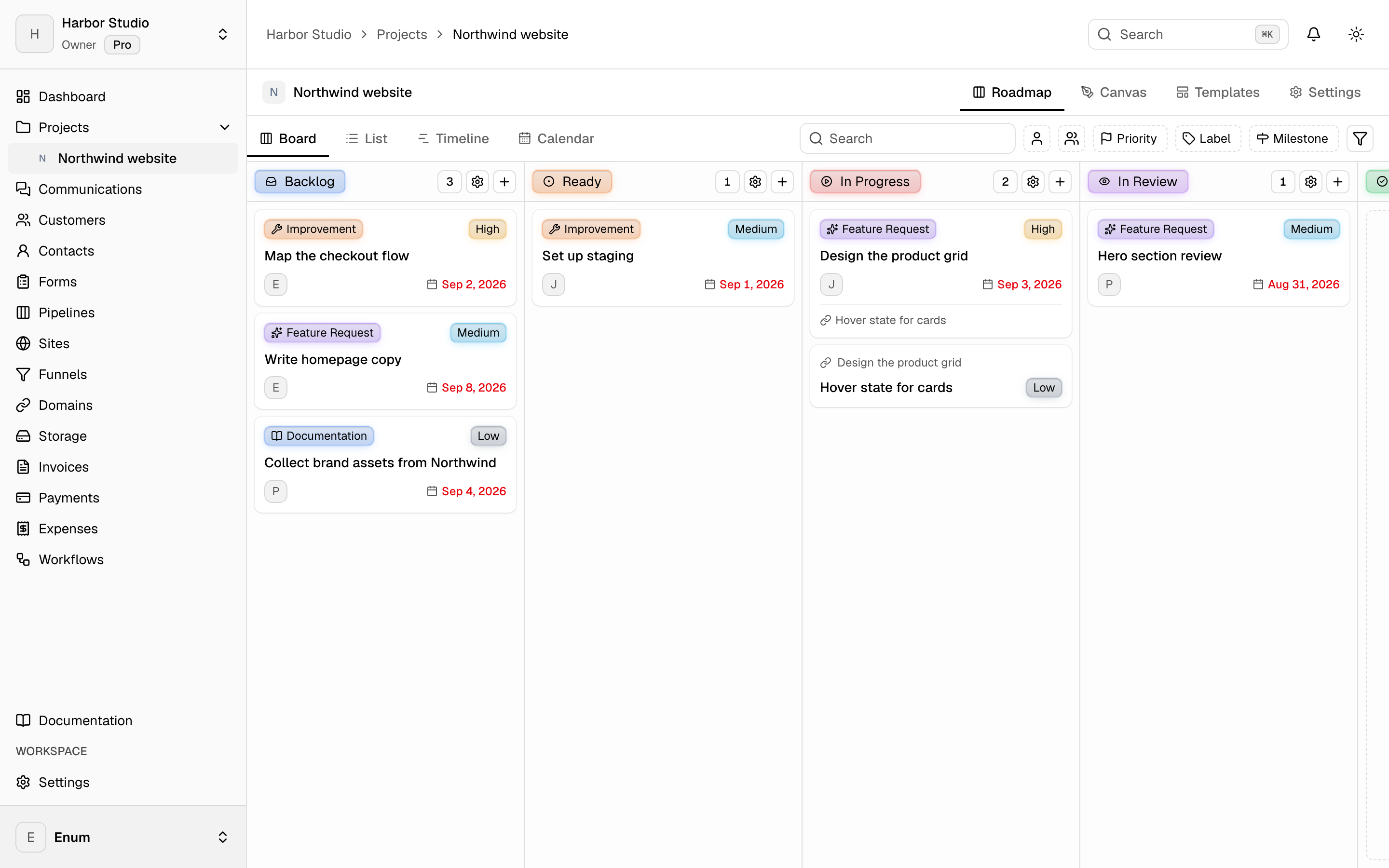
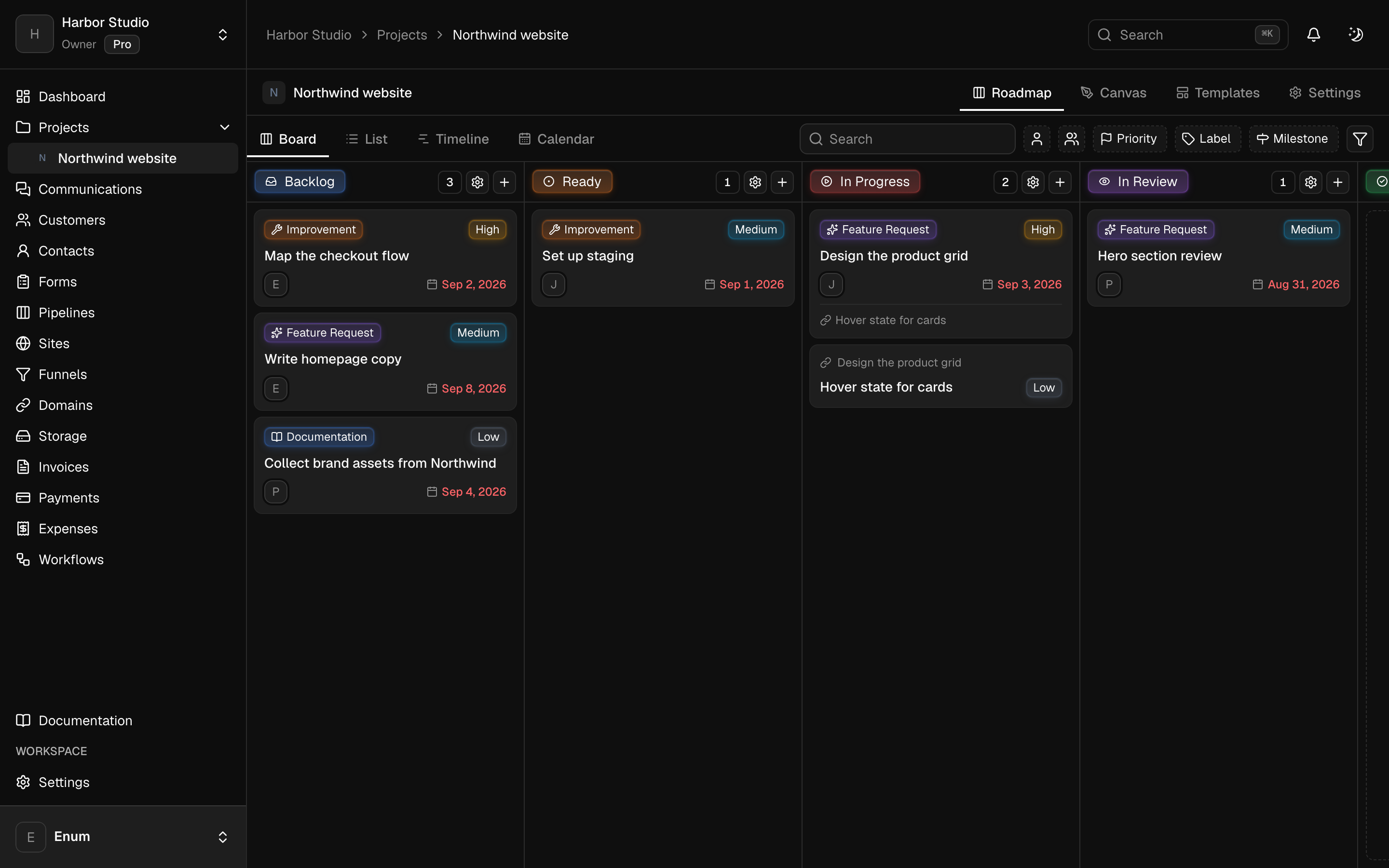
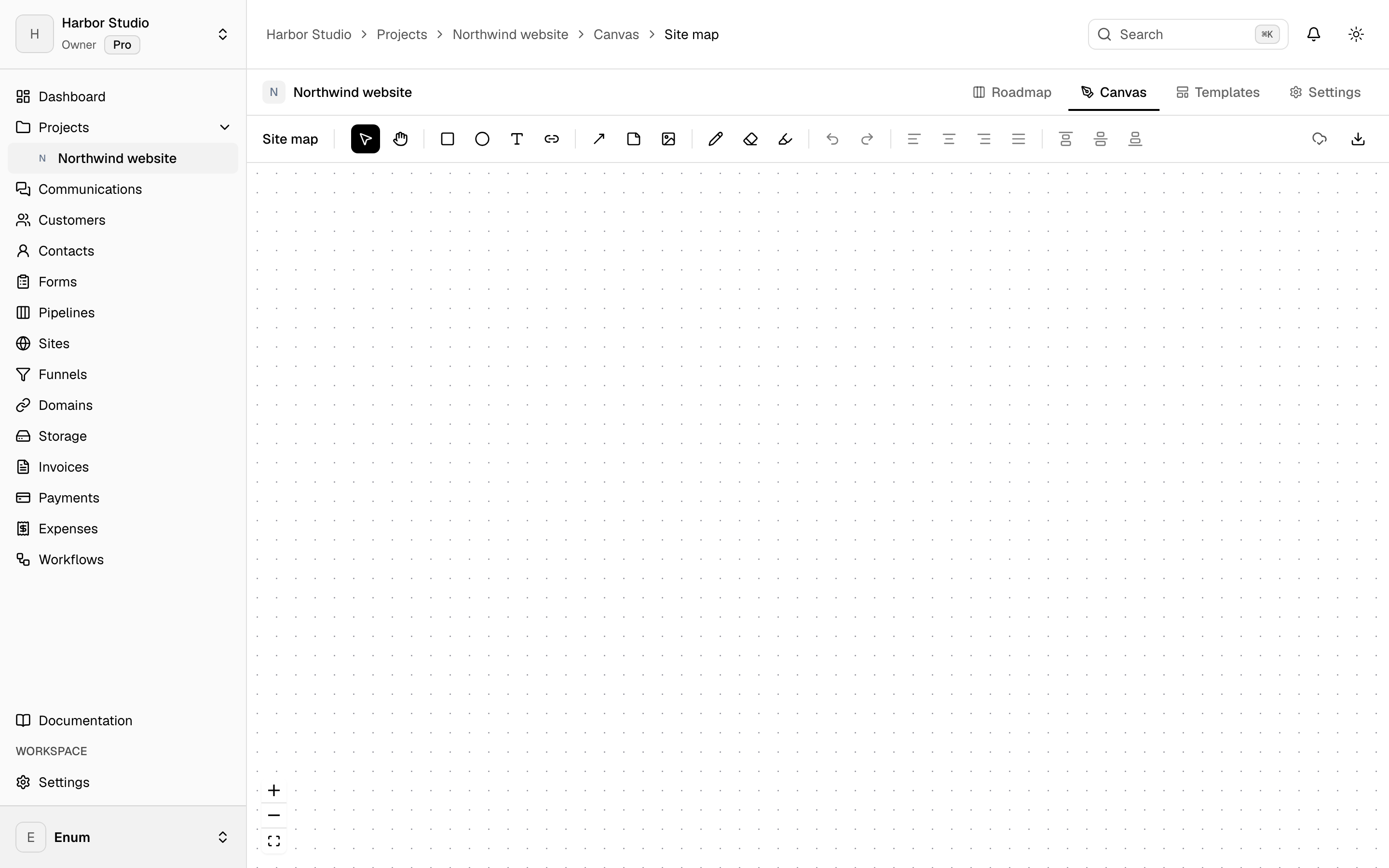
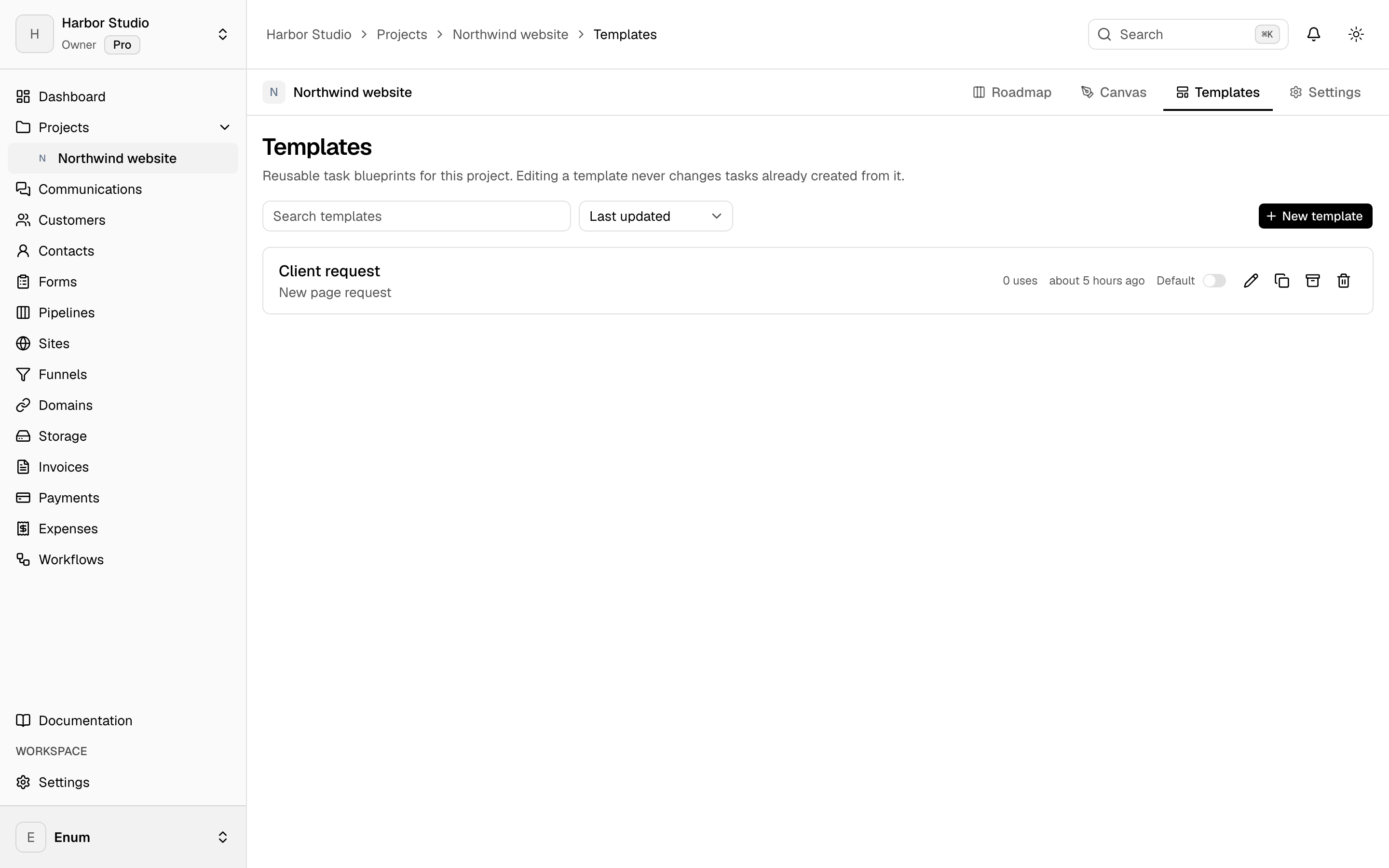
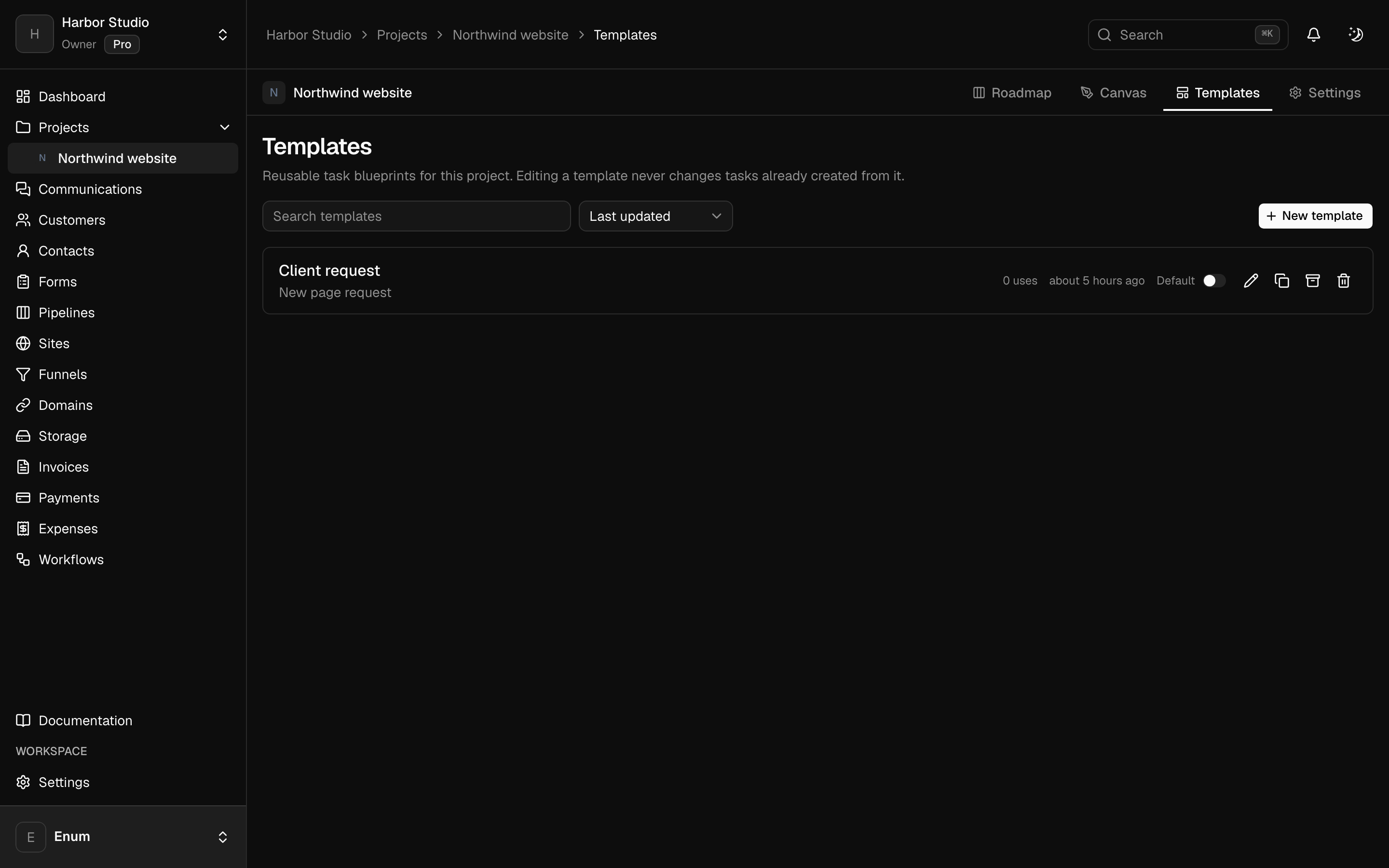
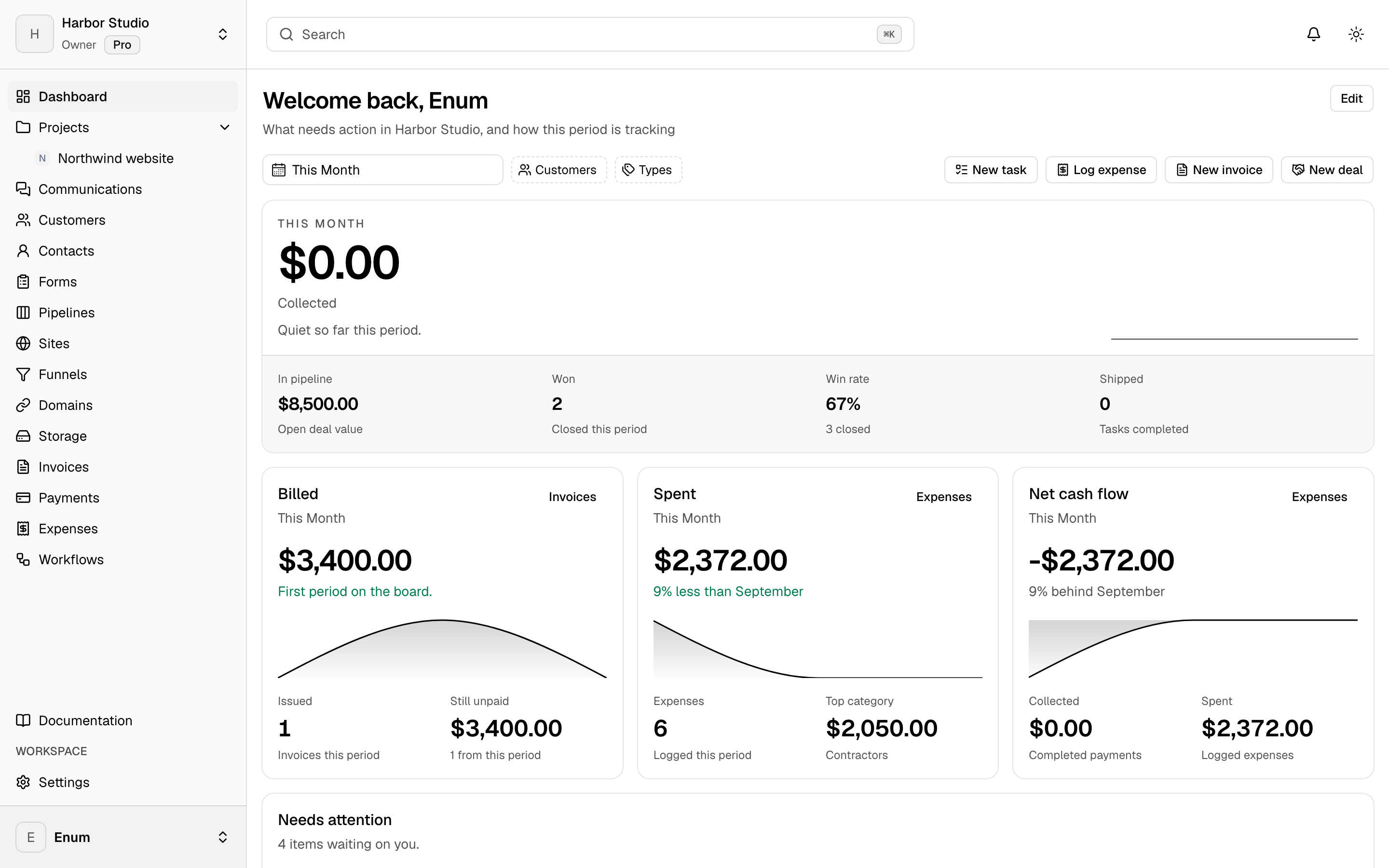
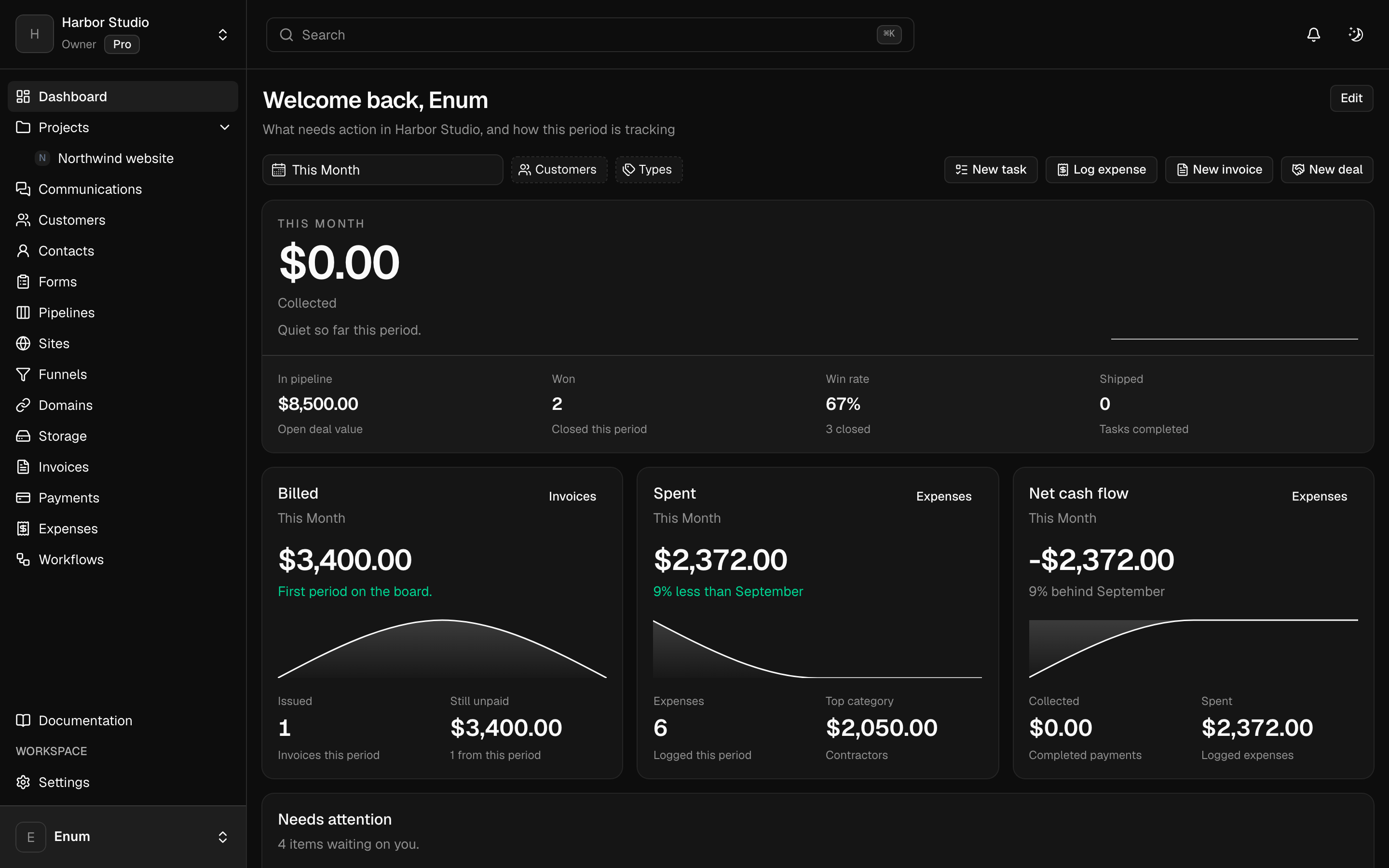
A workspace holds projects. A project holds statuses and tasks. The board is the live view: columns are statuses, cards are tasks. List, timeline, and calendar show those same tasks. A canvas sits on the project for the sketch that is not a task yet. Templates start the next card from work you already shaped. Opening a task uses the inspector so you stay on the view.
What you get
In the workspace
- 01
Board, list, timeline, and calendar on one set of tasks
- 02
Statuses, labels, priorities, subtasks, comments, and attachments
- 03
Milestones on the project
- 04
A shared canvas on the project
- 05
Task templates, including a default for new tasks
- 06
Members, custom roles, and guests limited to one project
Questions