Use case
An agent can use the workspace. It does not replace it.
The problem
What gets in the way
People paste workspace data into a chat, then paste the answer back into a task. The chat has no permission boundary, and the board never hears what the agent did.
What changes
After you start using it
- 01
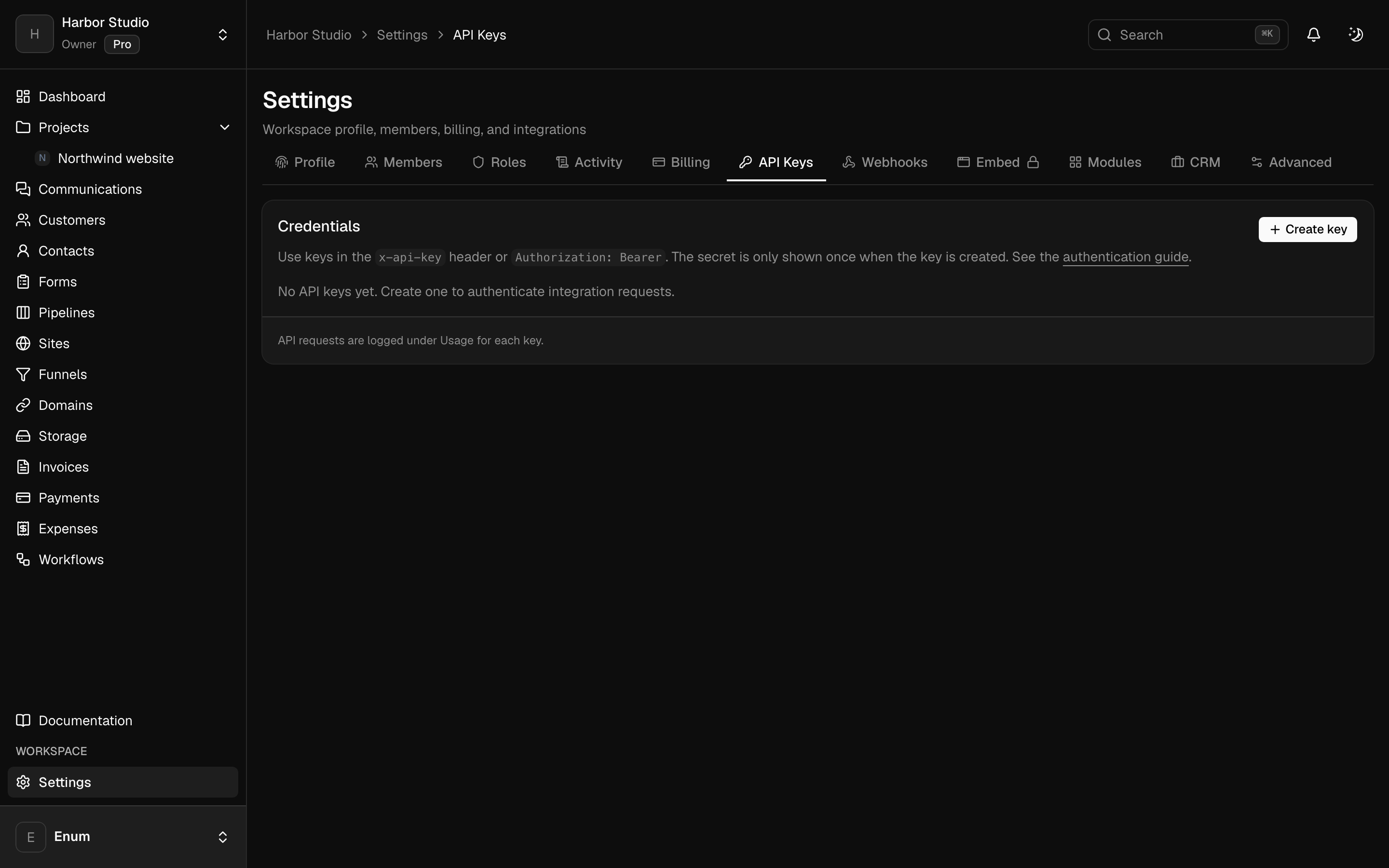
MCP access scoped like an API key
- 02
A workflow agent that uses your model key, not a shared one
- 03
Form drafts you review before they are public
Workflow
Give an agent a narrow door
- 01
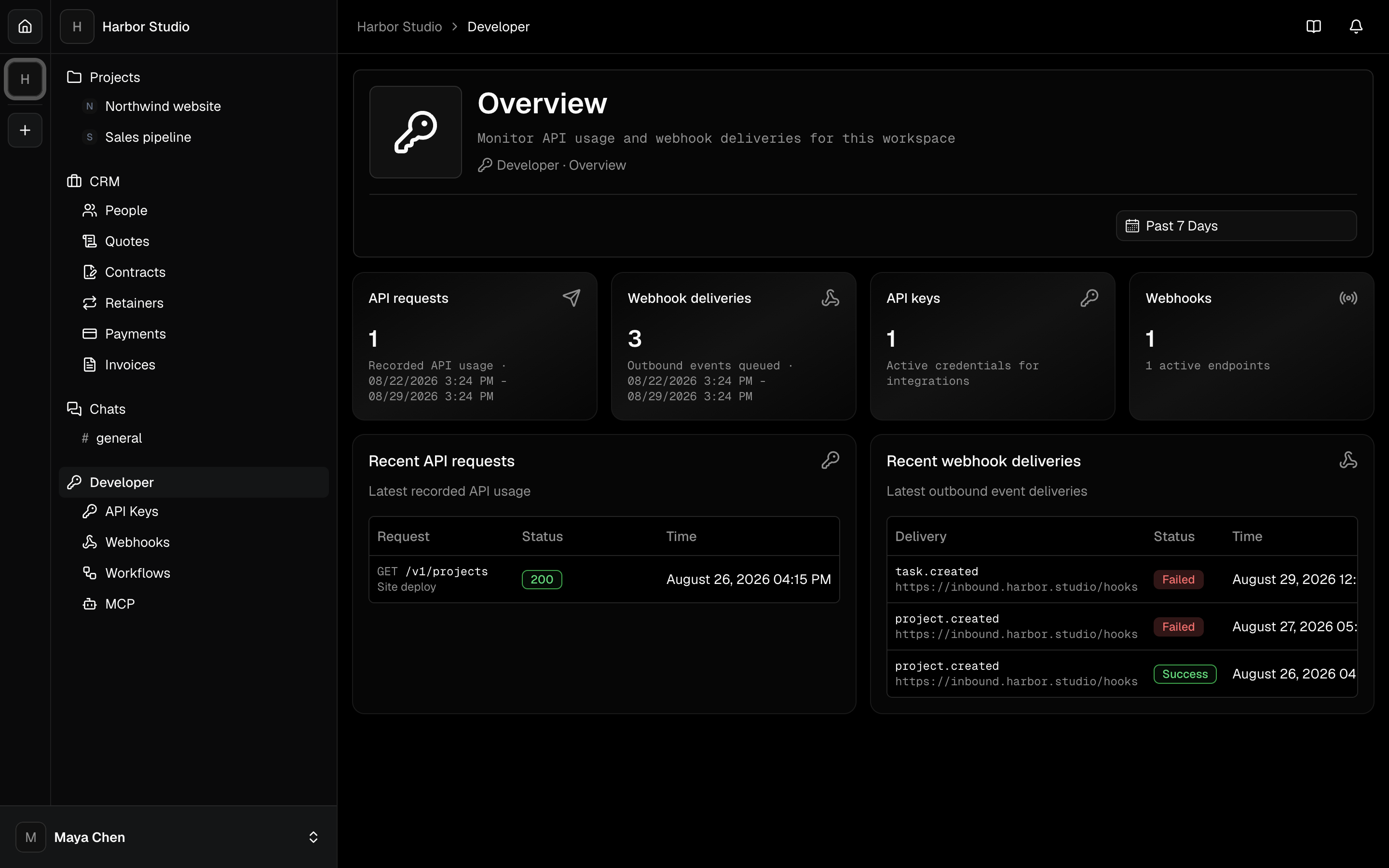
On Pro, open MCP and connect the client you already use. Grant the scopes that job needs.
- 02
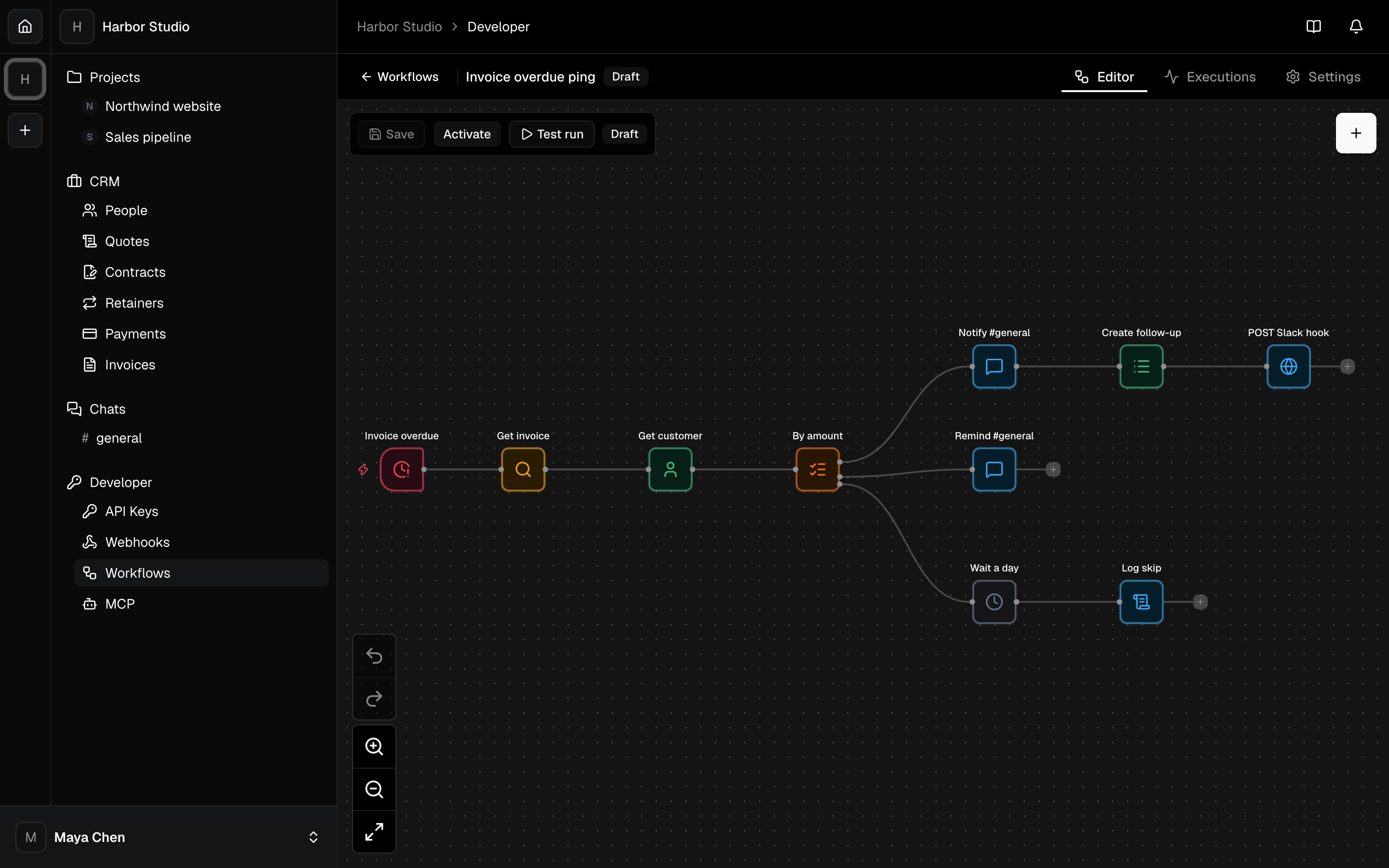
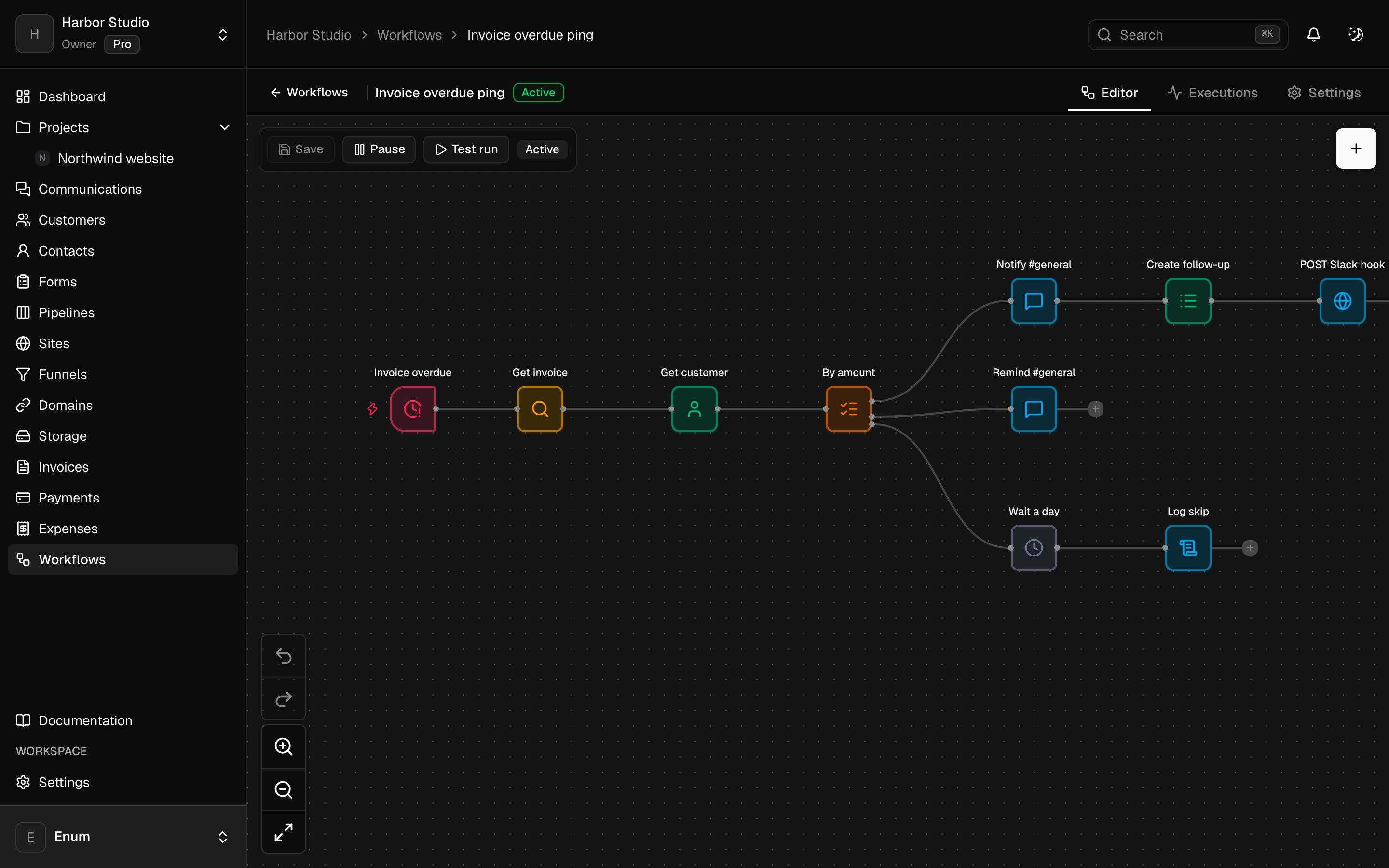
Or add an AI agent node to a workflow and store the provider key as a secret.
- 03
Keep form generation as a draft. Publish the form only after you edit it.
What you use
Capabilities in this job
- 01
Automation
Build a workflow for a job you already repeat: a trigger, a branch, a wait, a note to the team. Triggers include a manual run, a webhook, a schedule, and events from the workspace. An AI agent node calls OpenAI or Anthropic with a key you store, and it can use tools including an outbound MCP server. Separately, create a scoped API key, register a webhook, or connect Claude or ChatGPT to the workspace over MCP. There is no Slack, Zapier, or Jira app.
- 02
Forms
Forms live with the clients, not in a separate form tool. Build the fields, set the appearance, and share the link. Submissions stay in the workspace. You can generate a first draft of the form from a description. A form can also sit on a site page.
Questions