Use case
The form and the pipeline are the same workspace
The problem
What gets in the way
The form tool emails a spreadsheet. Someone copies the row into the pipeline a day later, or not at all. The site and the client list disagree about who inquired.
What changes
After you start using it
- 01
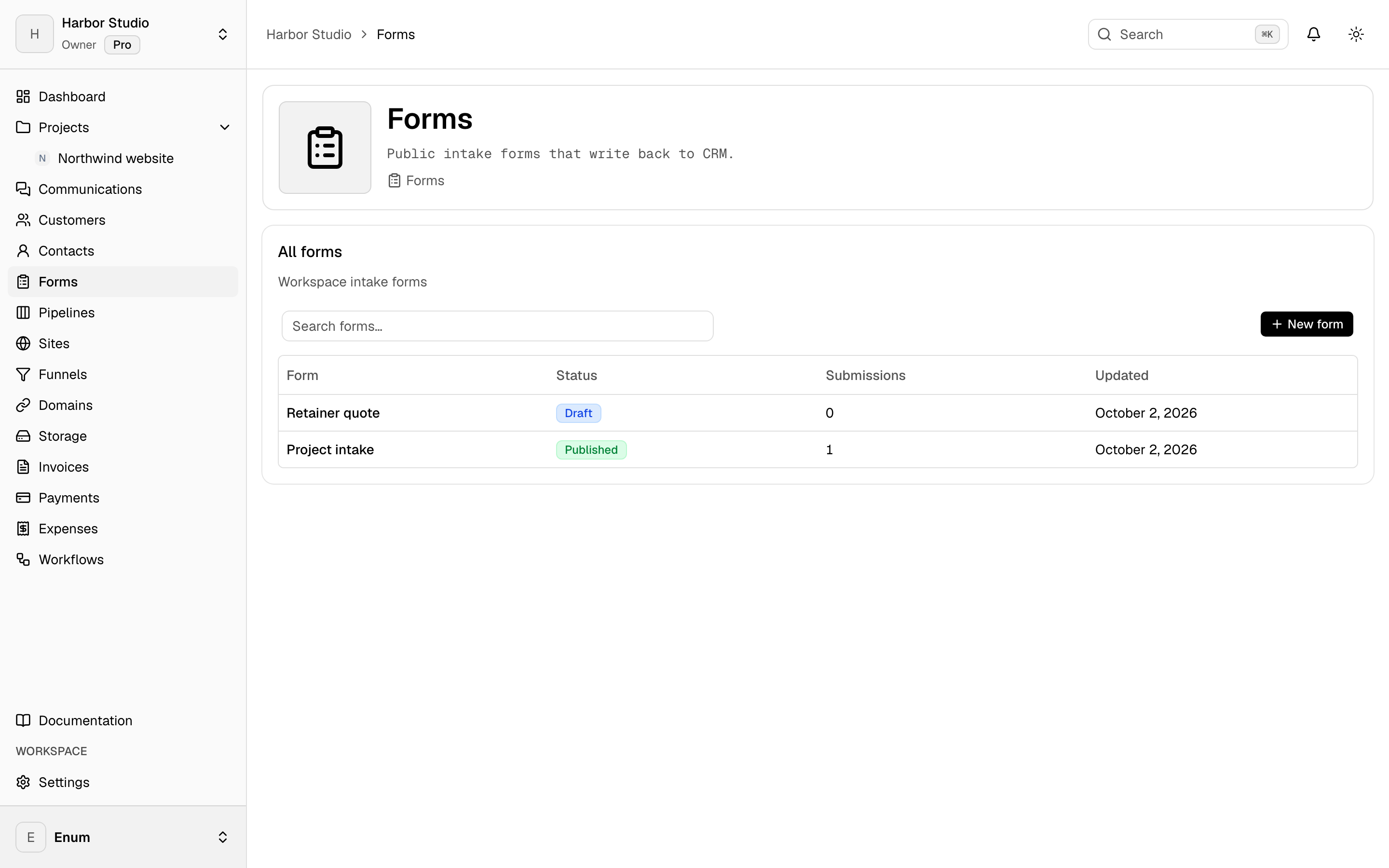
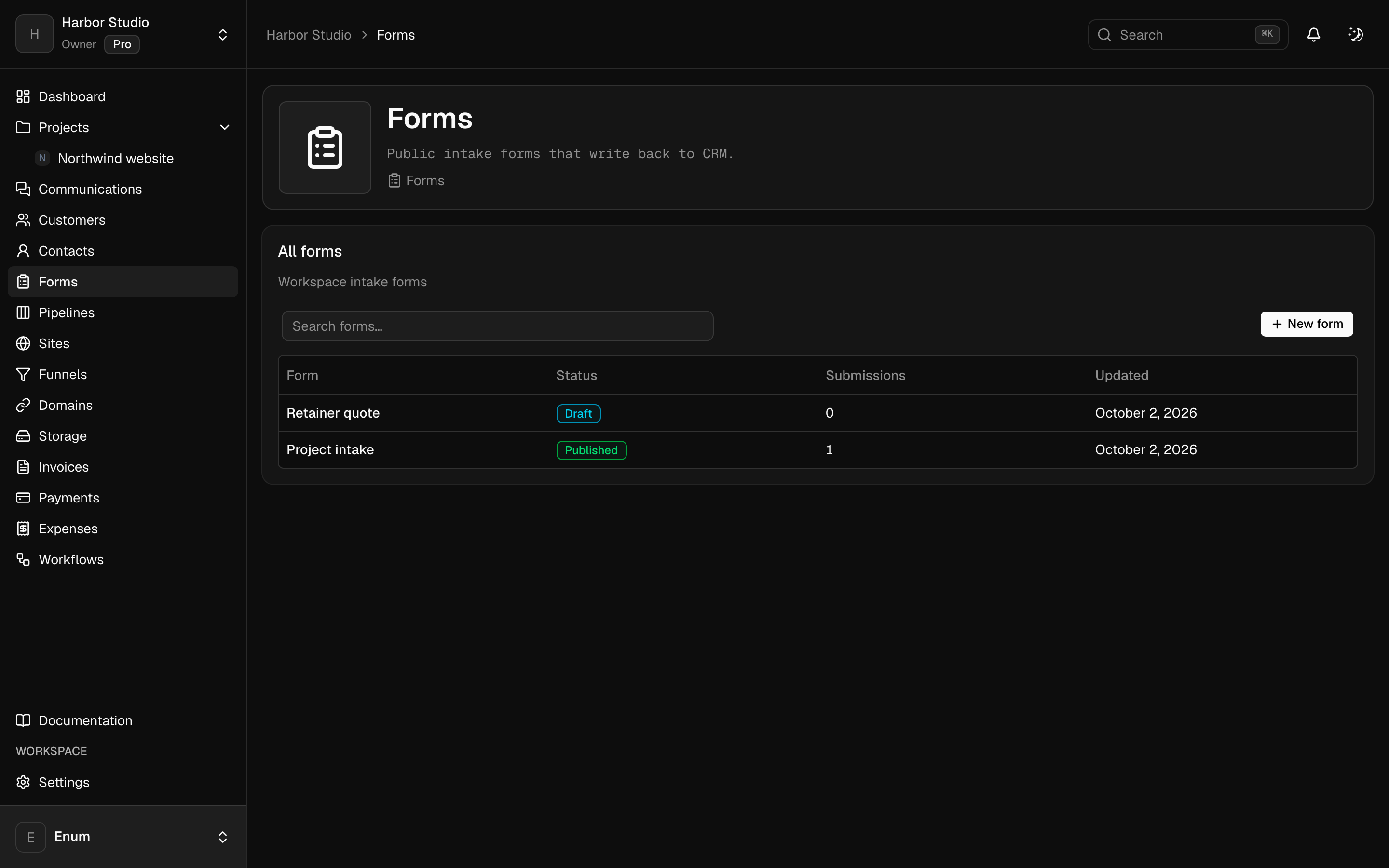
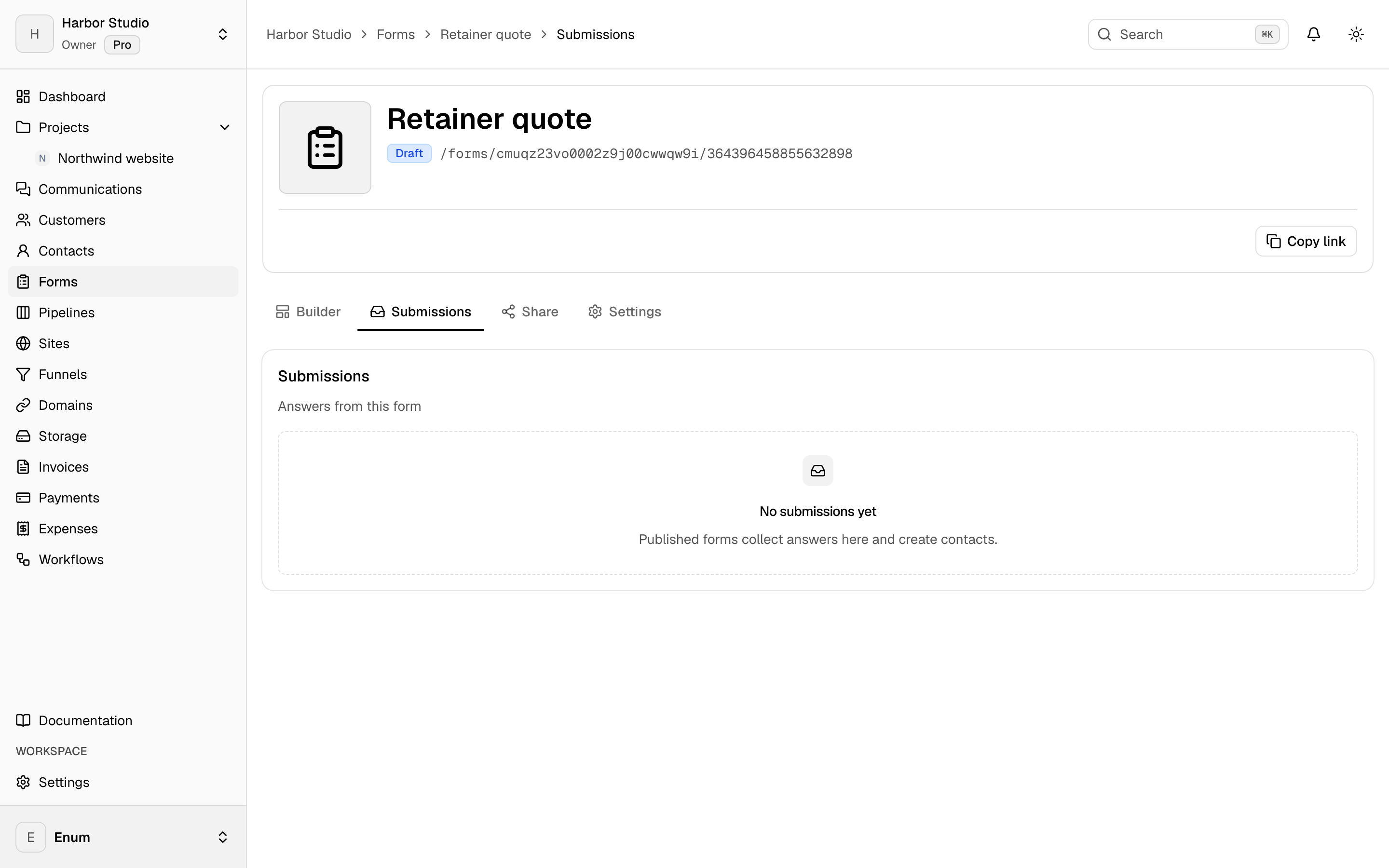
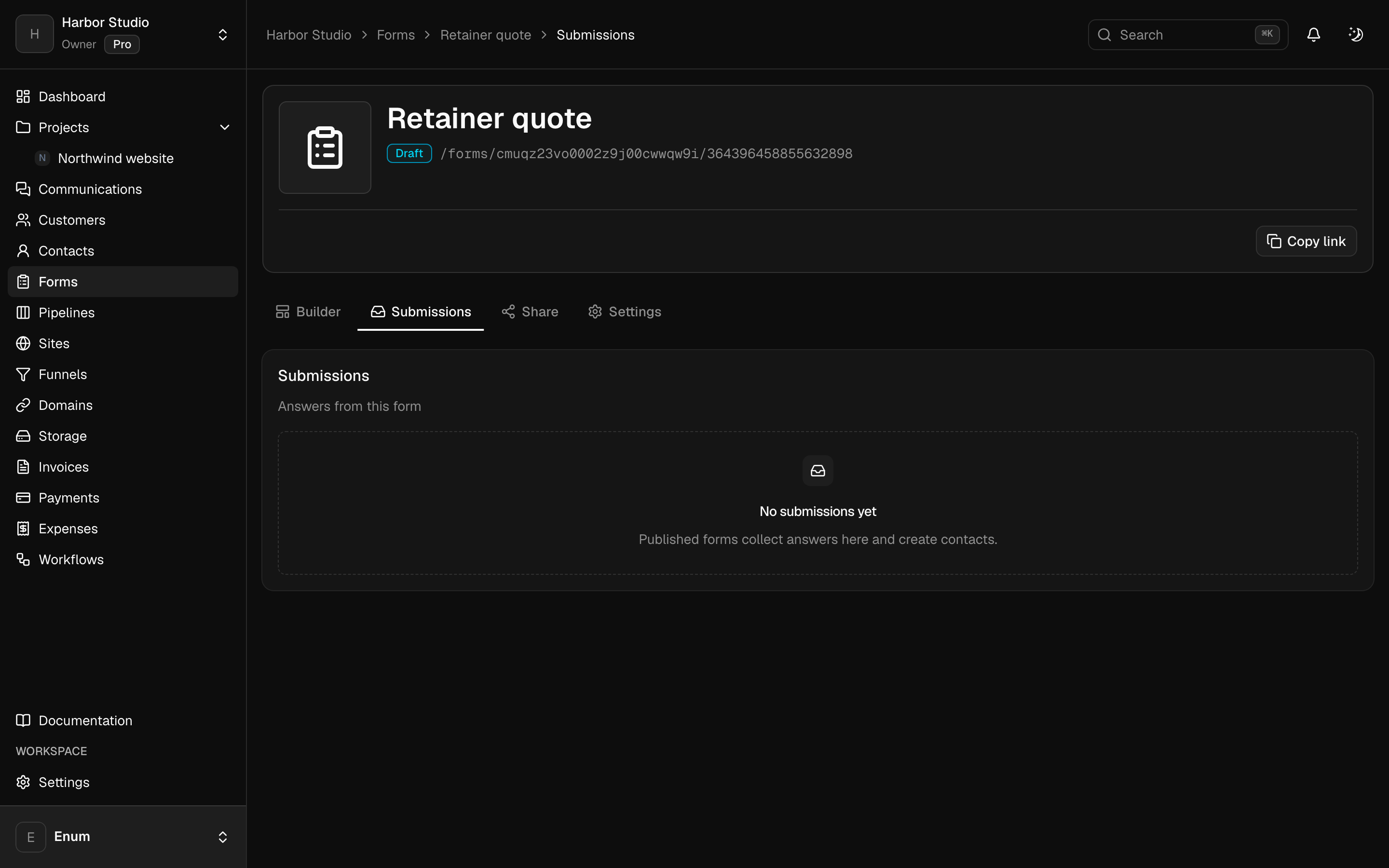
A form you build and style, with submissions listed in the workspace
- 02
A generated draft when you do not want to start from blank fields
- 03
The same form on a site page, on Pro
Workflow
From a description to a submission
- 01
Describe the form and generate a draft, or build the fields yourself.
- 02
Set the appearance, share the link, or place the form on a site page.
- 03
Read the submission in the workspace and add the person to the pipeline when they are a real lead.
What you use
Capabilities in this job
- 01
Forms
Forms live with the clients, not in a separate form tool. Build the fields, set the appearance, and share the link. Submissions stay in the workspace. You can generate a first draft of the form from a description. A form can also sit on a site page.
- 02
Clients
Keep the people you work with next to the projects. A customer is the account. Contacts are the people on it. Tags group both. A pipeline is a board of opportunities, and each card is a deal. You can turn this off in workspace settings if you only want projects.
- 03
Sites
Build pages in the workspace, keep versions, and publish when the page is ready. A funnel is an ordered path through those pages. Attach a domain you own. Add Google Tag Manager or a Meta pixel and Conversions API on the site. Use one of those for Meta, not both. Sites is on Pro.
Questions