Use case
The workspace talks to the rest of your stack
The problem
What gets in the way
The board is the source of truth, then someone copies status into a script, a spreadsheet, and a chat. When an invoice is paid, the delivery tool does not hear it. Secrets live in a notes app because there was nowhere else to put them.
What changes
After you start using it
- 01
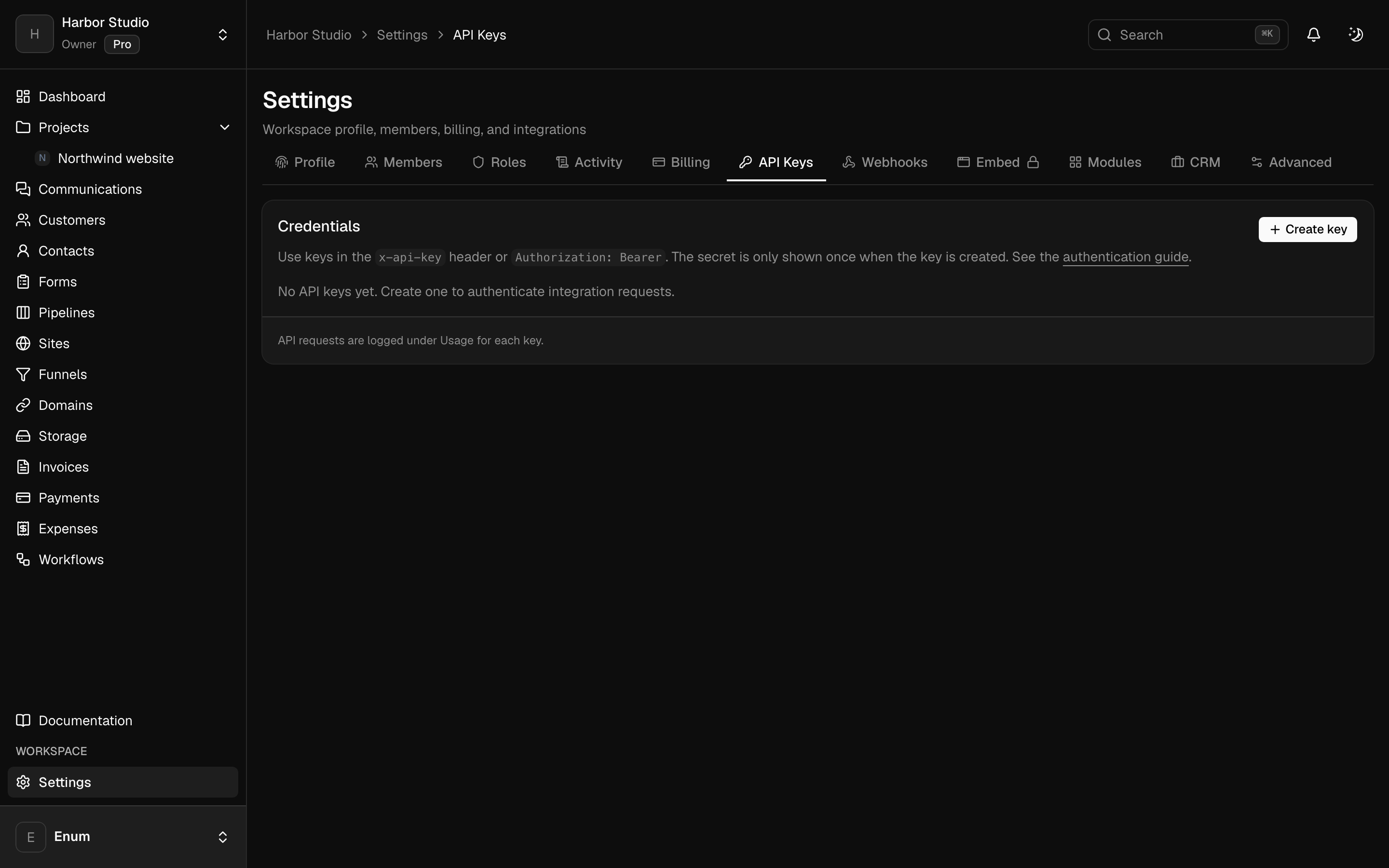
A scoped API key you create in the workspace and copy once
- 02
Webhooks that fire when tasks, invoices, or members change
- 03
MCP so Claude, ChatGPT, or an editor can work against that workspace
- 04
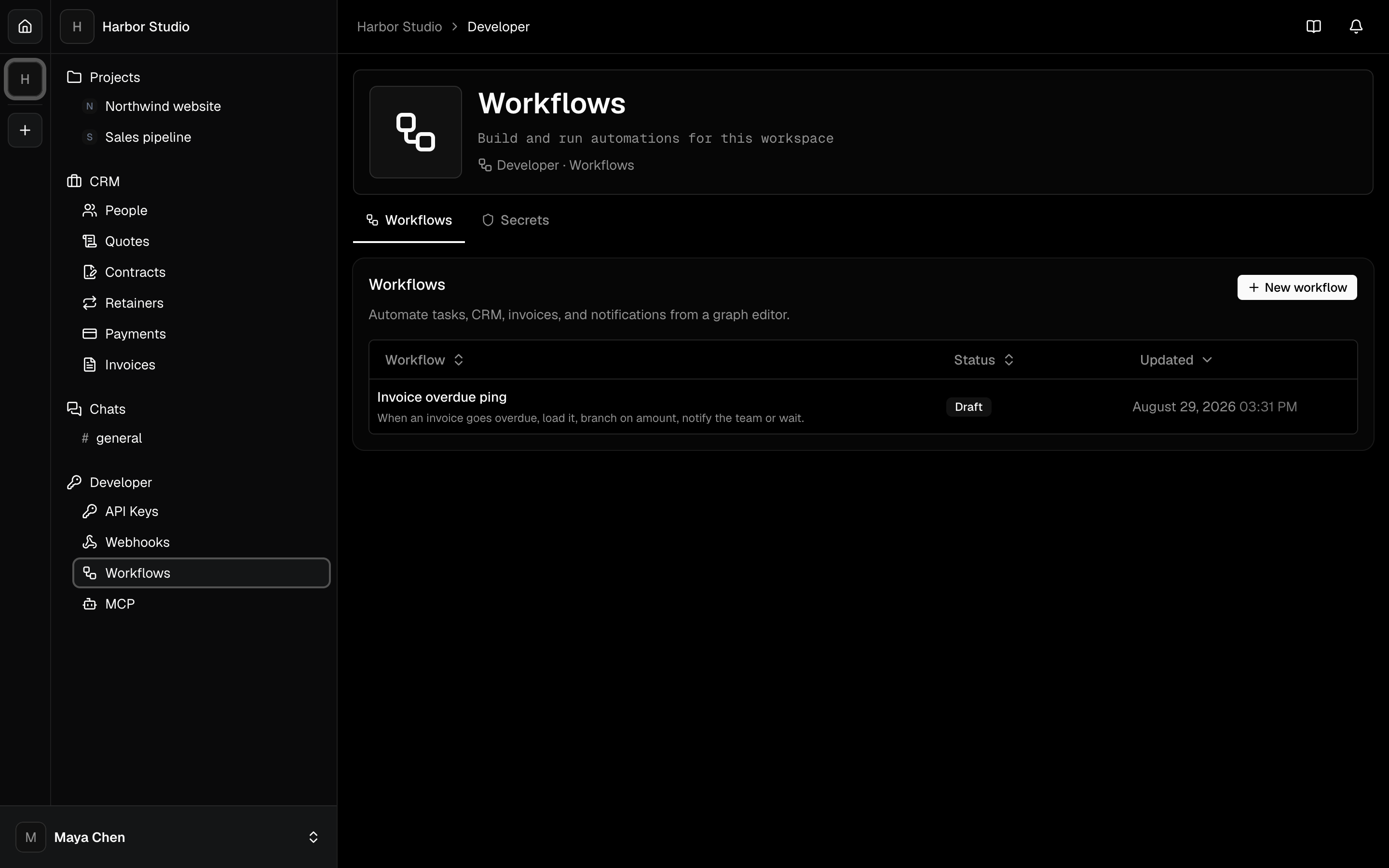
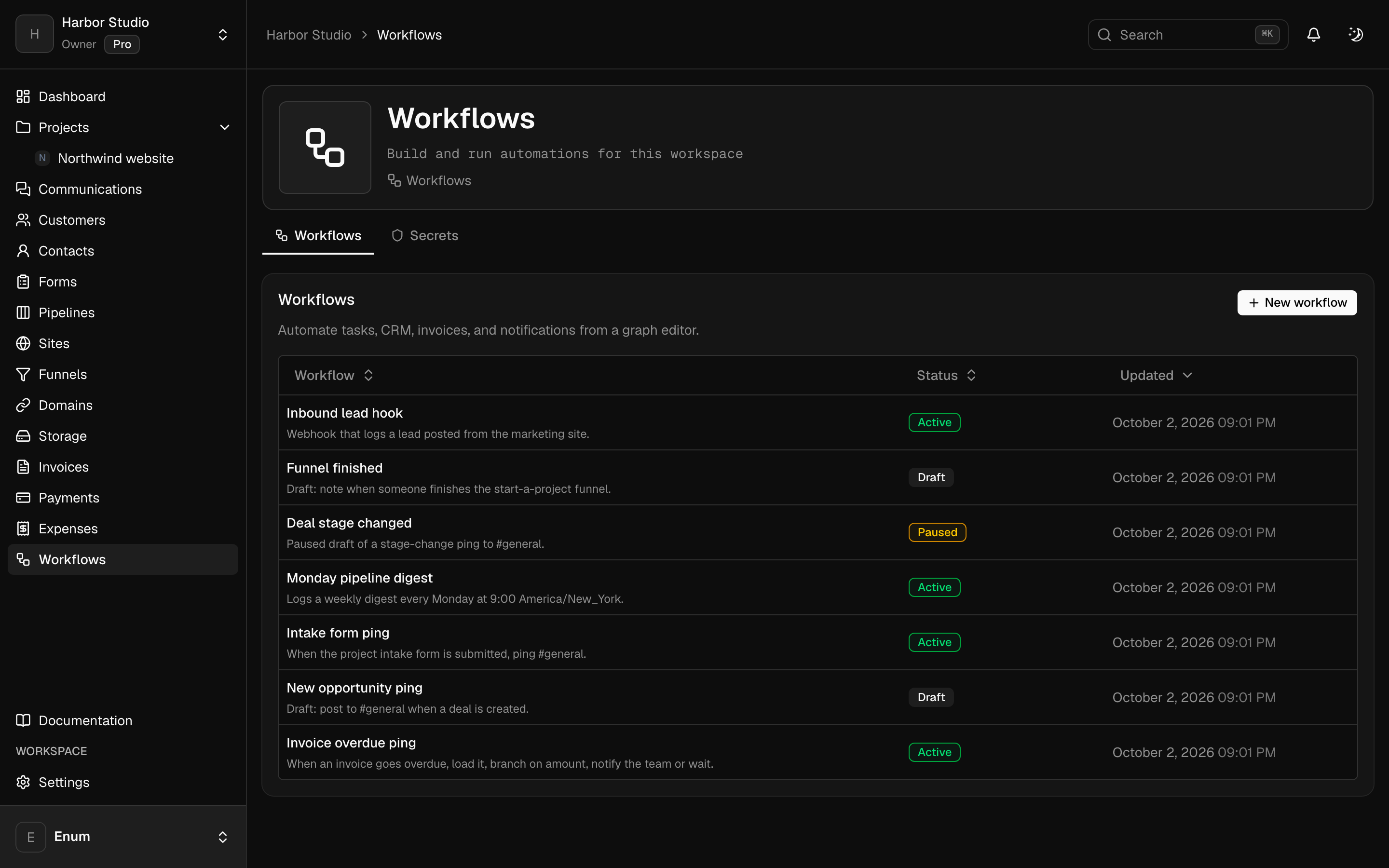
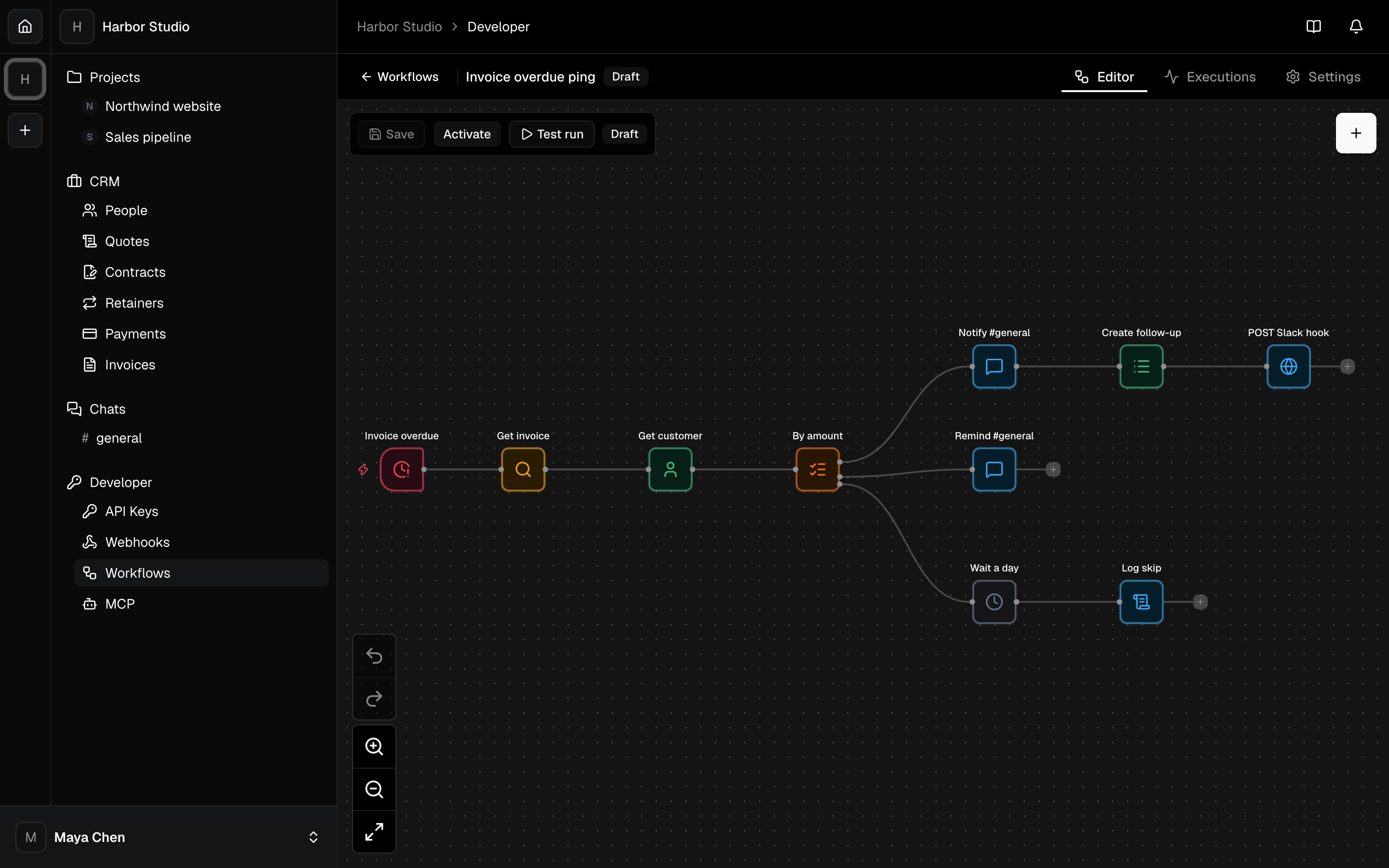
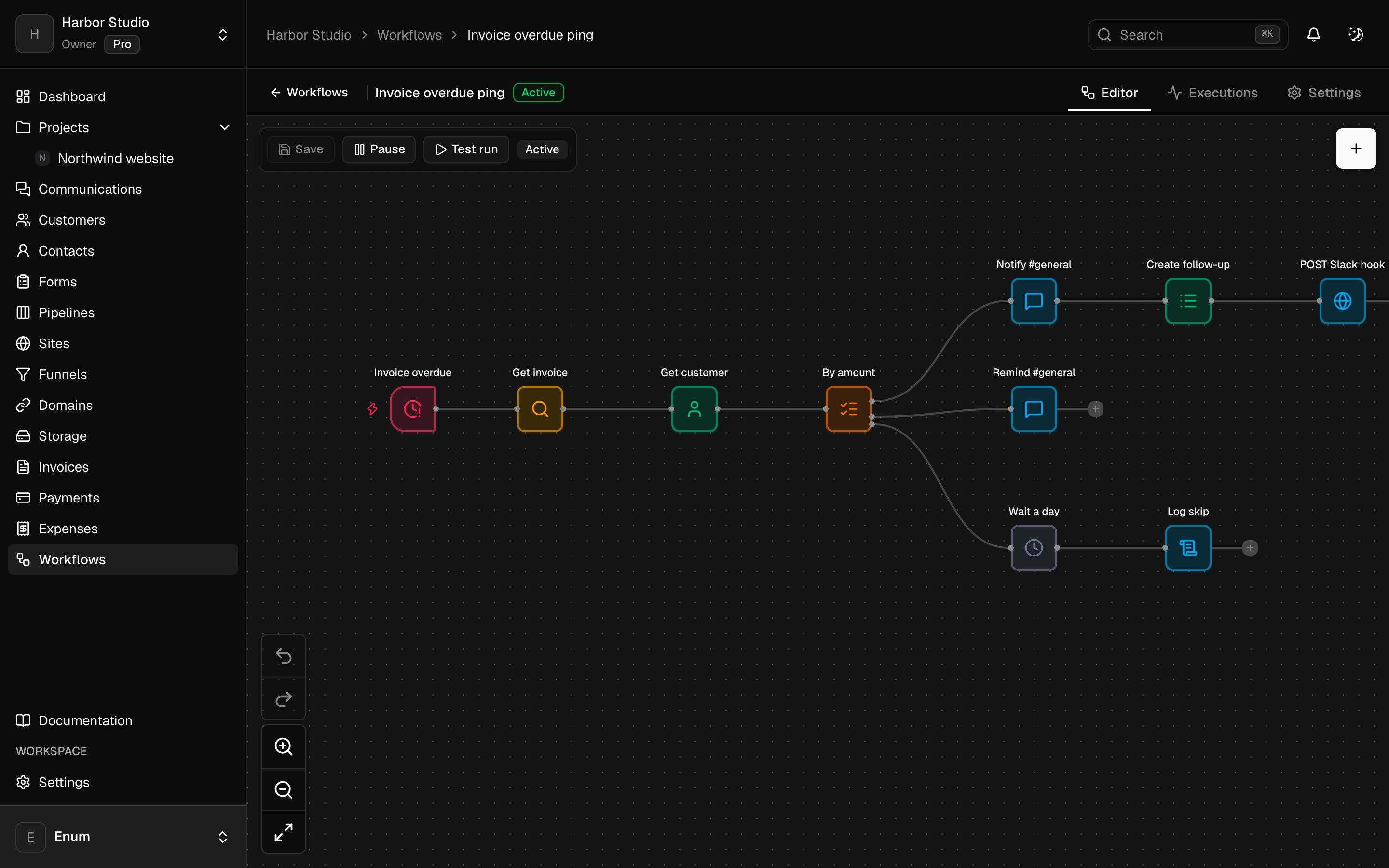
Workflows in the same workspace, including an AI agent node, for jobs you already repeat
Workflow
Wire the workspace without a fifth tool
- 01
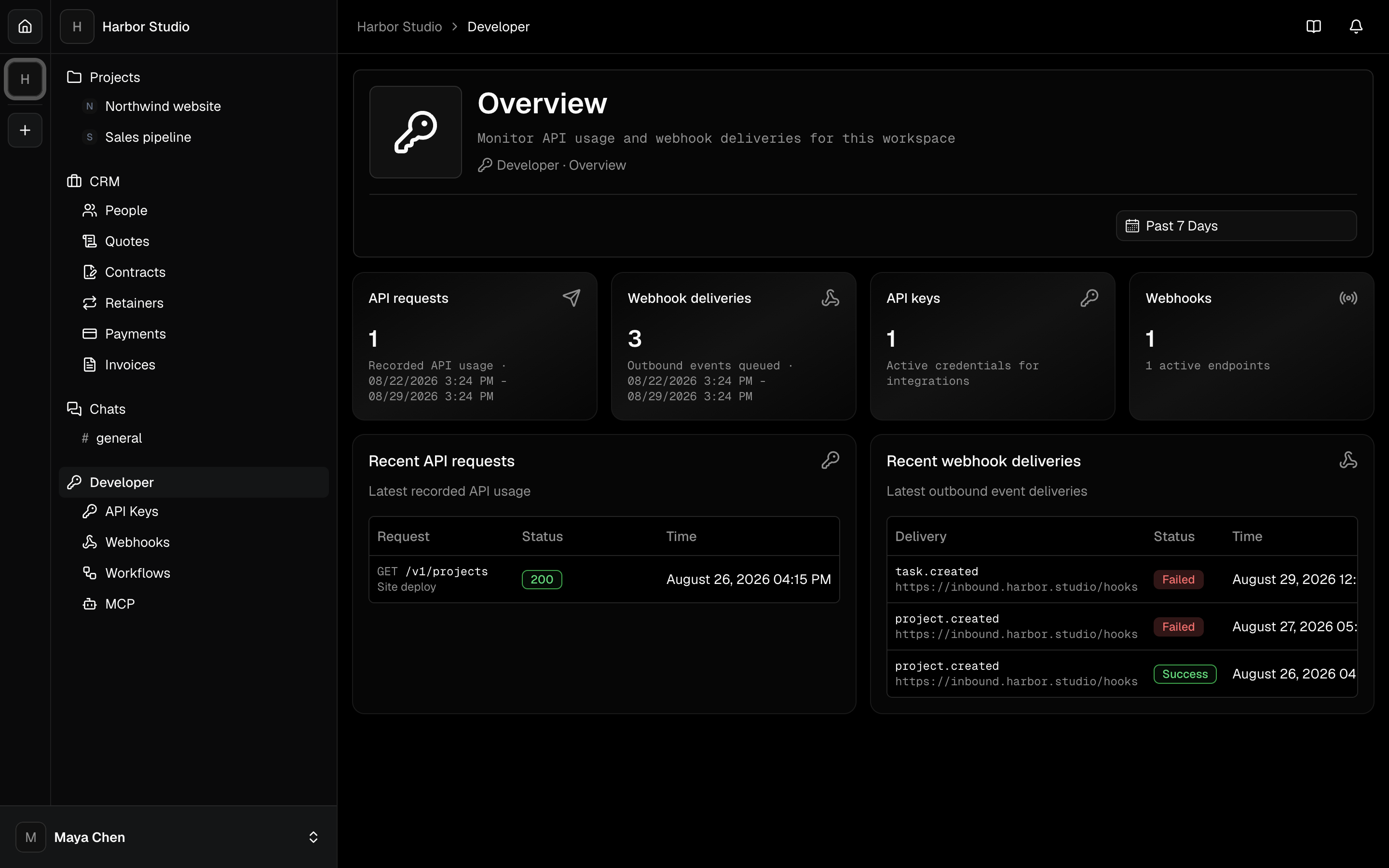
Open Developer. Create an API key with the scopes you need. Copy the secret once.
- 02
Add a webhook endpoint if another system should hear about invoices, tasks, or members.
- 03
Connect MCP for an agent, or build a workflow for a job you keep doing by hand.
What you use
Capabilities in this job
- 01
Automation
Build a workflow for a job you already repeat: a trigger, a branch, a wait, a note to the team. Triggers include a manual run, a webhook, a schedule, and events from the workspace. An AI agent node calls OpenAI or Anthropic with a key you store, and it can use tools including an outbound MCP server. Separately, create a scoped API key, register a webhook, or connect Claude or ChatGPT to the workspace over MCP. There is no Slack, Zapier, or Jira app.
- 02
Projects
A workspace holds projects. A project holds statuses and tasks. The board is the live view: columns are statuses, cards are tasks. List, timeline, and calendar show those same tasks. A canvas sits on the project for the sketch that is not a task yet. Templates start the next card from work you already shaped. Opening a task uses the inspector so you stay on the view.
Questions