Use case
Money out, next to money in
The problem
What gets in the way
The invoice tool knows what you billed. A spreadsheet knows what you spent. The month ends with two exports and a guess about whether the project made money.
What changes
After you start using it
- 01
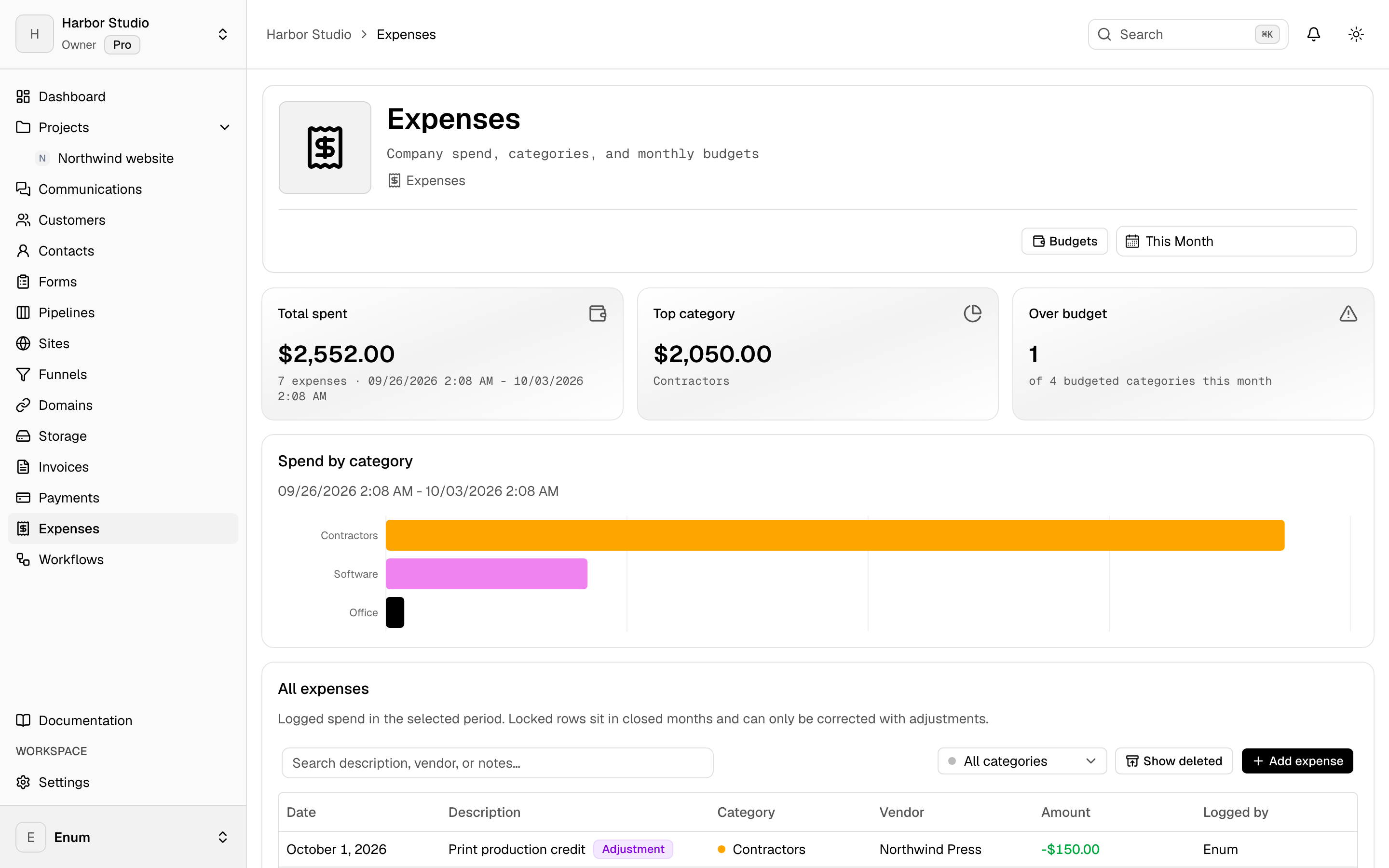
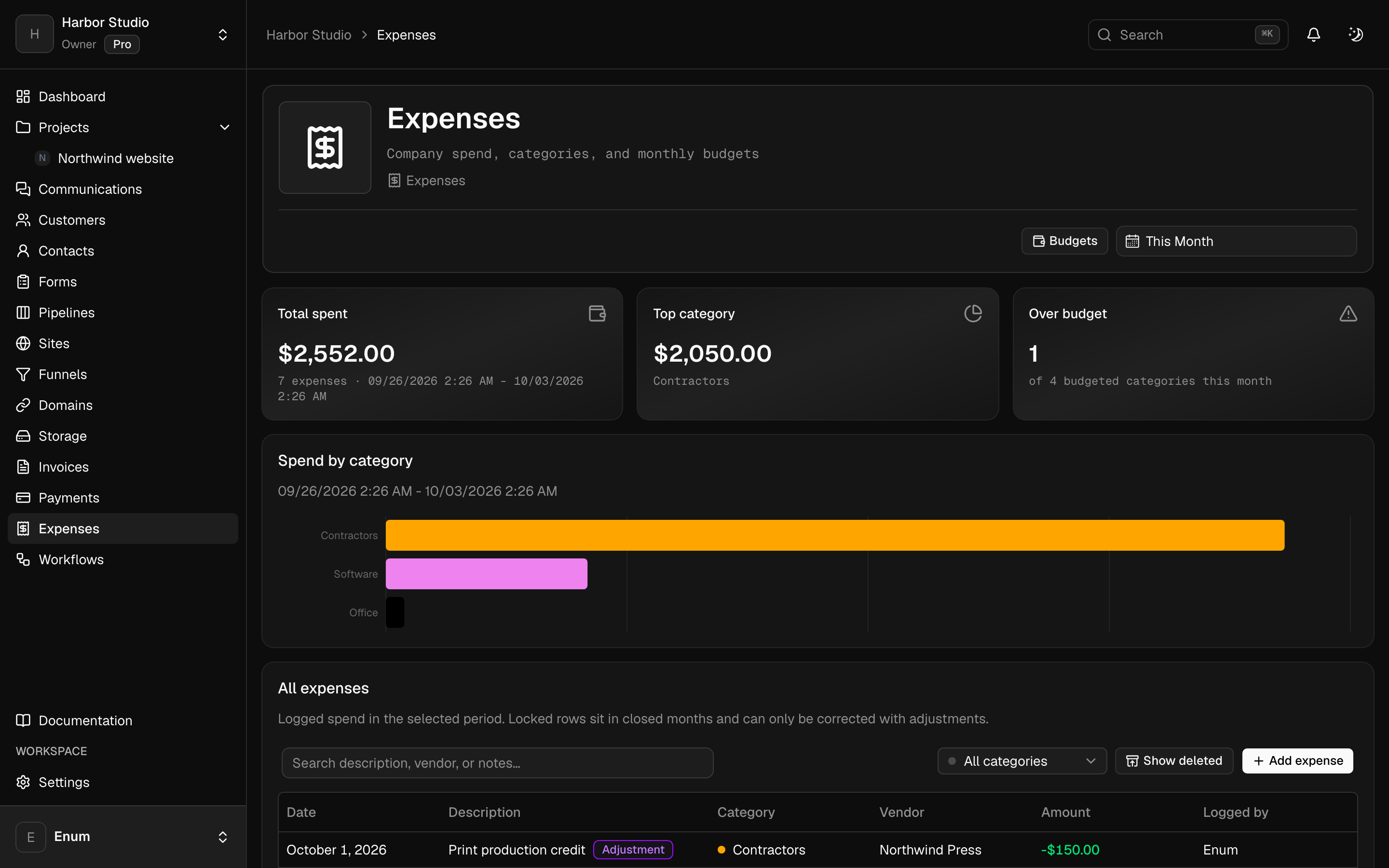
Expenses and categories in the same workspace as invoices
- 02
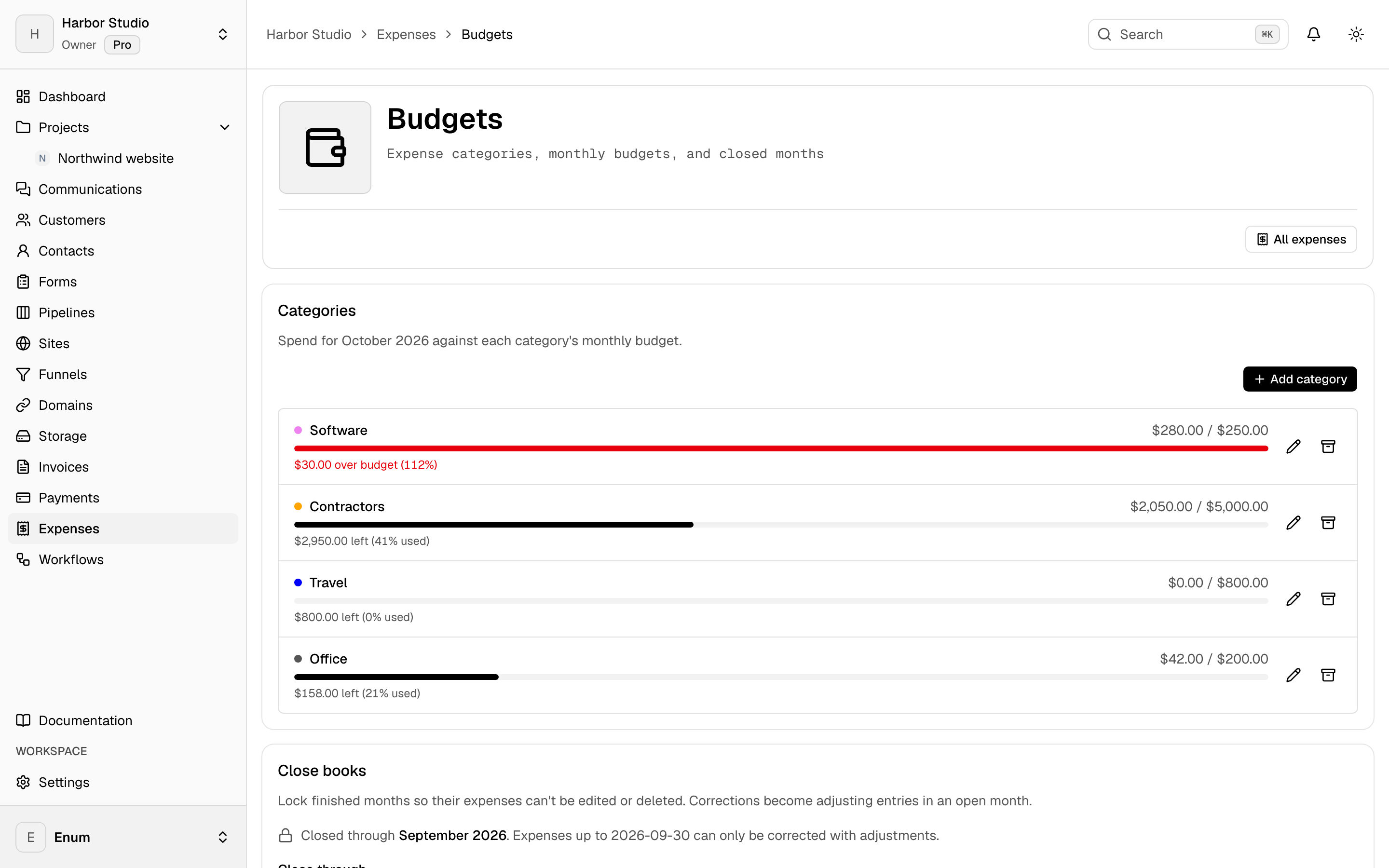
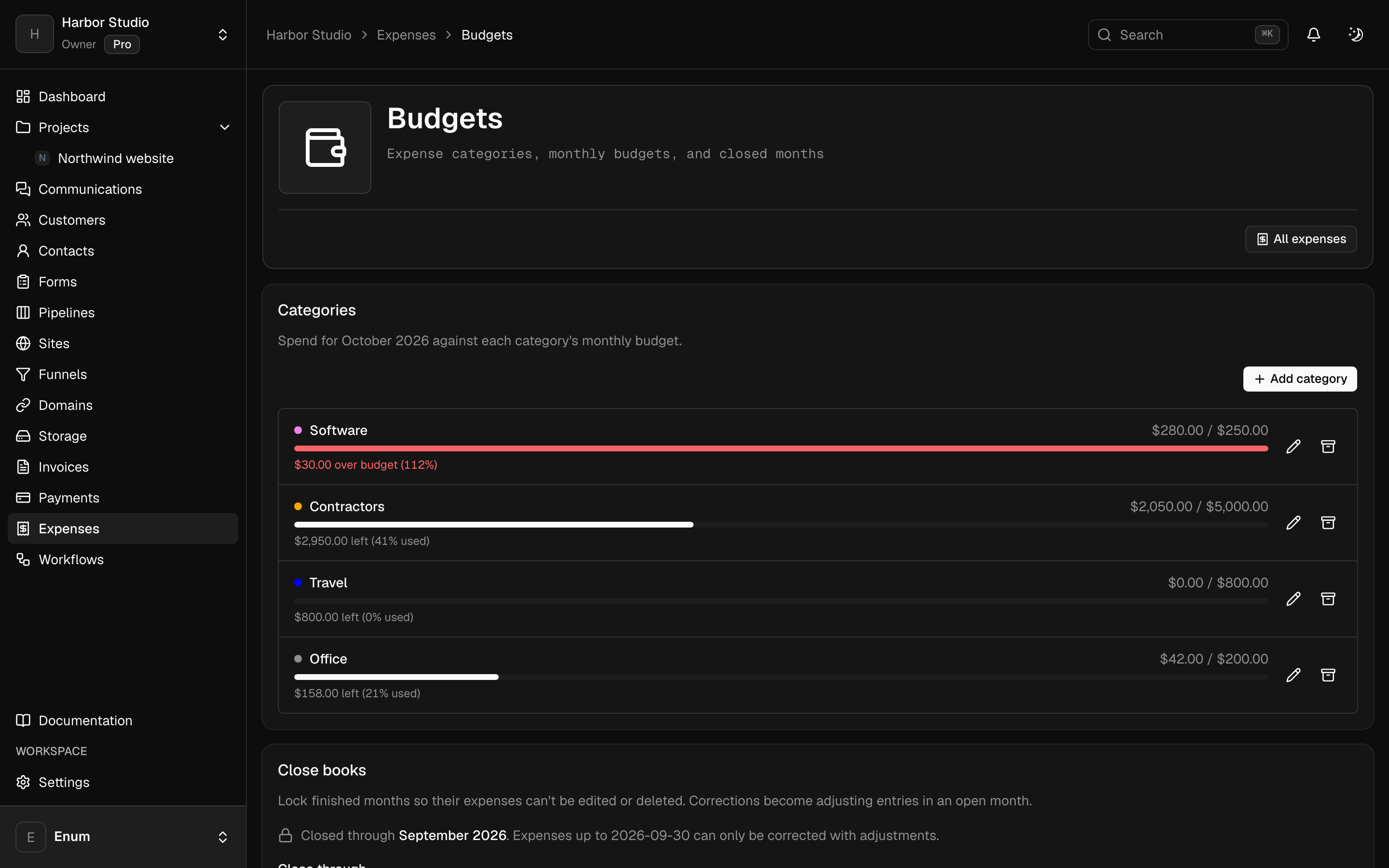
Budgets for a period, then a close when that period is done
- 03
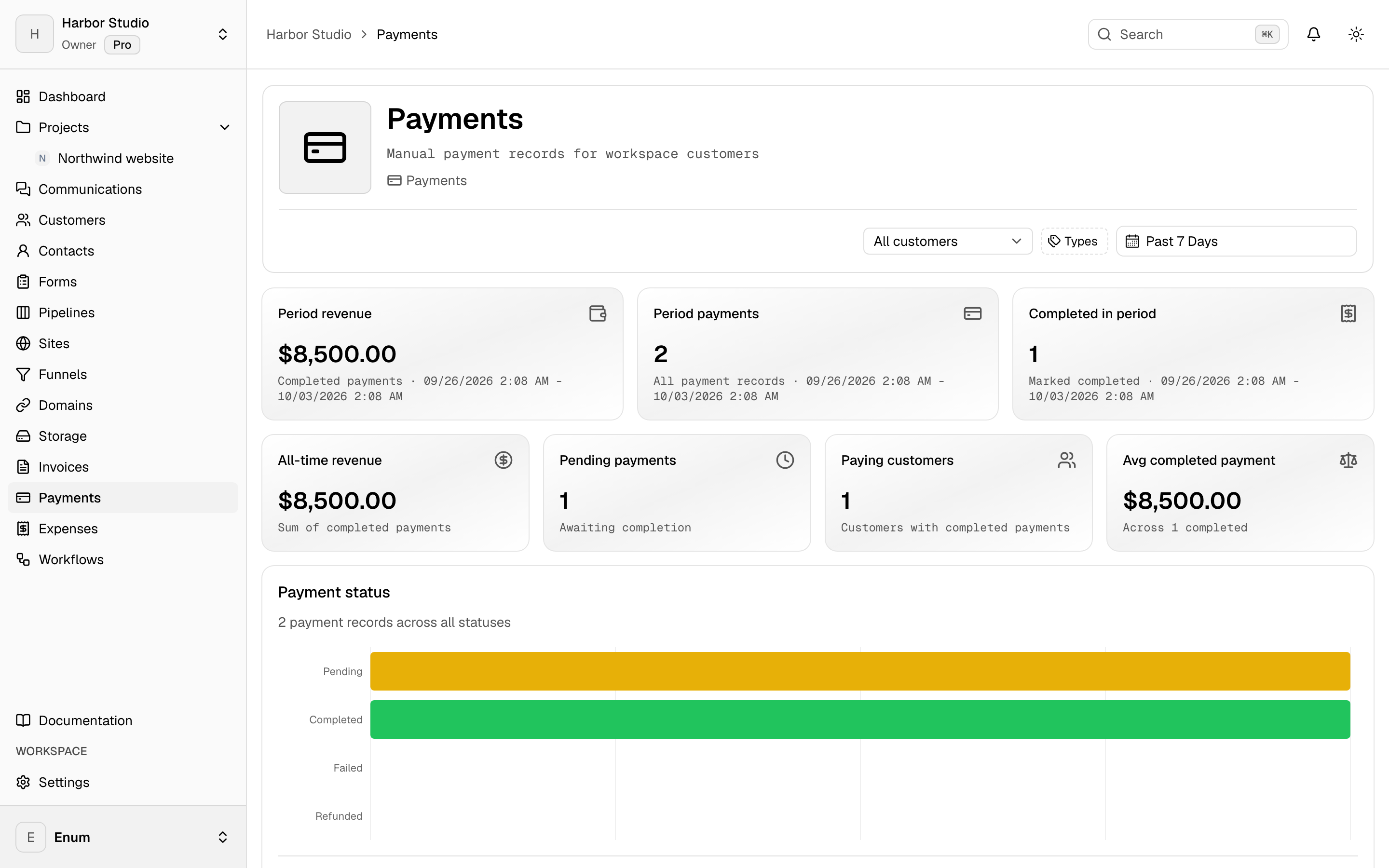
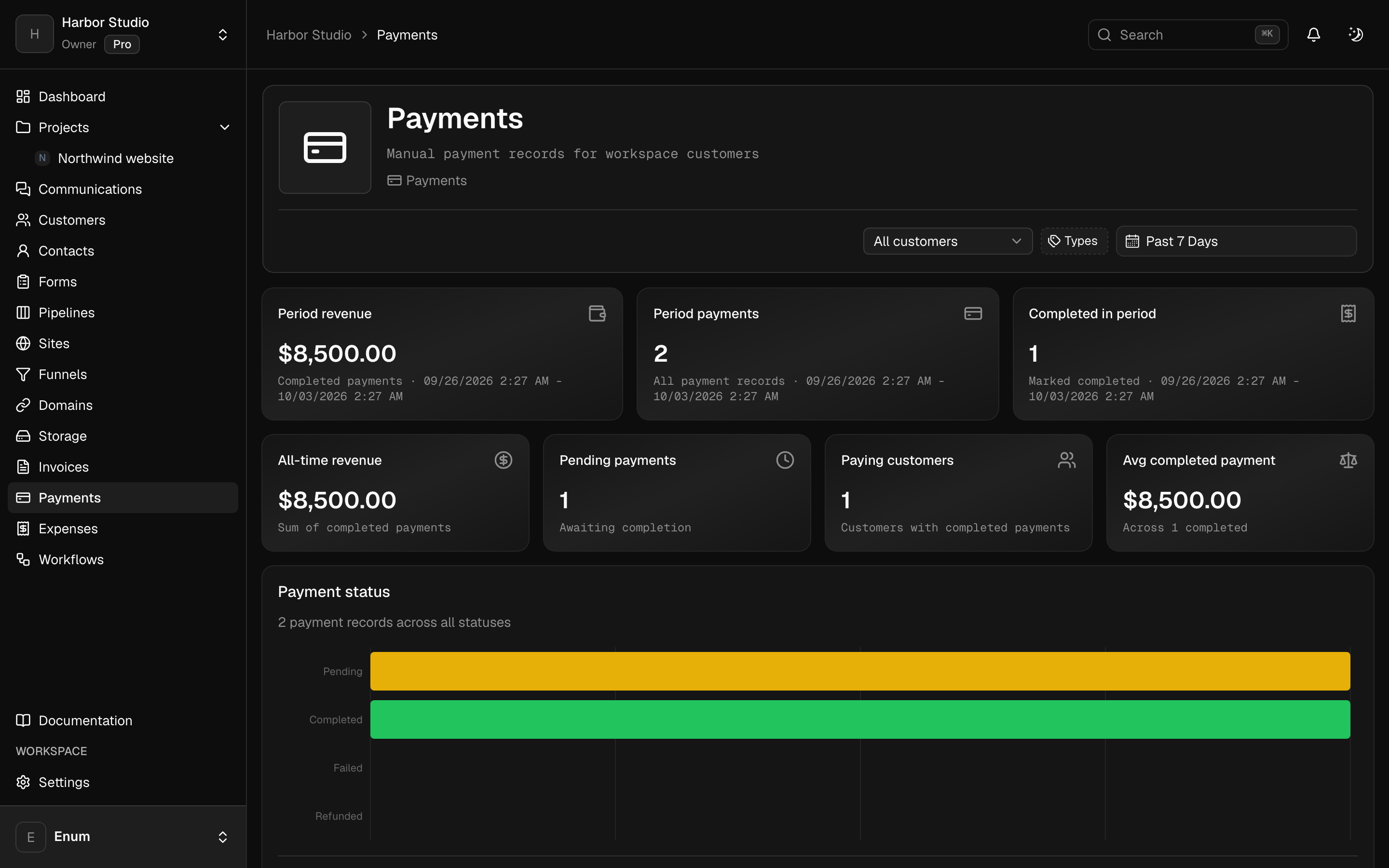
Payments recorded against the invoices you sent
Workflow
Through a month
- 01
Record expenses as they happen, against a category.
- 02
Watch the budget for that period. Invoice the client from the same workspace.
- 03
Record payments as they arrive, then close the period when you are done changing it.
What you use
Capabilities in this job
- 01
Money
Draft an invoice, finalize it, and send a pay link. Record the payment when it lands. Track expenses against categories and budgets, then close the period. Clients open their invoices from a magic link. They do not join the workspace. Card, PayPal, Wise, and bank details belong to that workspace. Planeward does not take a cut.
- 02
Clients
Keep the people you work with next to the projects. A customer is the account. Contacts are the people on it. Tags group both. A pipeline is a board of opportunities, and each card is a deal. You can turn this off in workspace settings if you only want projects.
Questions