For agencies
Delivery, the site, and the invoice in one workspace
The problem
What gets in the way
The board is in one tool, the site in another, the invoice in a third, and the follow-up in someone's head. A new producer spends a week learning which login holds the truth.
What changes
After you start using it
- 01
A project per client engagement, with guests limited to that project
- 02
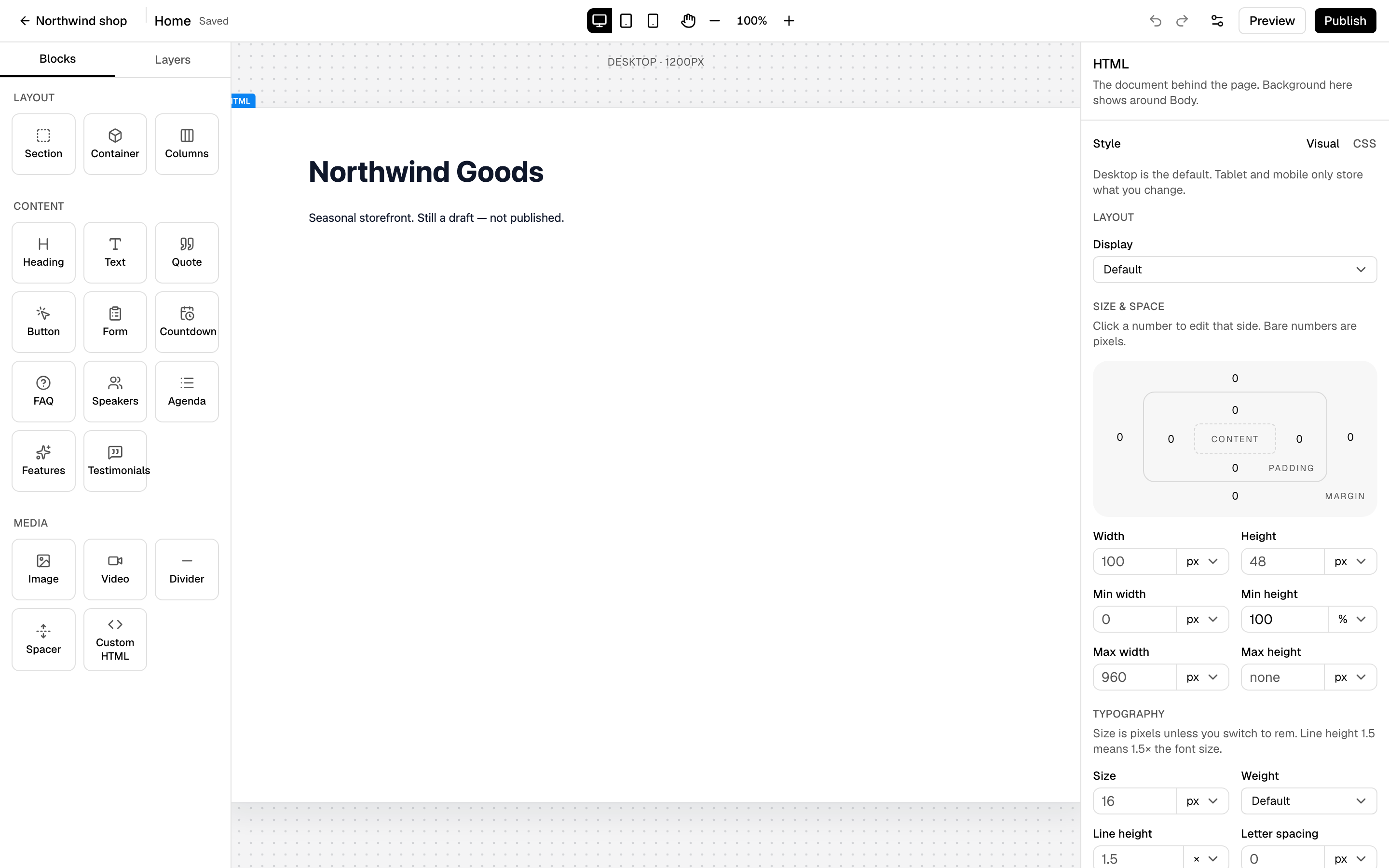
The site, funnel, and domain next to the delivery board, on Pro
- 03
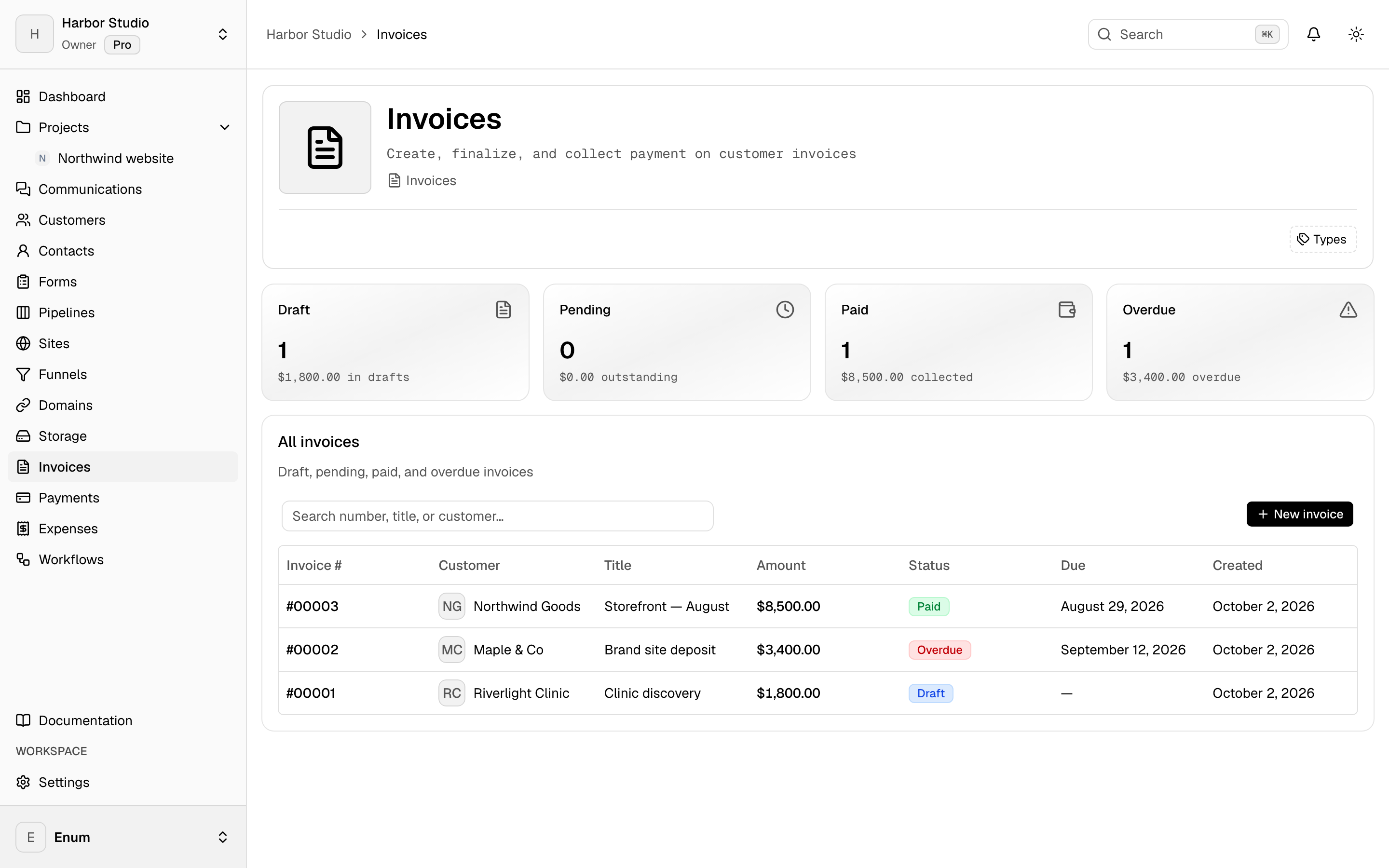
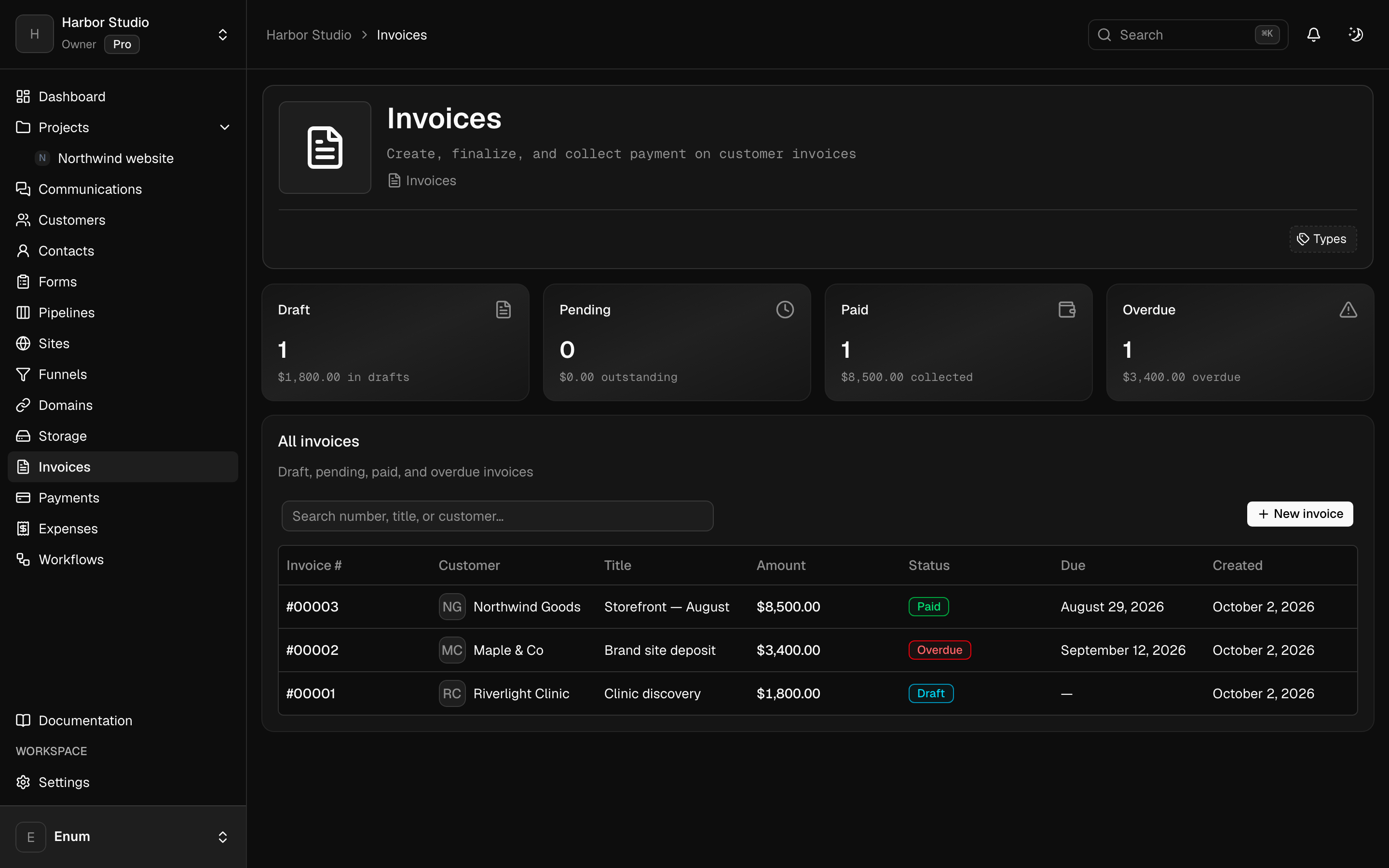
Invoices, expenses, and a workflow that chases what is unpaid
Workflow
How an engagement can sit here
- 01
Create the workspace. Invite the team. Add a project for the engagement and a guest if the client should see that board.
- 02
On Pro, build the site or funnel in the same workspace and attach the domain when you are ready to publish.
- 03
Invoice from the workspace. A workflow can branch on an overdue invoice and notify the channel.
What you use
Capabilities in this job
- 01
Projects
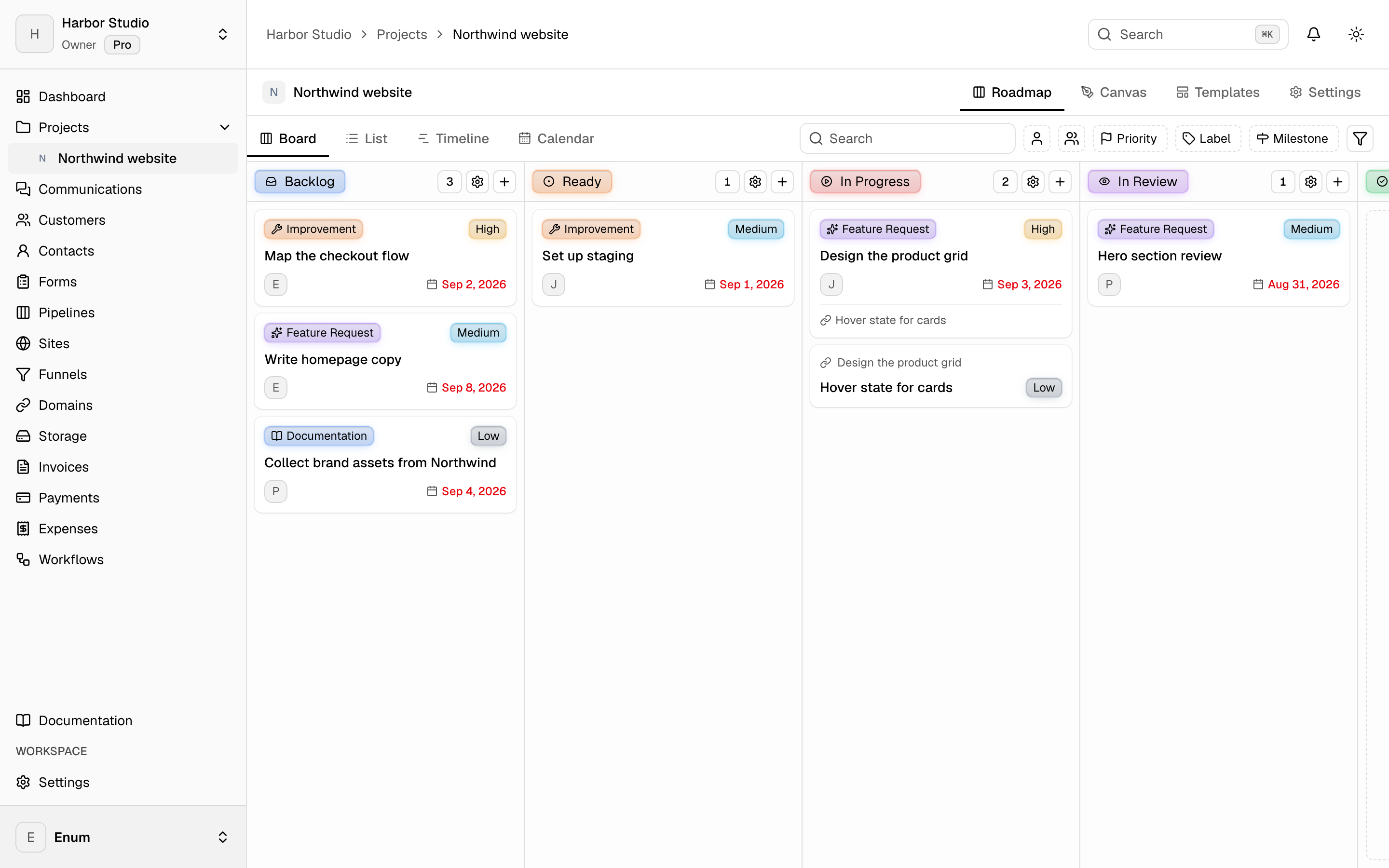
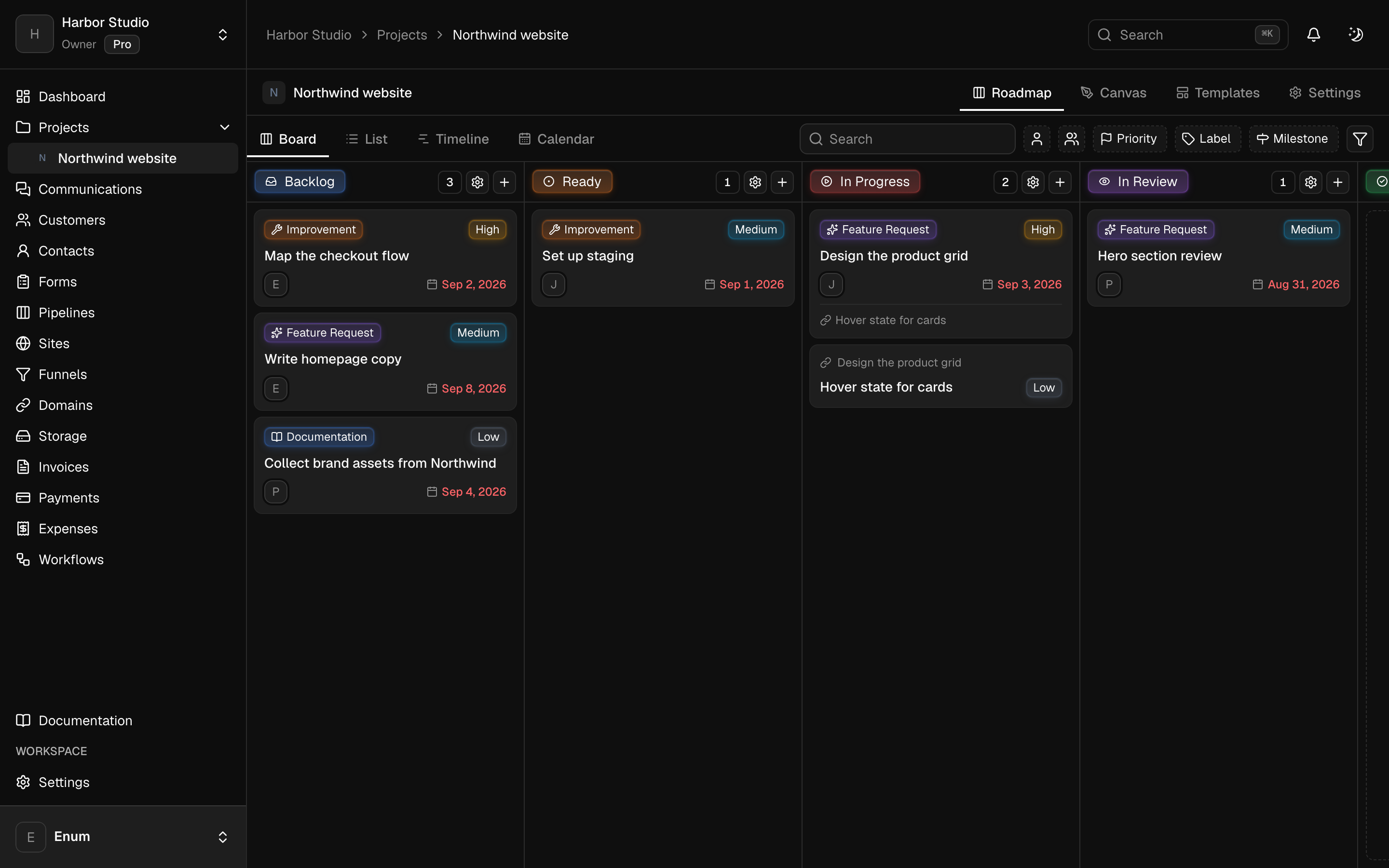
A workspace holds projects. A project holds statuses and tasks. The board is the live view: columns are statuses, cards are tasks. List, timeline, and calendar show those same tasks. A canvas sits on the project for the sketch that is not a task yet. Templates start the next card from work you already shaped. Opening a task uses the inspector so you stay on the view.
- 02
Sites
Build pages in the workspace, keep versions, and publish when the page is ready. A funnel is an ordered path through those pages. Attach a domain you own. Add Google Tag Manager or a Meta pixel and Conversions API on the site. Use one of those for Meta, not both. Sites is on Pro.
- 03
Money
Draft an invoice, finalize it, and send a pay link. Record the payment when it lands. Track expenses against categories and budgets, then close the period. Clients open their invoices from a magic link. They do not join the workspace. Card, PayPal, Wise, and bank details belong to that workspace. Planeward does not take a cut.
- 04
Automation
Build a workflow for a job you already repeat: a trigger, a branch, a wait, a note to the team. Triggers include a manual run, a webhook, a schedule, and events from the workspace. An AI agent node calls OpenAI or Anthropic with a key you store, and it can use tools including an outbound MCP server. Separately, create a scoped API key, register a webhook, or connect Claude or ChatGPT to the workspace over MCP. There is no Slack, Zapier, or Jira app.
Questions