Use case
Email that knows who bought, who registered and who showed up
Hi {{ name }},
Thanks for joining the workshop with {{ workspaceName }}. The full replay and the slides are ready for you.
Watch the replay
The problem
What gets in the way
A separate email tool needs constant list syncing, so buyers still get the pitch and no-shows get the replay meant for attendees.
What you get
What changes in your workspace
Templates with name, email, workspace and workflow variables
Audiences that exclude unsubscribed, bounced and complained contacts
Campaigns you schedule or unschedule in the app, or start from a workflow
Delivery logs for every send
Product flow
How it fits together
Each step happens in the same workspace, on the same contact record.
- Step 01
Connect your SMTP provider and a sender identity.
- Step 02
Write a template with variables.
- Step 03
Build an audience from your contacts, events and sequences.
- Step 04
Schedule the campaign, then check the delivery log.
In the product
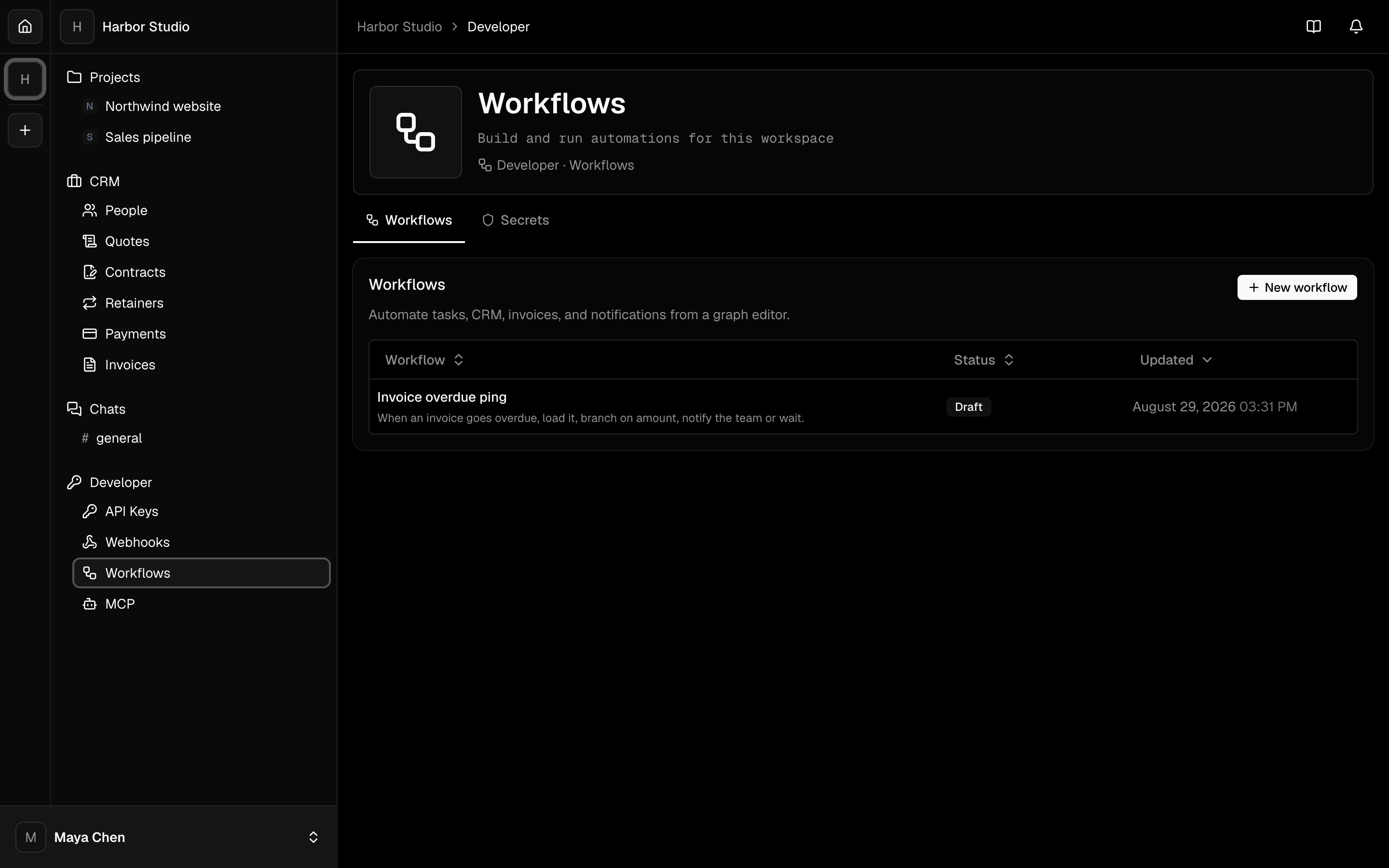
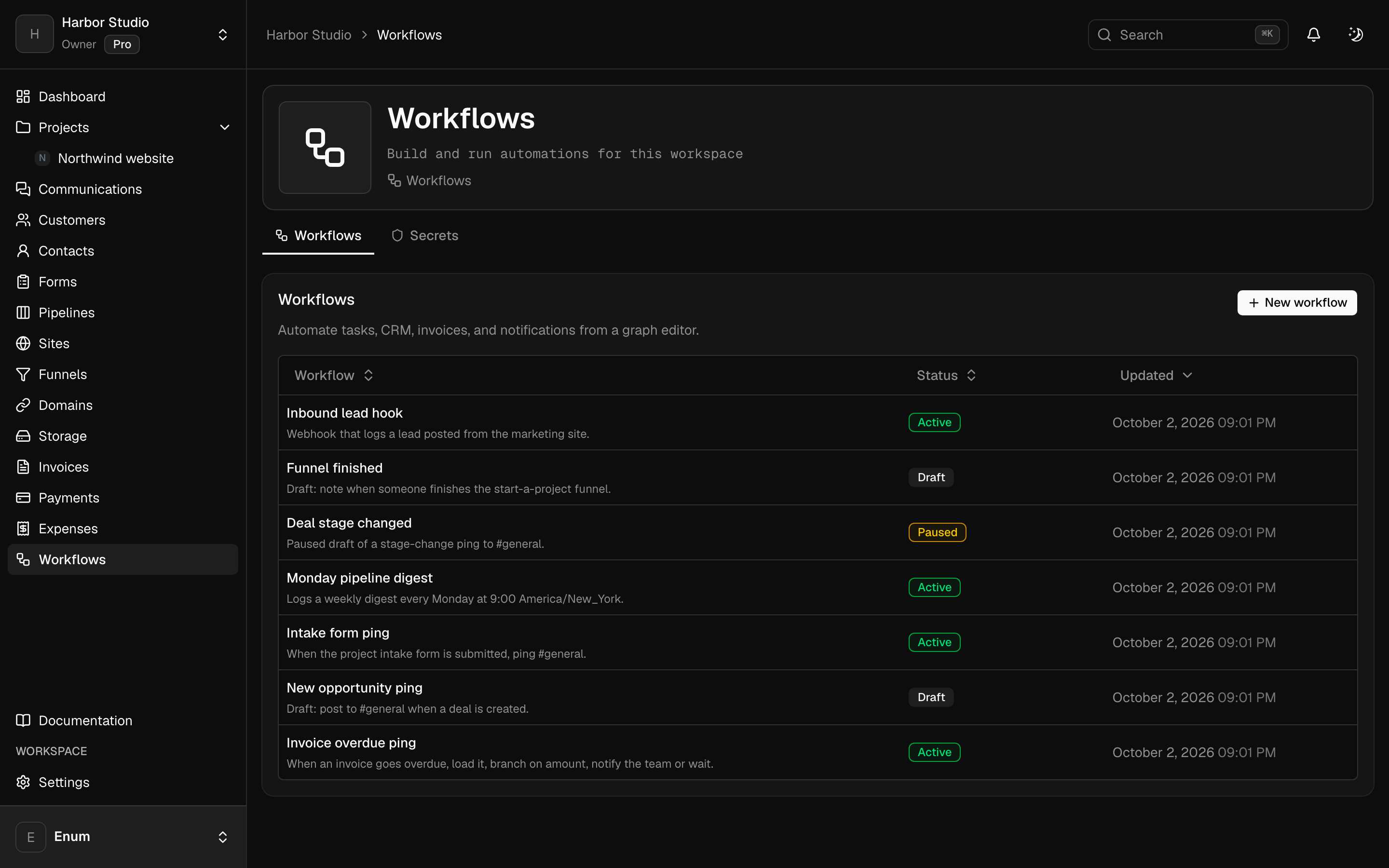
See it in Planeward
What you use
The modules behind it
- Send campaigns and follow-ups from the same records your sales run on.
- Know every lead, deal and customer, and where each one came from.
- Run webinars and workshops, and know who attended, who left and who never came.
- Let the routine steps run themselves, with an AI Agent where judgment helps.
Questions
Straight answers
Still unsure? Create your workspace and look around.
Business and Agency. You connect your own SMTP provider for delivery.
Yes. Opted-out contacts are skipped, checked again right before each send.
Run the whole business from one workspace.
Projects, CRM, checkout, community, sites, email and workflows in one workspace, with AI built in.