For media buyers
Send Meta clean conversions and report on cash
- Clicked a campaign linkspring-webinar from YouTubeOct 14 · 7:02 PM
- Registered for the webinarRegistration form · contact createdOct 14 · 7:03 PM
- Attended liveSpring webinar · attendance recordedOct 16 · 8:00 PM
- Bought Foundations6 payments plan · first payment$165.00Oct 16 · 9:12 PM
- Purchase sent to MetaMatched to the same visitOct 16 · 9:12 PM
The problem
What gets in the way
Pixels fire twice, forms send the wrong event, and purchases never make it back to the ad account. Reports show cheap clicks while the client asks about revenue.
What you get
What changes in your workspace
Browser and server events sent with one event id, so Meta counts each once
A chosen Meta event per form, from lead to application
Purchases sent to Meta from checkout or from any checkout you record
Leads, customers and revenue per campaign link and per channel
Product flow
How it fits together
Each step happens in the same workspace, on the same contact record.
- Step 01
Each client's site carries its Meta pixel and Conversions API token.
- Step 02
Ads point to landing pages through campaign links.
- Step 03
Forms send their own Meta event, and funnel steps send ViewContent.
- Step 04
Purchases go to Meta from checkout or through Record purchase, with a log you can retry.
In the product
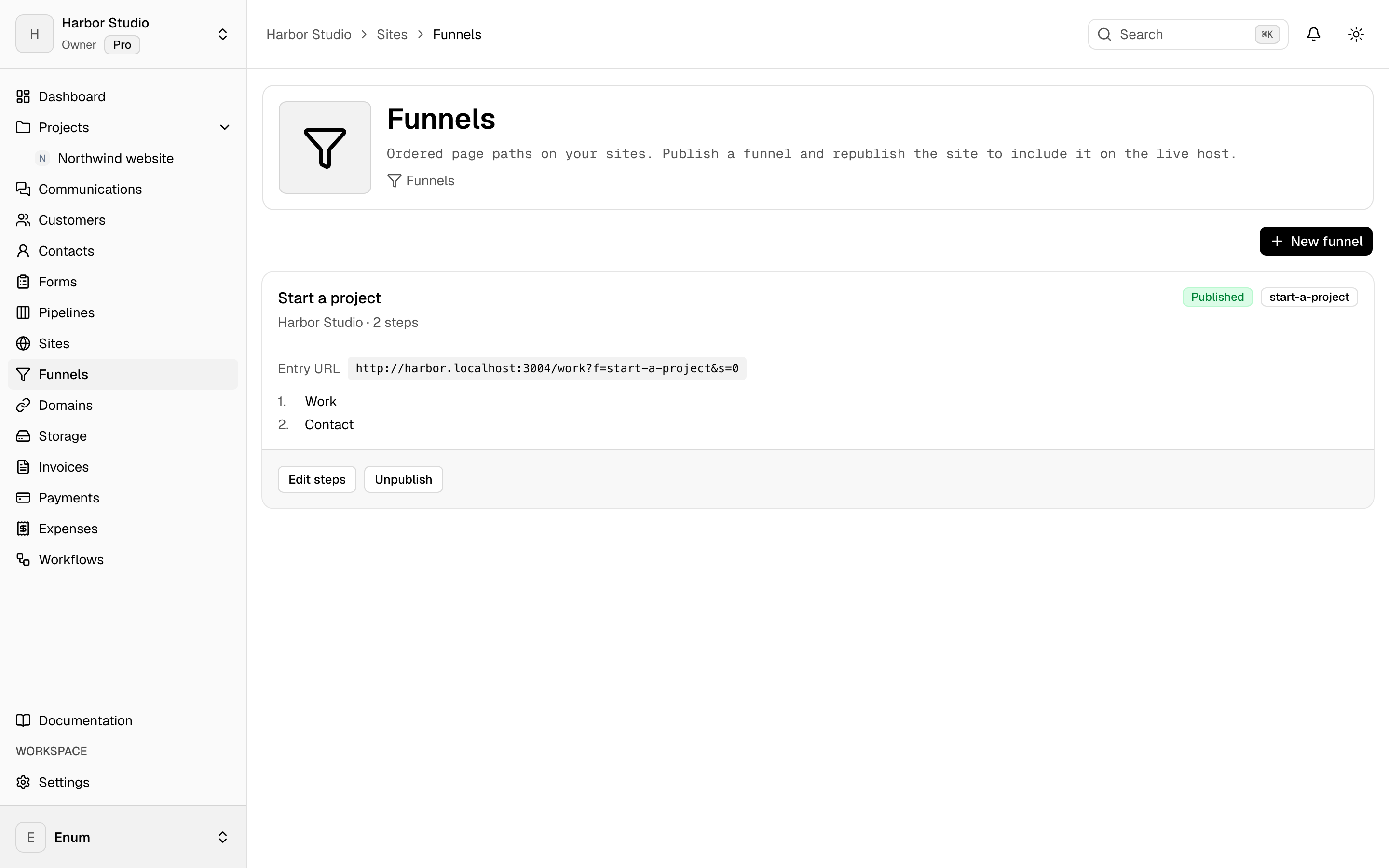
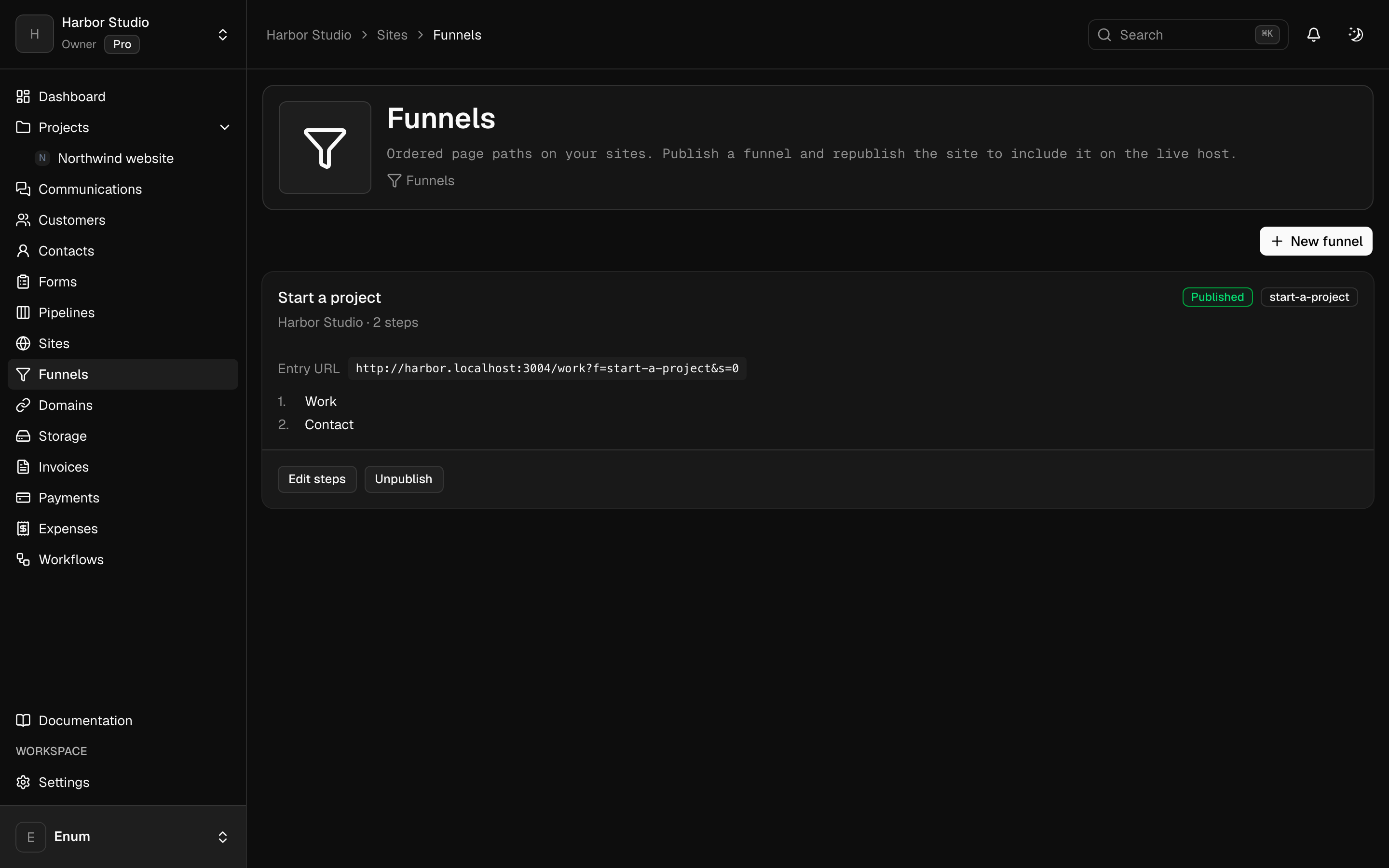
See it in Planeward
What you use
The modules behind it
- See which post, ad or partner brought each lead and each sale.
- Publish sites, landing pages and funnels on your own domain, with your forms built in.
- Turn every form submit into a contact, a deal and a tracked lead.
- Get paid by card or bank transfer, and see what you really keep.
- Know every lead, deal and customer, and where each one came from.
Questions
Straight answers
Still unsure? Create your workspace and look around.
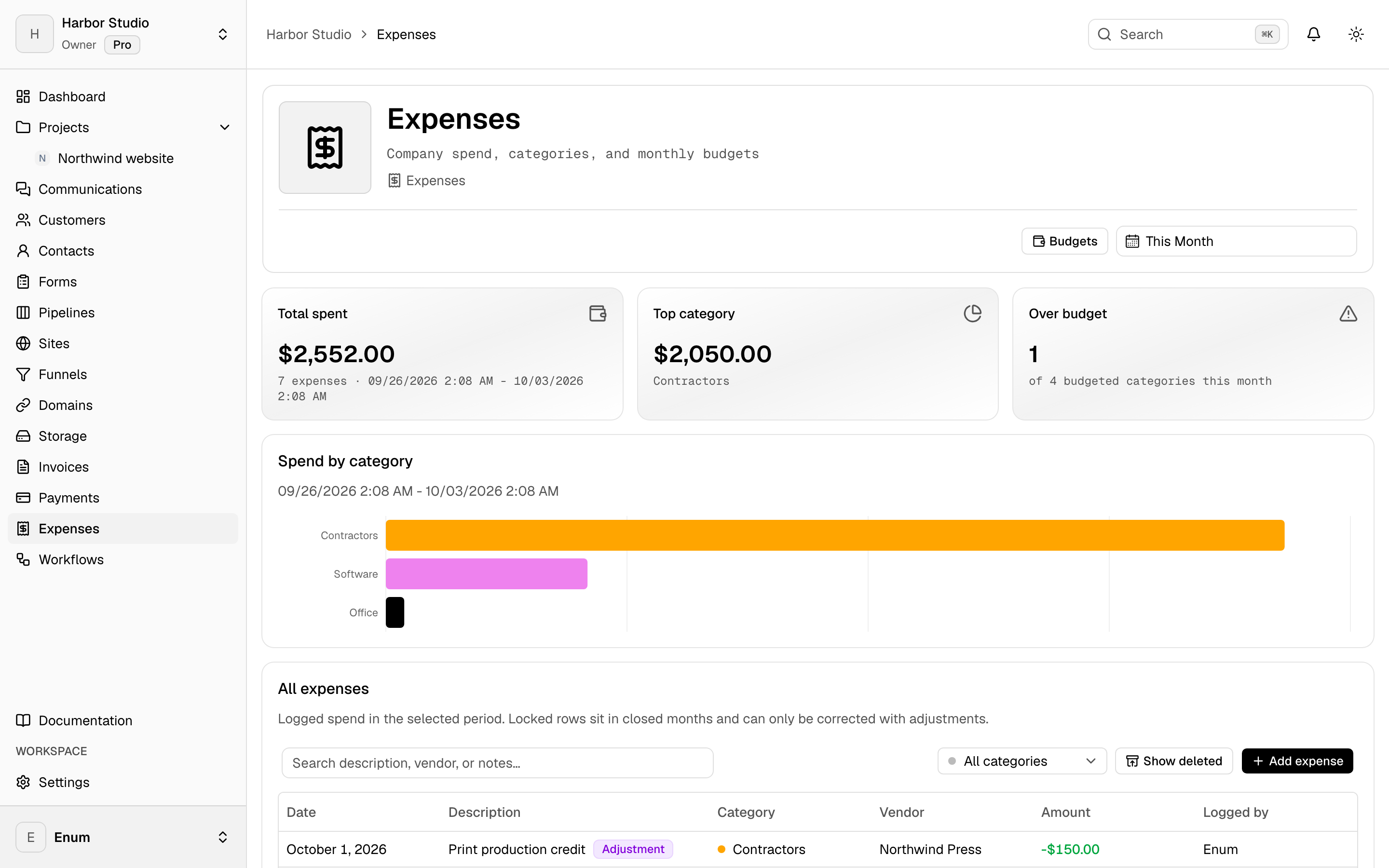
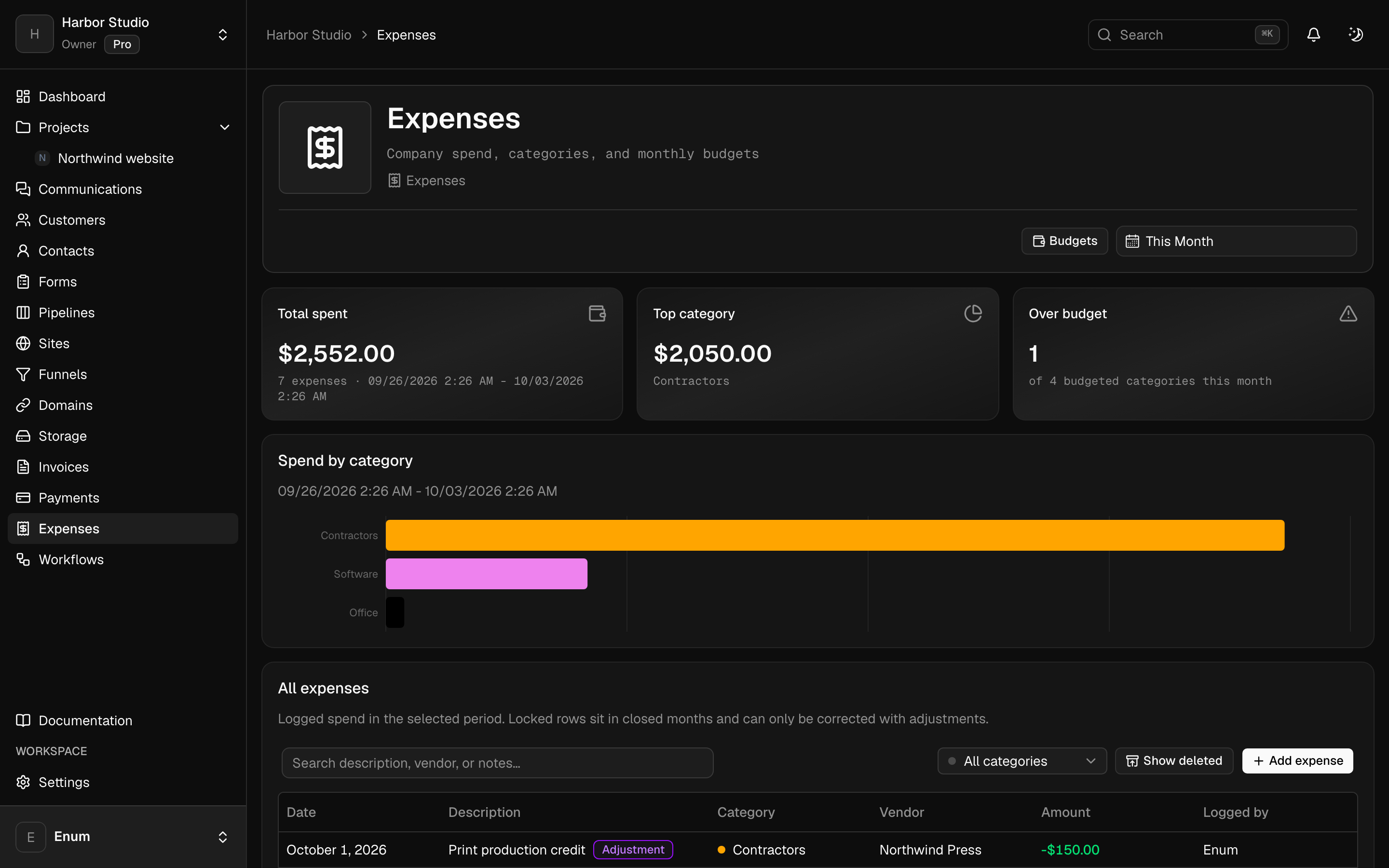
No. Campaigns and spend stay in Ads Manager. Log spend as expenses to see cost next to revenue.
Business. Sites, tracking, landing pages and client workspaces start there. Hobby is free for clients, pipelines, invoices and spend.
Related
Keep reading
Run the whole business from one workspace.
Projects, CRM, checkout, community, sites, email and workflows in one workspace, with AI built in.