For event hosts
Every seat tracked, from registration to follow-up
The problem
What gets in the way
Registrations sit in a form tool, attendance in the streaming tool, and follow-up goes to everyone the same way. Buyers keep getting pitched, and no-shows never hear from you again.
What you get
What changes in your workspace
One registration per person per event, with a deal on your pipeline
Attendance classed as attended, left early or no-show after import
Email audiences filtered by event and attendance class
Paid tickets sold as one-time plans at checkout
Product flow
How it fits together
Each step happens in the same workspace, on the same contact record.
- Step 01
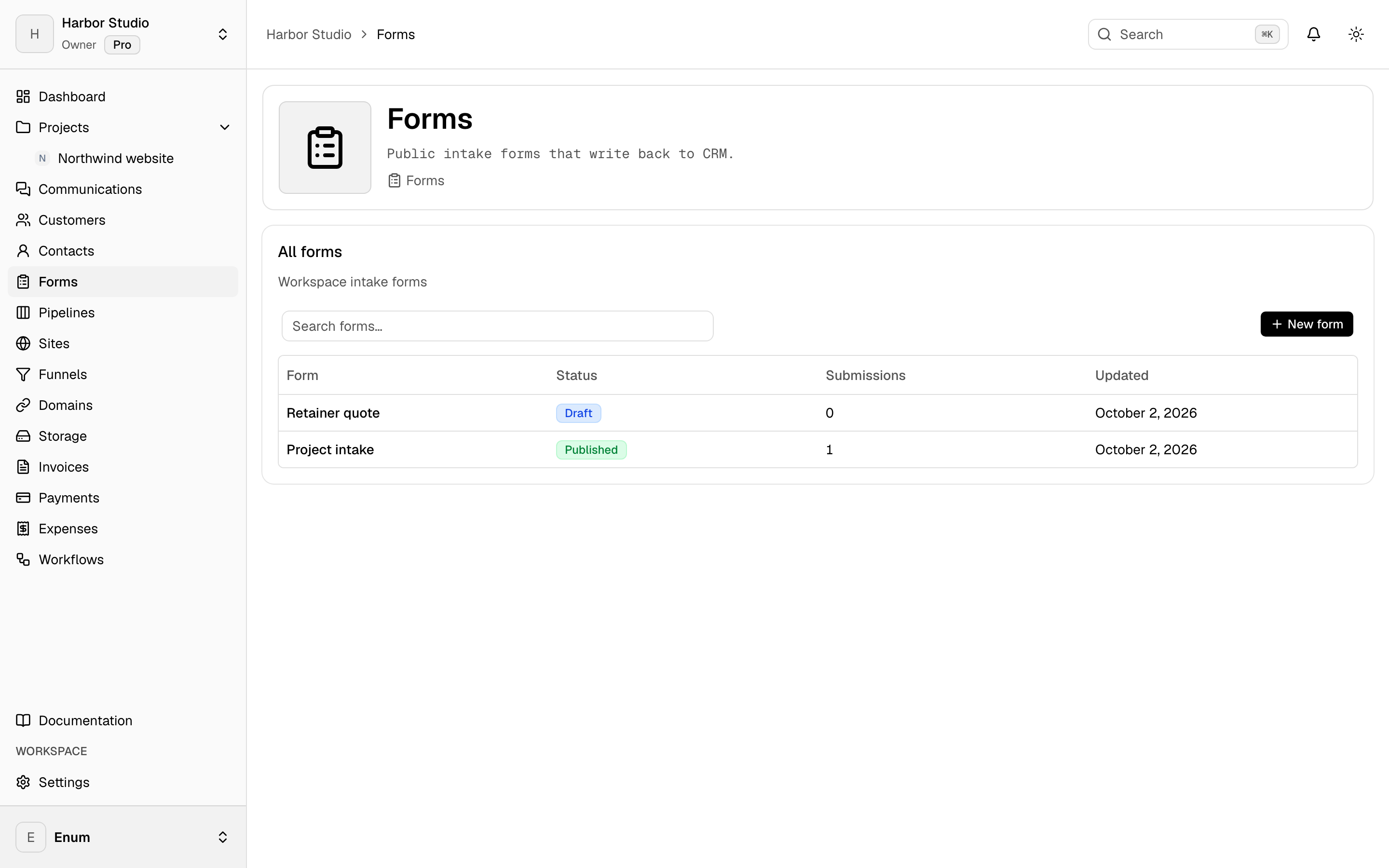
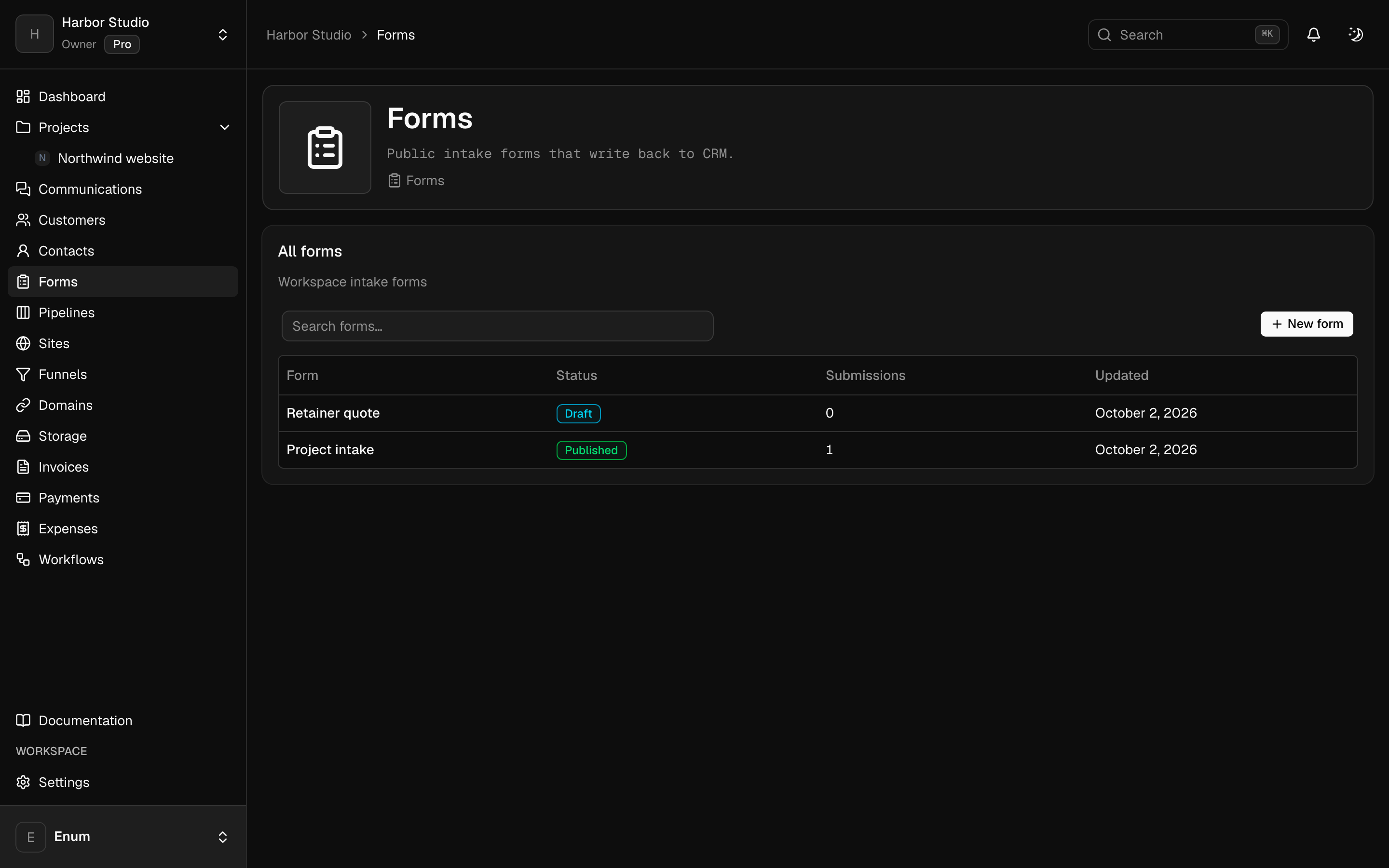
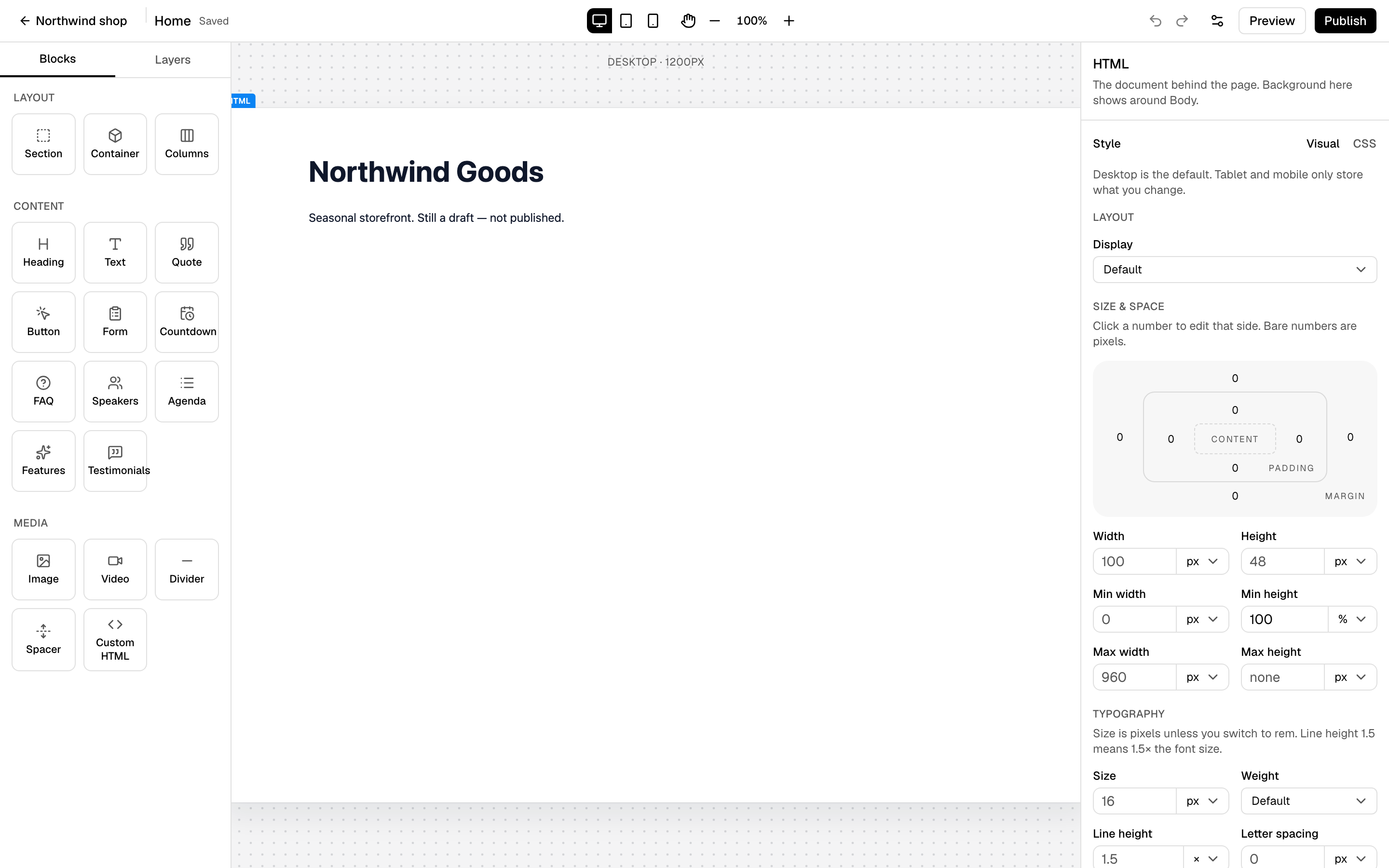
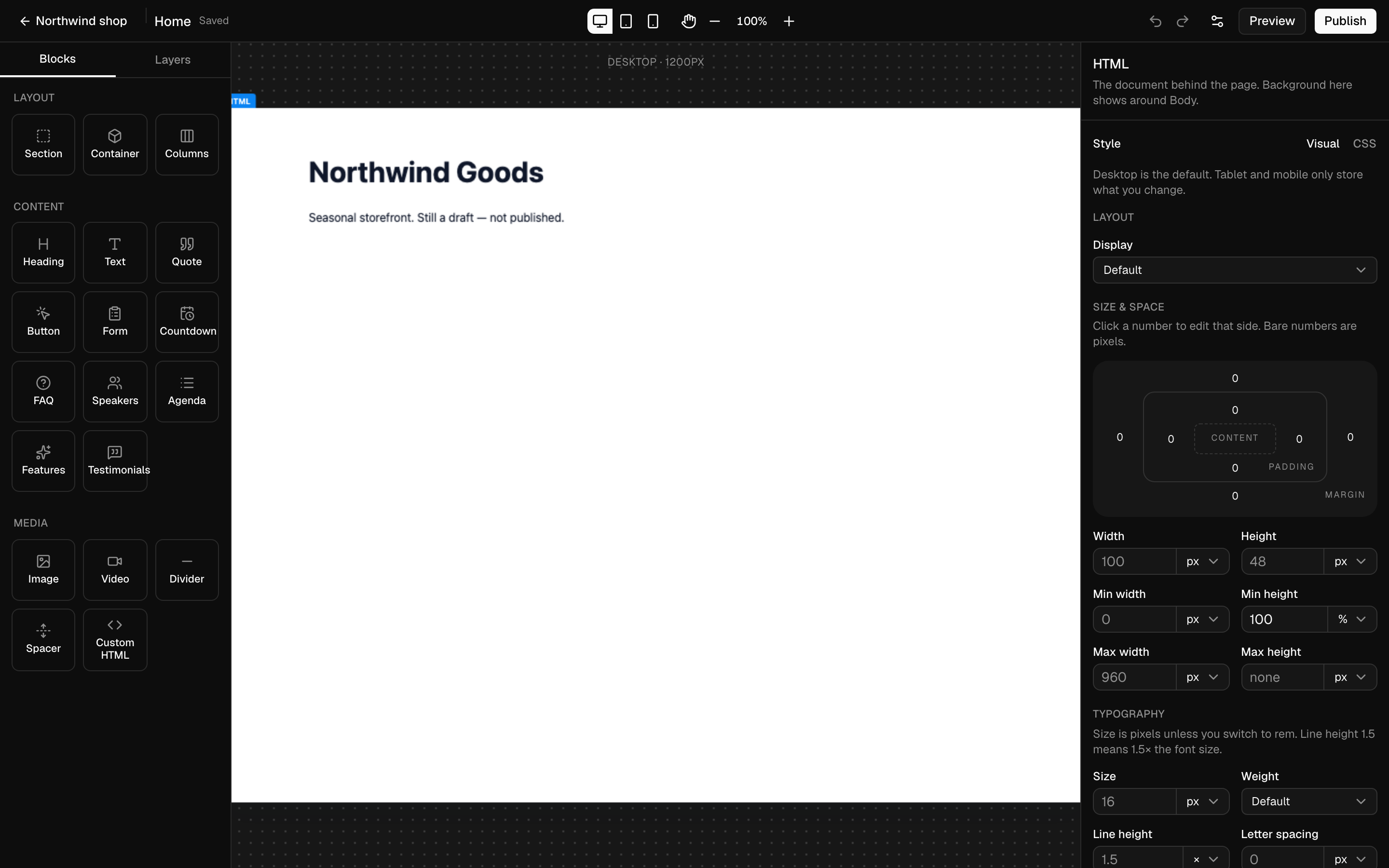
An event page on your site carries the registration form.
- Step 02
Each signup registers the contact and adds a deal to the event pipeline.
- Step 03
Scheduled reminder campaigns go out before the start.
- Step 04
You import attendance after the event, and each registrant is classed.
- Step 05
Email audiences can target each attendance class.
In the product
See it in Planeward
What you use
The modules behind it
- Run webinars and workshops, and know who attended, who left and who never came.
- Turn every form submit into a contact, a deal and a tracked lead.
- Send campaigns and follow-ups from the same records your sales run on.
- Publish sites, landing pages and funnels on your own domain, with your forms built in.
- Sell one-time, recurring and payment-plan offers on your own domain.
Questions
Straight answers
Still unsure? Create your workspace and look around.
Hobby runs events, registrations, attendance and pipelines for free. Event pages, email reminders, workflows and ticket checkout need Business.
No. Run it in your streaming tool and import its attendance report. Re-importing is safe.
Run the whole business from one workspace.
Projects, CRM, checkout, community, sites, email and workflows in one workspace, with AI built in.